
Divi Content Toggle
One spot. Two stories.
DG Content Toggle is a Divi 5 module with one switch and two panels. Each panel is a section from your Divi Library, so it can hold anything: pricing tables, text, photos or a whole layout. Visitors flip between monthly and yearly prices, before and after, or lunch and dinner without loading a new page. Try it here, then scroll through ten real uses.
Live examples
Explore 10 Divi content toggle examples
Flip the switch in each example. Every one is a single DG Content Toggle module with two Divi Library layouts behind it and its own switch style and transition.
USE CASE 01 · PRICING
Monthly or yearly?
The classic: one switch changes every price on the table. A green badge on “Yearly” tells people why they should flip it.
Switch: slider · Badge: “Save 20%” on Yearly · Transition: fade
USE CASE 02 · BANKING & SAAS
One site, two audiences
Segmented buttons with icons let people pick who they are. The panel slides sideways to the matching story.
Switch: segmented + icons · Transition: slide horizontal
PERSONAL ACCOUNT
Money that feels light
Spend, save and split bills from one free account. No fees at home or abroad.
● Free card, Apple Pay and Google Pay
● Round-ups into savings
● Split bills with one tap

BUSINESS ACCOUNT
Books that balance themselves
Invoices, cards for the whole team and VAT reports that file themselves.
● 10 team cards included
● Invoices paid by link
● Exports to your accountant

USE CASE 03 · BEFORE & AFTER
From tired to wow
Interior makeovers and redesigns. The new photo wipes in from the top, like a curtain lifting.
Transition: wipe vertical · Duration: 700 ms
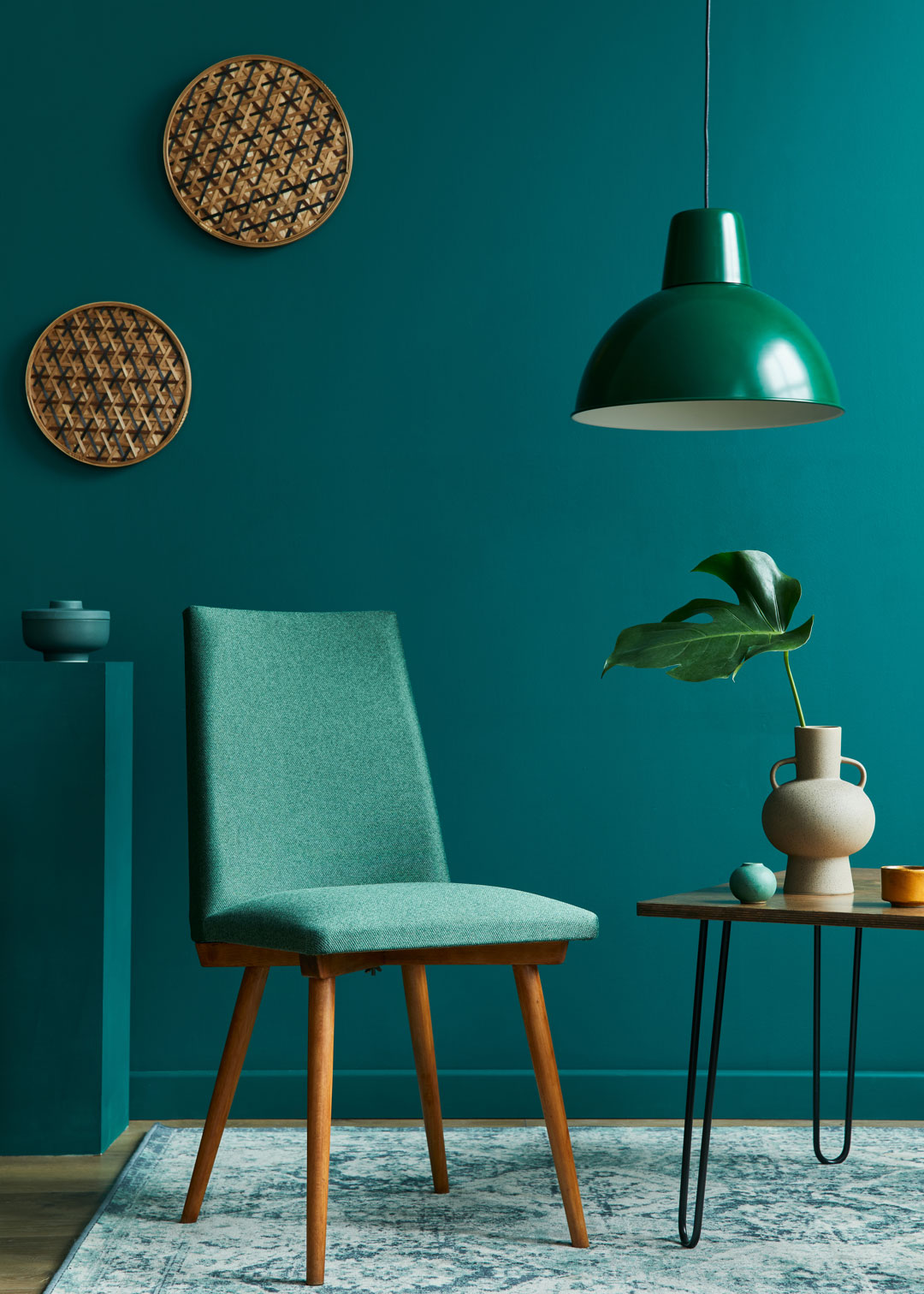
BEFORE · 2019
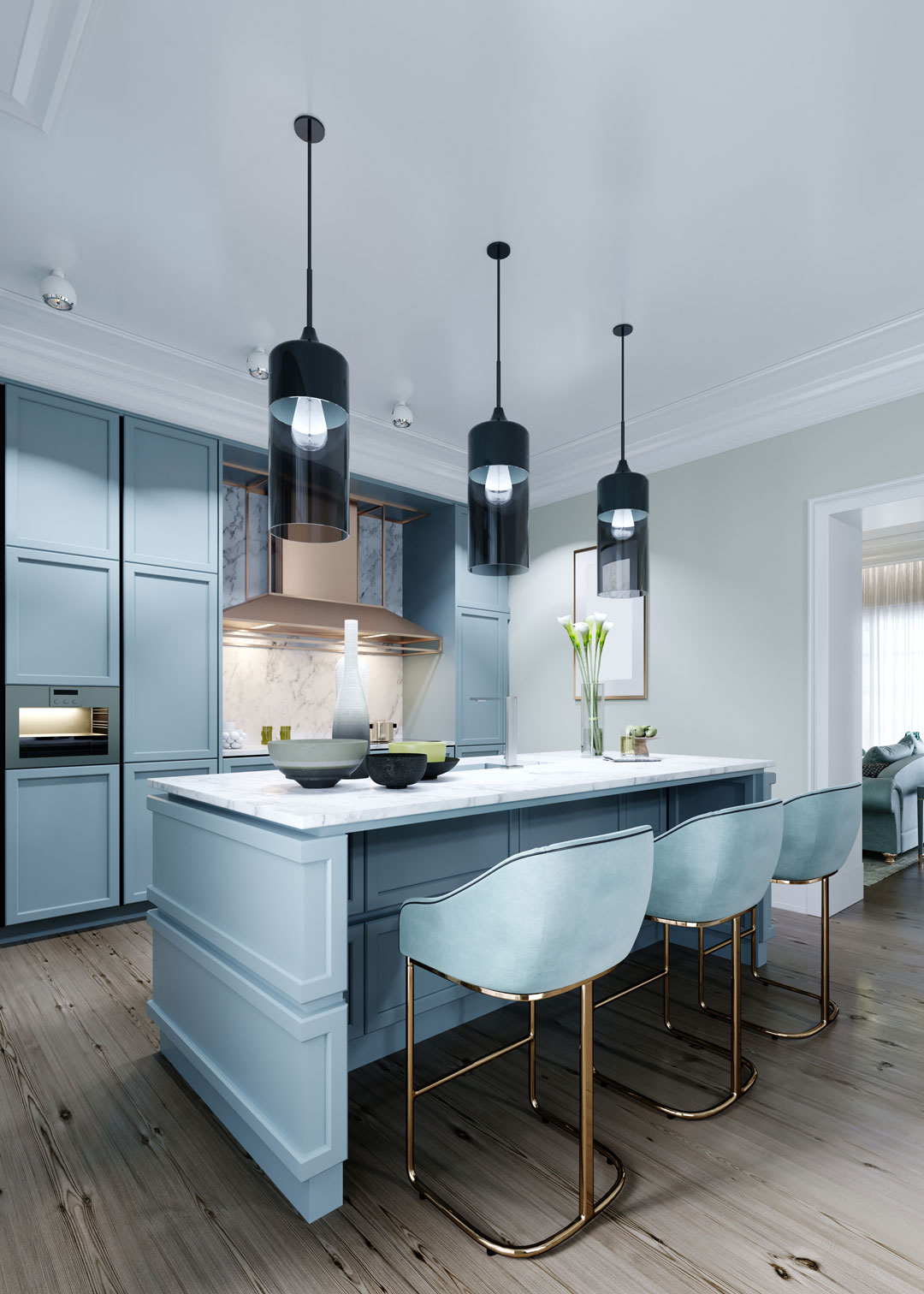
AFTER · 2026
USE CASE 04 · RESTAURANT MENU
Lunch or dinner?
Two menus in one place. A sun and a moon on the labels, and a soft blur as the menu changes, like the light at dusk.
Labels: icons · Transition: blur
Garden salad€12
Burrata, peach, basil oil
Margherita€13
Fior di latte, San Marzano
Lemon linguine€15
Parmesan, black pepper

Beef carpaccio€16
Capers, rocket, aged parmesan
Truffle risotto€26
Carnaroli, black truffle
Sea bass€29
Fennel, orange, olive


USE CASE 05 · PRODUCT PAGE
Volt City e-bike
Keep the product page short: features for most people, the full spec sheet for the few who want it. Switch: segmented, left aligned · Transition: slide vertical
USE CASE 06 · ONLINE SCHOOL
Built for both sides of the class
Small photos on the labels and a line under each name make the choice friendly. The panel zooms in.
Labels: image + sub-label · Transition: zoom

USE CASE 07 · RECIPE BLOG
Grandma’s tomato pasta
Readers from everywhere: let them pick grams or cups. The card flips over, like turning a recipe card. Switch: small slider, left · Transition: flip
USE CASE 08 · FOOD ORDERING
How do you want your burger?
Two big buttons with an icon and a small line under each name. The panel bounces in, which fits a playful brand.
Switch: segmented + icons + sub-labels · Transition: bounce
To your door
Hot and sealed, from our kitchen to you.
Delivery fee€2.50
Free over€25
Arrives30–40 min
Grab it yourself
12 Rua das Flores, Lisbon. Skip the line.
Pickup feeFree
Discount10% off
Ready in15 min
USE CASE 09 · FASHION
The 2026 collections
A thin, elegant switch and a curtain transition that pulls the next season across. Switch: slim slider · Transition: curtain

Wool fedora€69

Check overshirt€129

Merino knit€119

Linen wrap dress€149

Silk camisole€89

Palm print shirt€79
USE CASE 10 · REAL ESTATE
Buy or rent in Lisbon
Listing cards swap with an elastic spring. The segmented control sits in a white pill on a soft teal page.
Switch: segmented pill · Transition: elastic
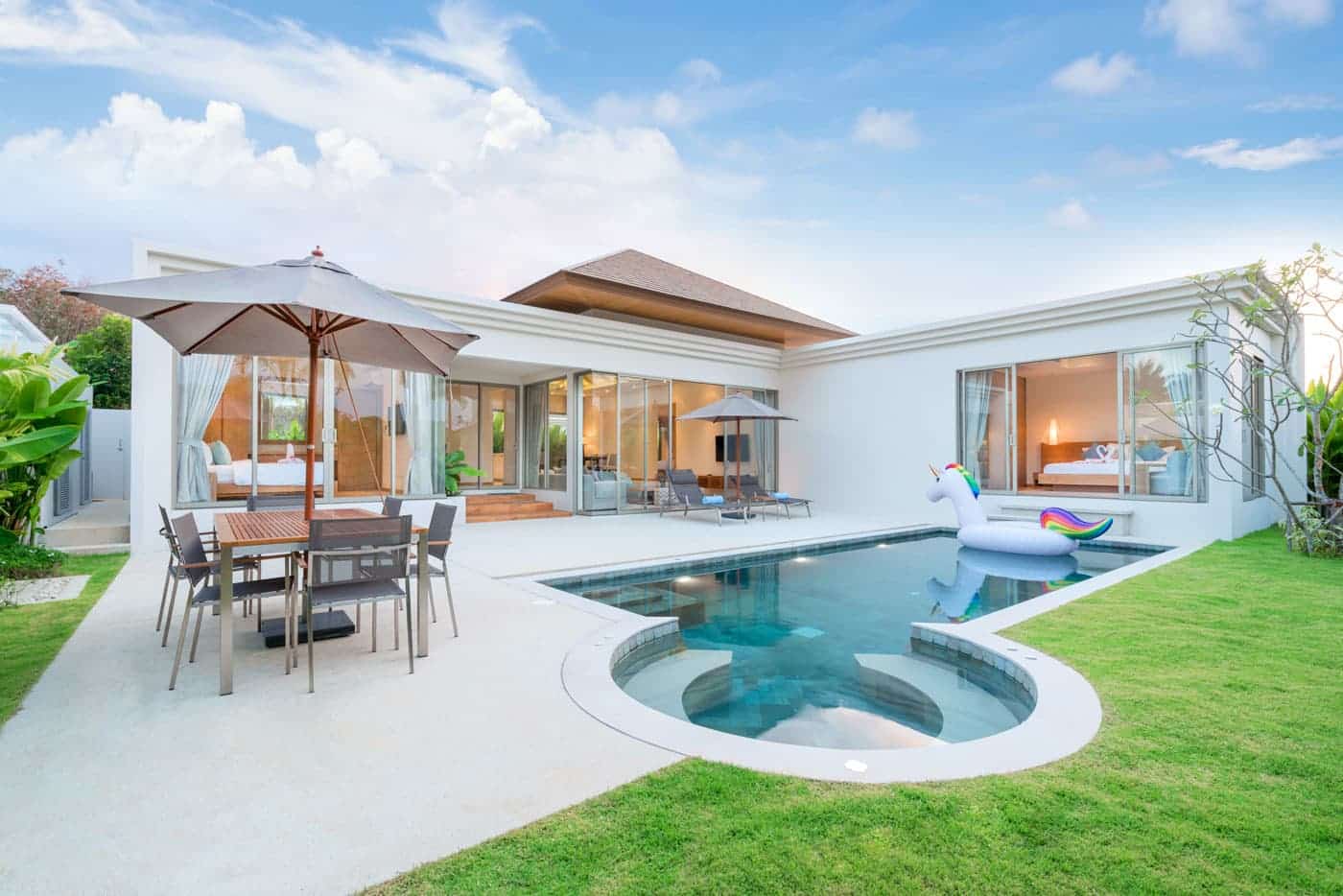
€1,250,000
Villa with pool
4 bed · 3 bath · 320 m²

€690,000
Modern townhouse
3 bed · 2 bath · 180 m²

€420,000
City apartment
2 bed · 1 bath · 95 m²

€1,150 / mo
Tower studio
1 bed · 1 bath · 48 m²

€1,900 / mo
Classic flat
2 bed · 1 bath · 88 m²
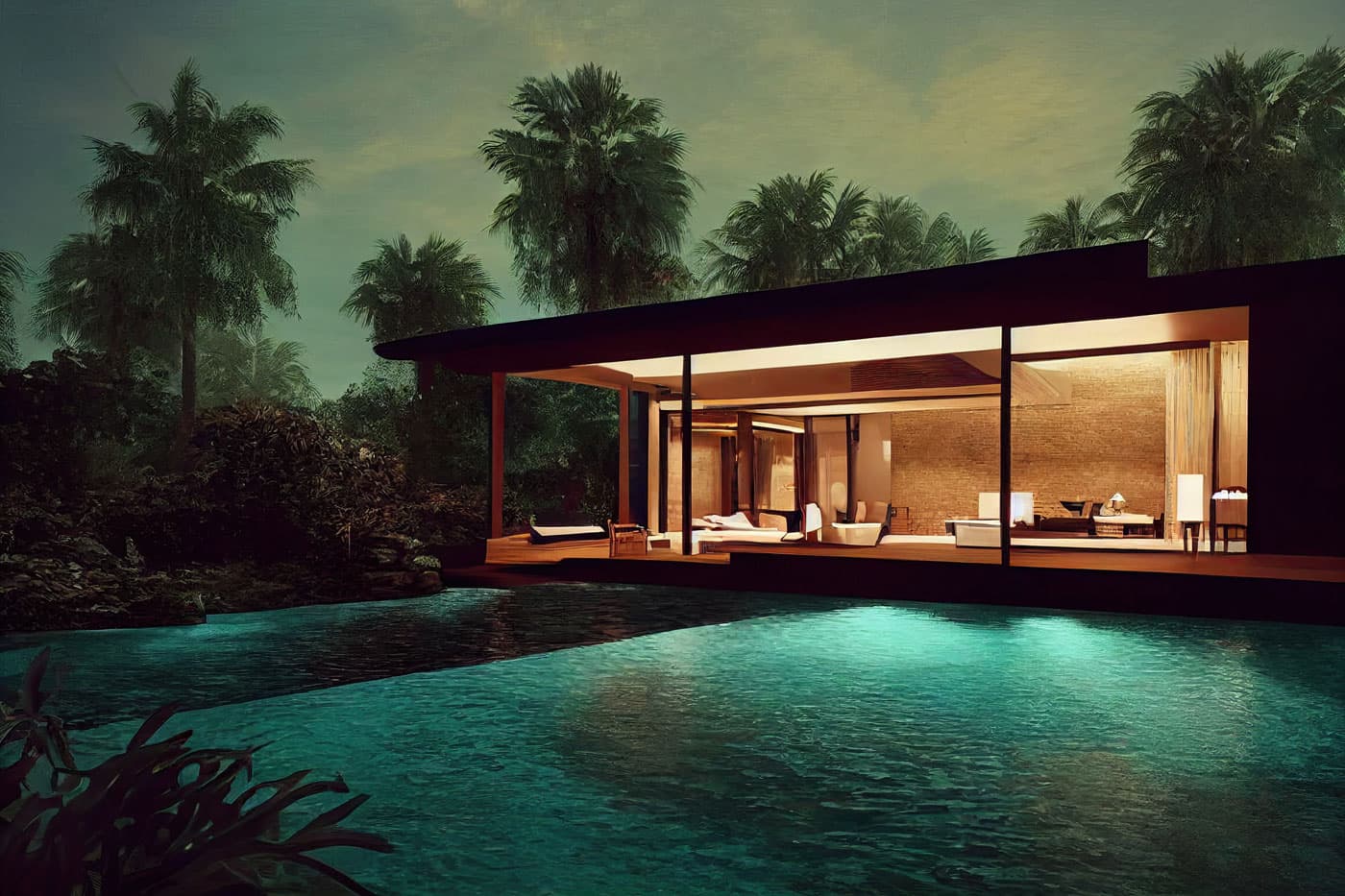
€3,400 / mo
Garden house
4 bed · 3 bath · 210 m²
What it is for
What you can build with a content toggle
A content toggle shows one of two versions of the same section. It saves space and lets visitors choose the version that fits them.
- Pricing tables that switch between monthly and yearly prices, with a badge on the cheaper option.
- Pages for two audiences such as personal and business banking, or students and teachers.
- Before and after for interior makeovers, redesigns and retouching.
- Menus and recipes that switch between lunch and dinner, or grams and cups.
- Product pages with key features on one side and the full spec sheet on the other.
Features
Divi content toggle features
Any Divi layout in each panel
Each side shows a saved section from your Divi Library, so you design the panels with all of Divi’s modules and reuse them anywhere.
Two switch styles
A sliding toggle switch with labels on each side, or segmented buttons. Labels can have an icon or image, a sub-line, a tooltip and a badge such as “Save 20%”.
16 transitions
Fade, slide (horizontal, vertical or diagonal), zoom, flip, rotate, skew, blur, bounce, curtain, wipe and more, with your own duration.
Start on either panel
Choose which panel shows first, set panel backgrounds and a minimum height, and place the switch above or below the panels.
How to make a monthly/yearly pricing toggle in Divi
Build the two pricing layouts once, then connect them with the switch.
- Design the monthly pricing section and save it to the Divi Library; do the same for yearly.
- Add the DG Content Toggle module and choose the two layouts as the first and second panel.
- Write the labels, for example “Monthly” and “Yearly”, and add a badge to Yearly.
- Pick the switch style and a transition in the Design tab.
Why use DiviGrid’s Content Toggle module
A pricing switch usually comes as a single ready-made layout, or is built with custom jQuery. DG Content Toggle is a module, so the same switch works for any two layouts.
- Panels are normal Divi Library layouts: edit them like any page.
- Both panels are in the page HTML, so search engines see both.
- No page reload and no custom code.
- Reuse the same layouts in several toggles across the site.
REVIEWS
Voices of Satisfaction
Hear directly from our cherished clients.
★★★★★
“
DiviGrid made my portfolio look professional without any developer help. The filterable grid module saved me hours of work!

Mohammad Sobhy
★★★★★
“
Customer service is fantastic the DiviGrid and Divi Image Mask Slider are winners and that starts with a great team backing them. Lots of unique options thanks for the support

Tim Kerney
★★★★★
“
It’s a wonderful world to discover. However, I would appreciate some improvement in: – translation (french for instance) – documentation (the search engine is too weak).

Pierre Moser
★★★★★
“
I’ve had almost no issues with Divigrid – like maybe 2 in one year. Their support was immediate and with a resolution. I’ve been working with WordPress & Divi for over six years now and have tried many plugin module developers. Divi Grid has given me consistently excellent results so their plugins are my primary choice.

Bonnie Unsworth
★★★★★
“
A fantastic selection of plugins which are intuitive to use. When I had a query support was on hand and very quick to resolve my question.

Heather Pedley
★★★★★
“
Great software at an amazing price. I like it.

Pedro de Pradines
★★★★★
“
This is a great plugin. there is no doubt. work well all features are like magic. requesting you divigrid team to create tutorials also on YouTube for some advanced options and open a forum site. It has vast features to talk about.

Shezan Ahmed
★★★★★
“
I’m relatively new to Divi, but found this plug-in to be very helpful making a site just the way I want to see it without having to jugle other items.

Thomas Bogan
★★★★★
“
I’m so happy with customer service! While I’m not a beginner with Divi I needed help and it came quickly. I’m really enjoying everything I can do with the content grid and can’t wait to get into the list grid!

Valerie Robitaille
FAQ
Content toggle questions
What people ask before adding a content switch to Divi.
Save your monthly and yearly pricing sections to the Divi Library, add the DG Content Toggle module and pick one layout for each panel. Visitors flip between them with the switch.
Any section saved in your Divi Library: text, images, pricing tables, buttons or other modules, including DiviGrid modules.
No. Divi’s Toggle module opens and closes one block of text, like an accordion item. DG Content Toggle switches between two complete layouts. For questions and answers, use the FAQ module.
Yes. Choose the segmented style for two side-by-side buttons, each with an optional icon, image or badge.
Keep exploring
Related Divi modules
Looking for something else? Browse all DiviGrid modules or see the Divi 5 plugin compatibility list.
Try it on your next page.
DG Content Toggle is part of DiviGrid for Divi 5. Pick two Library layouts, choose a switch and a transition, done.