
Divi Puzzle Image Grid
One card opens a whole story.
DG Puzzle Grid is a Divi 5 module for image grids that open up. Hover or click a card and the neighbouring cards slide apart like puzzle pieces while a large preview plays every photo of that project, product or tour. Ten real businesses below, each with its own opening effect and rhythm.
Live examples
Explore 10 Divi puzzle image grid examples
Hover a card in each grid (some open on click). Every example is one DG Puzzle Grid module with a different opening effect, photo transition and card shape.
USE CASE 01 · WEDDING & PORTRAIT PHOTOGRAPHERS
Every wedding, one hover away
Each card is a couple; hover it and the full story unfolds across the row: ceremony, details, first dance. The puzzle opening feels as delicate as the photos.
Opens: on hover with the Puzzle · Photos: Soft Fade · Cards: 2:3 portrait, 4 columns
 Anna & Leo — Vienna · June 2026
 Mia & Jonas — Lake Garda · May 2026
 Sara & Ben — Provence · September 2026
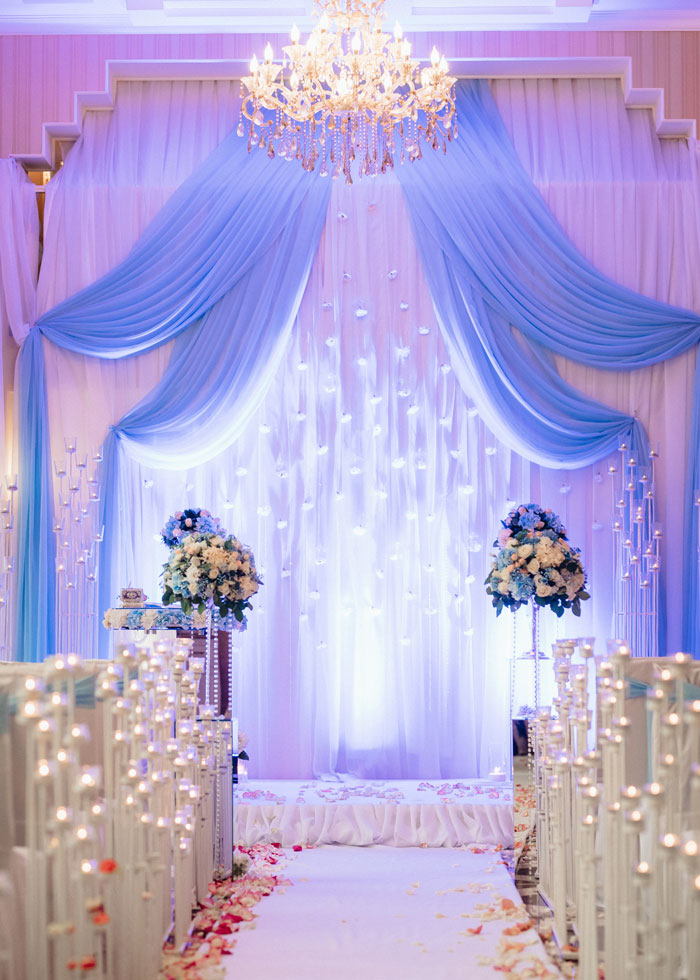 Lina & Omar — Lisbon · August 2026
USE CASE 02 · TRAVEL & TOUR OPERATORS
Tours that unfold like a map
Each tour card bursts open with an ink bloom and waves through the days of the trip. Captions carry the route and the price, so the grid sells before anyone clicks.
Opens: Ink Bloom · Photos: Liquid Wave · Cards: 3:4, caption bar at the bottom
 Maldives Escape — 8 days · overwater villa · from $2,450
 Pacific Forests — 6 days · cabins & trails · from $1,190
 Tea Highlands — 7 days · train & estates · from $1,380
 Sunset Coast — 5 days · beach & reef · from $980
USE CASE 03 · REAL ESTATE & ARCHITECTS
Open a listing, walk through the rooms
Here the preview opens on click, so visitors can browse the grid calmly first. A camera-shutter effect moves from the façade to the living room, kitchen and view.
Opens: on click, Camera Shutter · Photos: Camera Shutter · Cards: 4:3 landscape
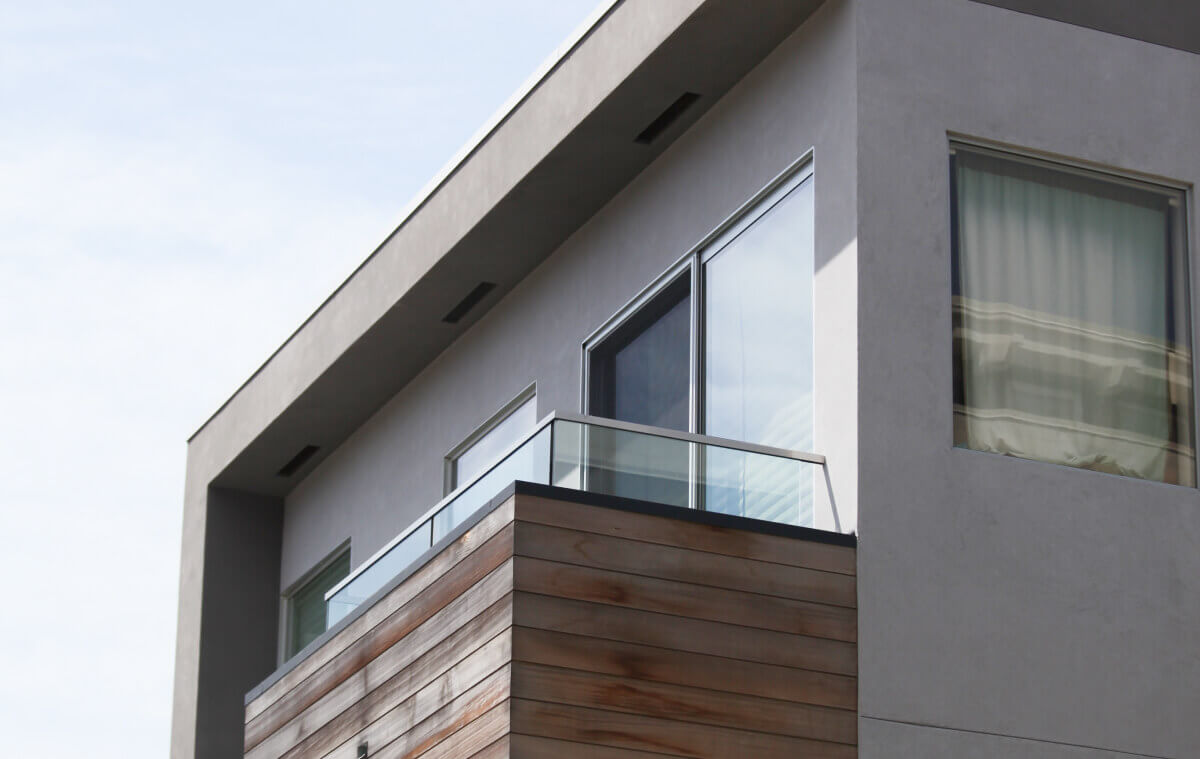 Glass House, Oslo — 4 rooms · 162 m² · €1,240,000
 Skyline Loft, Berlin — 3 rooms · 118 m² · €890,000
 Old Bank, Vienna — 5 rooms · 210 m² · €1,950,000
 Cube Villa, Zürich — 6 rooms · 245 m² · CHF 3,100,000
USE CASE 04 · RESTAURANTS & FOOD BRANDS
A menu that serves itself
Six square dishes, six columns. Hover one and it bursts into the plating, the ingredients and the table. Short captions read like a menu.
Opens: Zoom Burst · Photos: Ink Bloom · Cards: 1:1, 6 columns
 Wood-fired pizza — San Marzano, fior di latte · $16
 Fresh pasta — Hand-rolled daily · $18
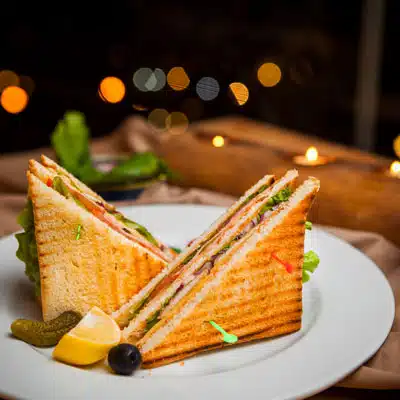 Club sandwich — Sourdough, slow-roast chicken · $13
 Coffee bar — Single-origin, oat milk free · $4
 Market salad — Whatever the farm sent today · $12
 Chef's table — Seven courses, Fridays only · $65
USE CASE 05 · FASHION & BEAUTY LOOKBOOKS
A lookbook with a different move every frame
Photo Effect "Mix" picks a new transition for every photo, so a lookbook feels like an editorial shoot. Cards stay clean: no caption bar until you hover.
Opens: Liquid Morph · Photos: Mix (a different effect each time) · Text: preview text at the top
 Botanica — Spring / Summer 2027
 Verde — Resort collection
 Bloom — Beauty campaign
 Leaflight — Editorial · Vogue Italia
USE CASE 06 · CAR DEALERS & PRODUCT 360°
Hover to turn the car around
The photos of an item do not have to be different scenes: give it frames of a 360° shoot and the preview becomes a turntable. Two columns give the car the space it needs.
Photos: 12 frames of a 360° shoot · Photo Time: 0.5s, Soft Fade · Cards: 16:9, 2 columns
 Model S · Midnight — 670 hp · 0–100 in 2.1 s · from $74,990
 Model S · Long Range — 634 km range · from $79,990
USE CASE 07 · AGENCIES & TEAM PAGES
Meet the people, then meet their work
Each portrait opens with a TV-power-on flash into that person's favourite projects. A team page that shows what people do, not only how they look.
Opens: TV Power On · Photos: Paper Tear · Cards: 3:4 portraits
 Jonas Weber — Creative Director · brand & web
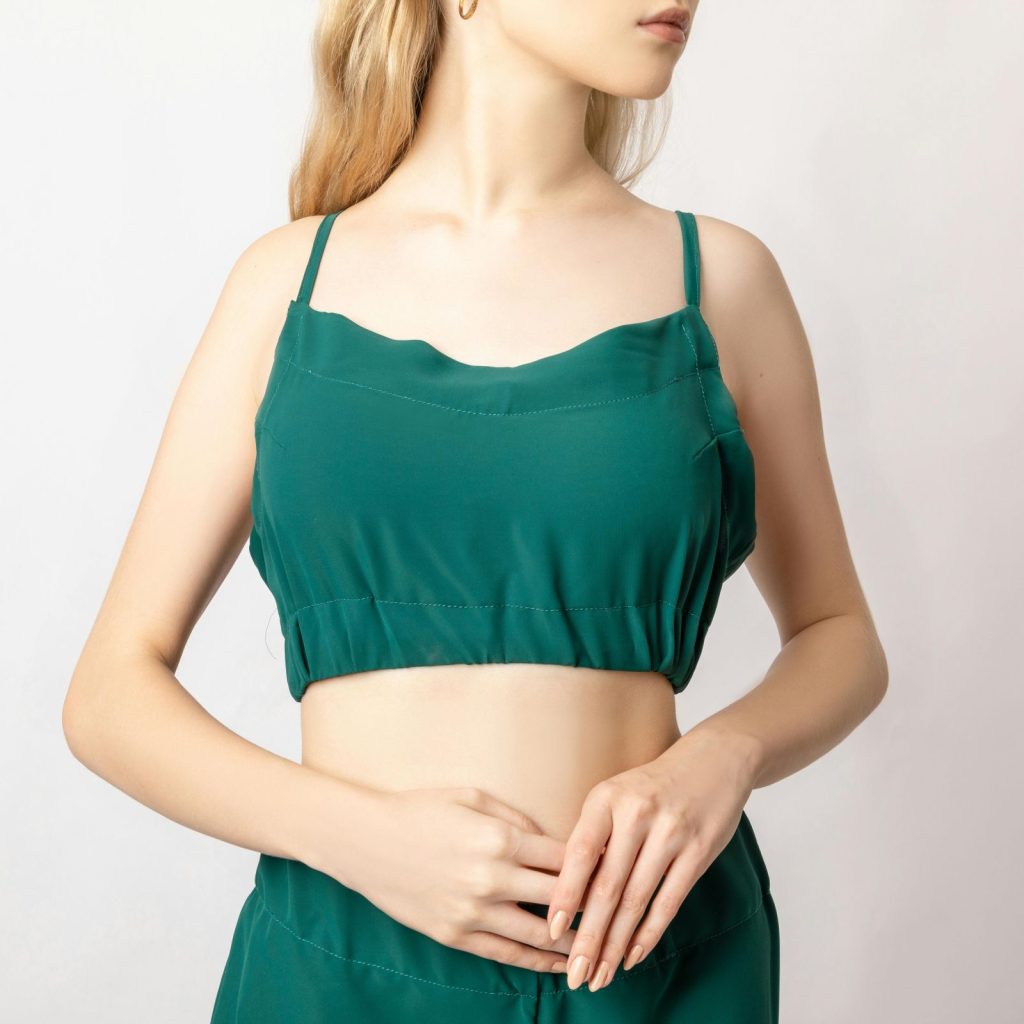 Lena Fischer — Head of Strategy · research
 Noah Becker — Lead Developer · products
 Tom Krüger — Account Lead · clients
USE CASE 08 · SHOPS & PRODUCT COLLECTIONS
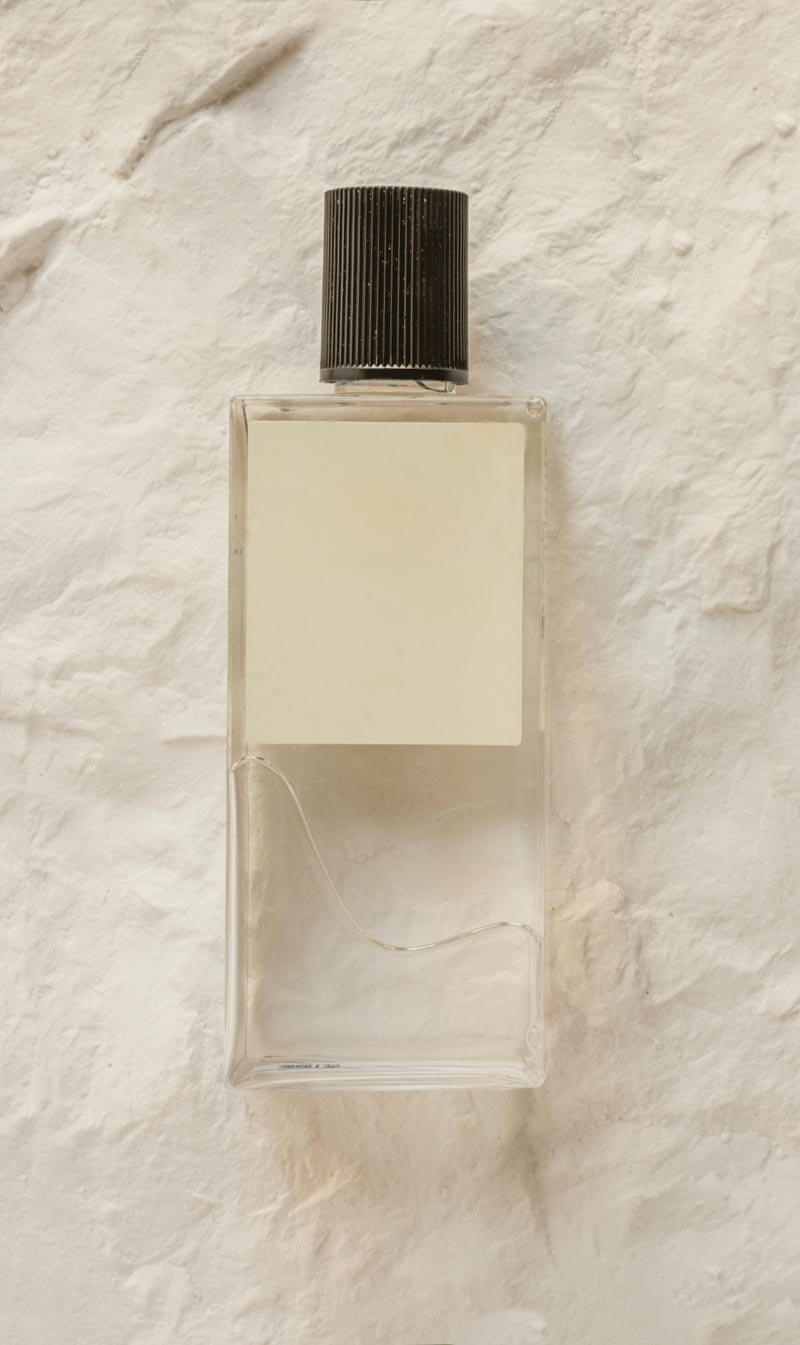
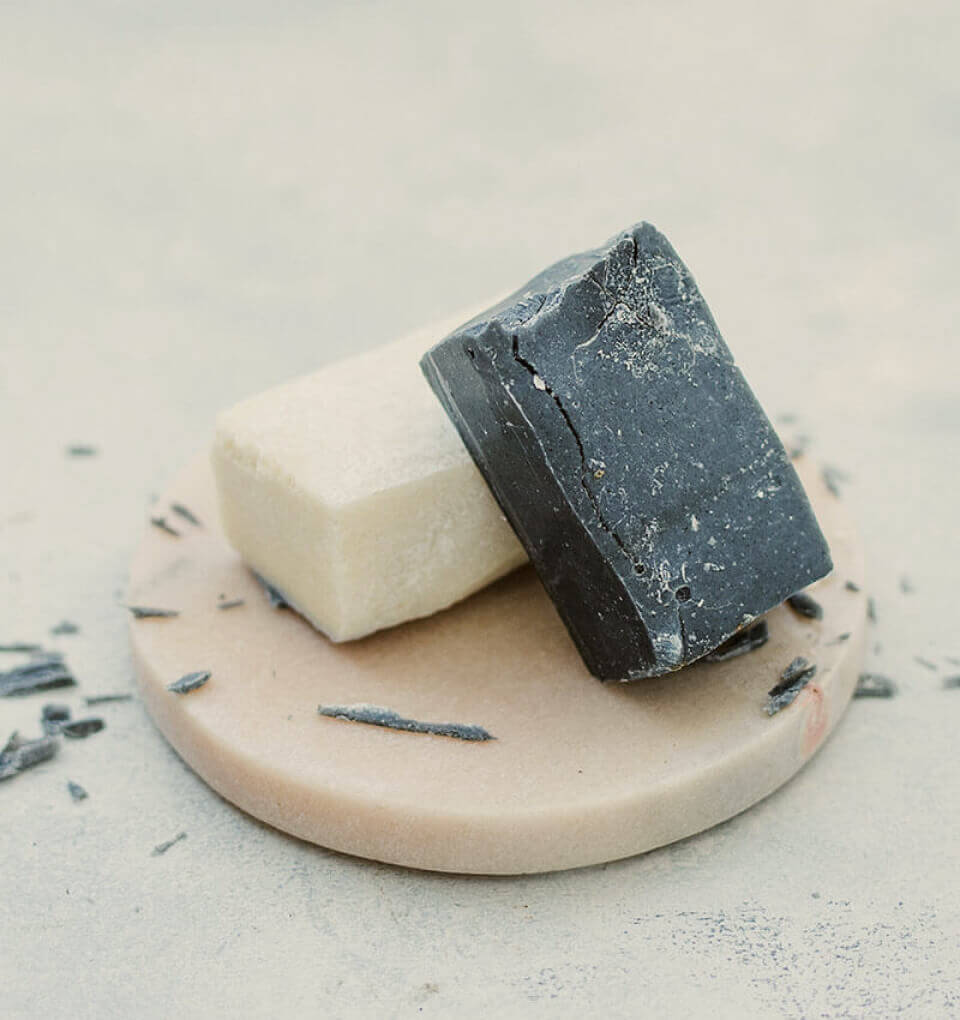
Products that show how they are used
A product card opens with a water ripple into texture shots and the product in use. Link each card to its shop page and the grid becomes a collection page.
Opens: Water Ripple · Photos: Water Ripple · Cards: 1:1 with links


USE CASE 09 · GYMS, STUDIOS & COACHES
Classes with energy in every frame
Strong effects for a strong brand: each class opens with a vortex and snaps between photos with an elastic stretch. Caption bars stay visible, so the class names read at a glance.
Opens: Vortex Sweep · Photos: Elastic Stretch · Bar: centre, accent colour
 HIIT 45 — Mon · Wed · Fri · 7:00
 Strength Lab — Tue · Thu · 18:30
 Functional — Daily · 12:15
 Flow Yoga — Sat · Sun · 9:00
USE CASE 10 · STUDIOS, SAAS & CASE STUDIES
Case studies that preview themselves
Wide 16:9 cards for websites and apps. The preview stretches open and steps through the screens of each project, then the card links to the full case study.
Opens: Elastic Stretch · Photos: TV Power On · Cards: 16:9, 2 columns, links

What it is for
What you can build with a puzzle image grid
A puzzle grid shows many projects at once and lets visitors look deeper without leaving the page. Each card holds several photos, not just one.
- Photography portfolios where each card is a wedding or shoot, and the preview runs through the story.
- Travel and tour pages with the days of a trip inside each tour card.
- Real estate listings that open from the façade into the rooms.
- Product collections built from a WooCommerce product gallery, linked to the product page.
- Team pages and case studies that open a person’s or project’s work in place.
Features
Divi puzzle image grid features
Opening effects
Twelve ways to open a card, from Ink Bloom and Camera Shutter to TV Power On, Water Ripple and Vortex Sweep, or Puzzle mode where the pieces join into one picture.
Photo transitions
Eleven transitions between the photos in the preview, Mixed (a different effect for each card) or an instant cut. Single cards can override the grid’s effect, and you set the speed and how long each photo stays.
Cards and layout
One to six columns, five card shapes (square, portrait 3:4 and 2:3, landscape 4:3 and wide 16:9), gaps, corners, overlays and a caption bar that can stay visible or appear on hover.
Your images or WooCommerce
Choose the photos for each card yourself, or pick a WooCommerce product and use its gallery, title and link.
How to create an interactive image grid in Divi
All in the Divi Builder: no gallery plugin and no custom script.
- Add the DG Puzzle Grid module and set the number of columns and the card shape.
- Add a grid item for each project and choose its photos, or a WooCommerce product.
- Pick the opening effect and the photo transition, and whether the preview opens on hover or click.
- Add captions and links, then style the caption bar and preview.
Why use DiviGrid’s Puzzle Grid module
A normal gallery shows one photo per tile. A puzzle grid tells a short story for each tile, which keeps visitors on portfolio, product and listing pages longer.
- Several photos per card without a lightbox or extra pages.
- Opens on hover for exploring, or on click for calmer browsing.
- Product cards can link straight to the shop page.
- One module for portfolios, listings, menus and shops.
REVIEWS
Voices of Satisfaction
Hear directly from our cherished clients.
★★★★★
“
DiviGrid made my portfolio look professional without any developer help. The filterable grid module saved me hours of work!

Mohammad Sobhy
★★★★★
“
Customer service is fantastic the DiviGrid and Divi Image Mask Slider are winners and that starts with a great team backing them. Lots of unique options thanks for the support

Tim Kerney
★★★★★
“
It’s a wonderful world to discover. However, I would appreciate some improvement in: – translation (french for instance) – documentation (the search engine is too weak).

Pierre Moser
★★★★★
“
I’ve had almost no issues with Divigrid – like maybe 2 in one year. Their support was immediate and with a resolution. I’ve been working with WordPress & Divi for over six years now and have tried many plugin module developers. Divi Grid has given me consistently excellent results so their plugins are my primary choice.

Bonnie Unsworth
★★★★★
“
A fantastic selection of plugins which are intuitive to use. When I had a query support was on hand and very quick to resolve my question.

Heather Pedley
★★★★★
“
Great software at an amazing price. I like it.

Pedro de Pradines
★★★★★
“
This is a great plugin. there is no doubt. work well all features are like magic. requesting you divigrid team to create tutorials also on YouTube for some advanced options and open a forum site. It has vast features to talk about.

Shezan Ahmed
★★★★★
“
I’m relatively new to Divi, but found this plug-in to be very helpful making a site just the way I want to see it without having to jugle other items.

Thomas Bogan
★★★★★
“
I’m so happy with customer service! While I’m not a beginner with Divi I needed help and it came quickly. I’m really enjoying everything I can do with the content grid and can’t wait to get into the list grid!

Valerie Robitaille
FAQ
Puzzle grid questions
Common questions about interactive image grids in Divi.
Add the DG Puzzle Grid module and choose the Puzzle opening effect. When a card opens, the cards around it move aside and the pieces join into one large preview.
Yes. Set a grid item’s image source to a product: the card uses that product’s gallery photos, and can use its title and link too.
You choose. Hover suits portfolios people browse quickly; click suits listings where visitors compare cards first.
From one to six, with separate gaps for columns and rows and five card shapes.
A masonry gallery shows many single photos in a flowing layout. A puzzle grid shows one card per project and opens several photos inside it.
Keep exploring
Related Divi modules
Looking for something else? Browse all DiviGrid modules or see the Divi 5 plugin compatibility list.
Hover once. Tell the whole story.
Twelve opening effects, thirteen photo transitions, 1–6 columns and five card shapes. Every grid on this page is one DG Puzzle Grid module.