
DG IMAGE CAPTION · DIVI 5 & DIVI 4
Divi Image Caption Module
A photo grid where the caption is the show. Point at a picture: the others fade back and its title appears across the gallery.

Wilderness
Landscape series

Portraits
Studio series

Interiors
Homes & hotels
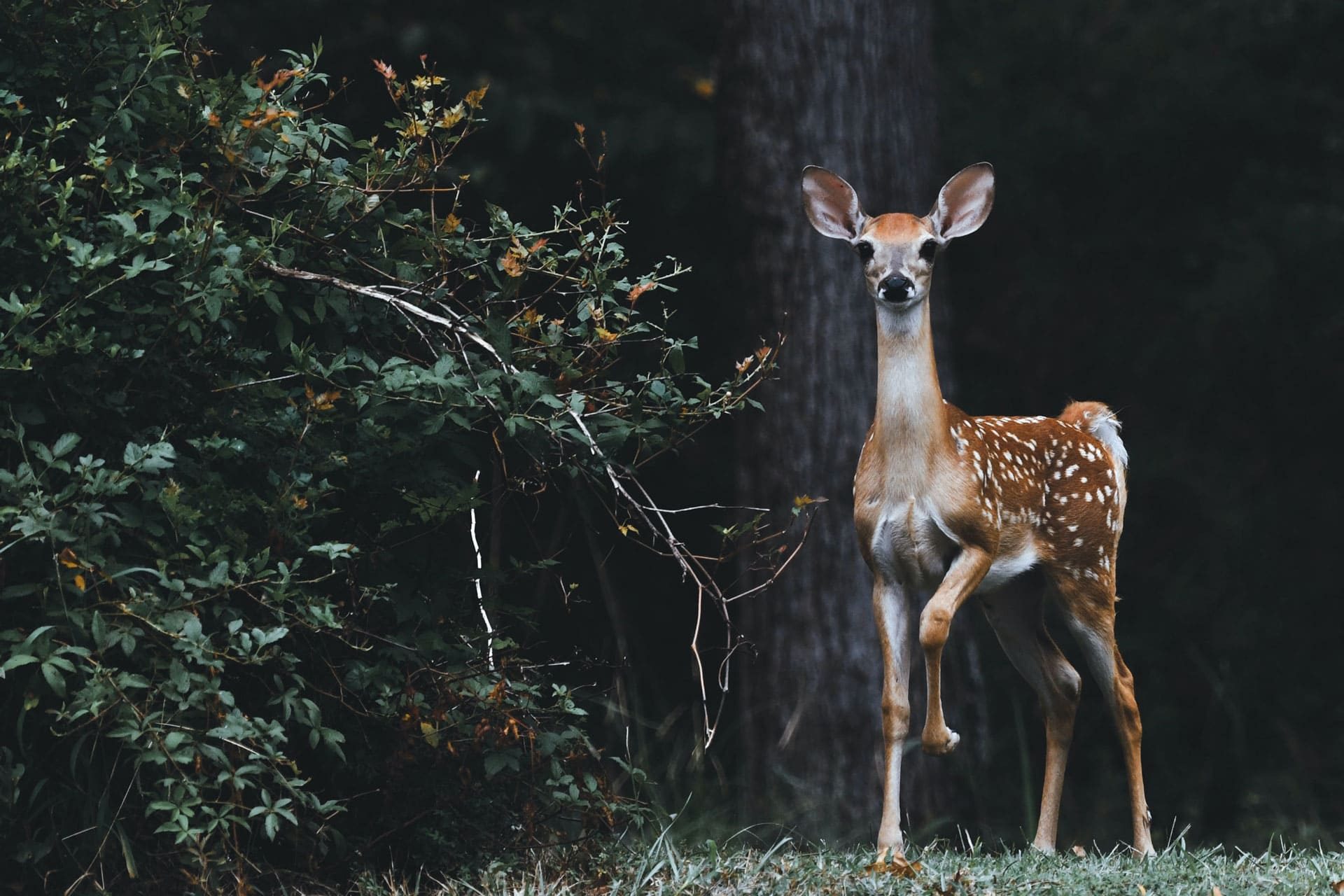
Wildlife
Nature series
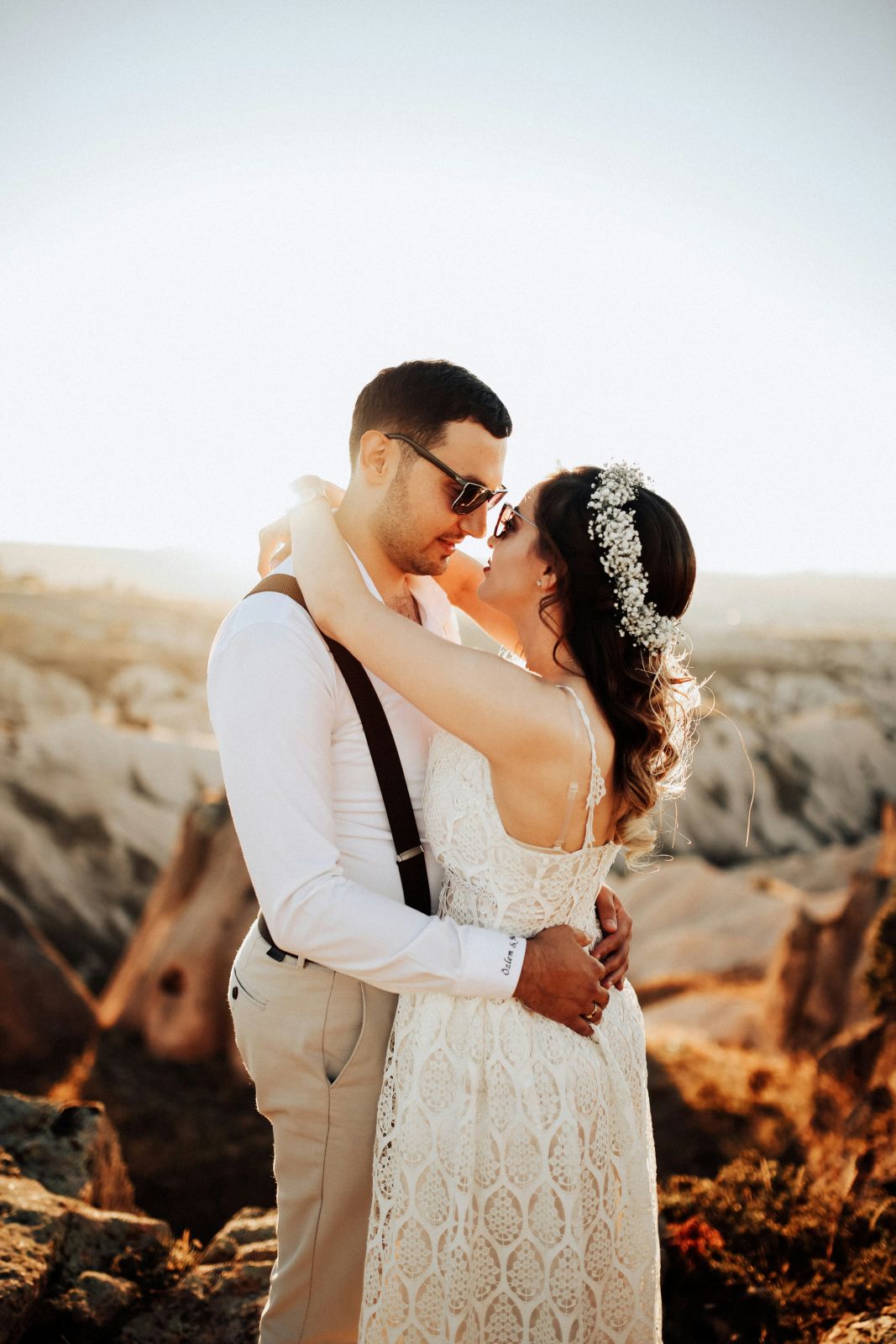
Weddings
Love stories

Fashion
Editorial series
Hover the gallery, or tap a photo on a phone.
7 blend modes
Photos that span columns
The others fade on hover
LIVE EXAMPLES
Divi image caption examples
Six galleries, each one DG Image Caption styled for a different business. Hover the photos to read the captions.
01
Atelier Nord · A portfolio for an interior studio
WIDE PHOTOS · SERIF ITALIC CAPTIONS · DIFFERENCE BLEND
ATELIER NORD · INTERIOR STUDIO
Rooms with a quiet confidence
Four recent projects, from a Copenhagen flat to a boutique hotel. Hover a room to see where it is.
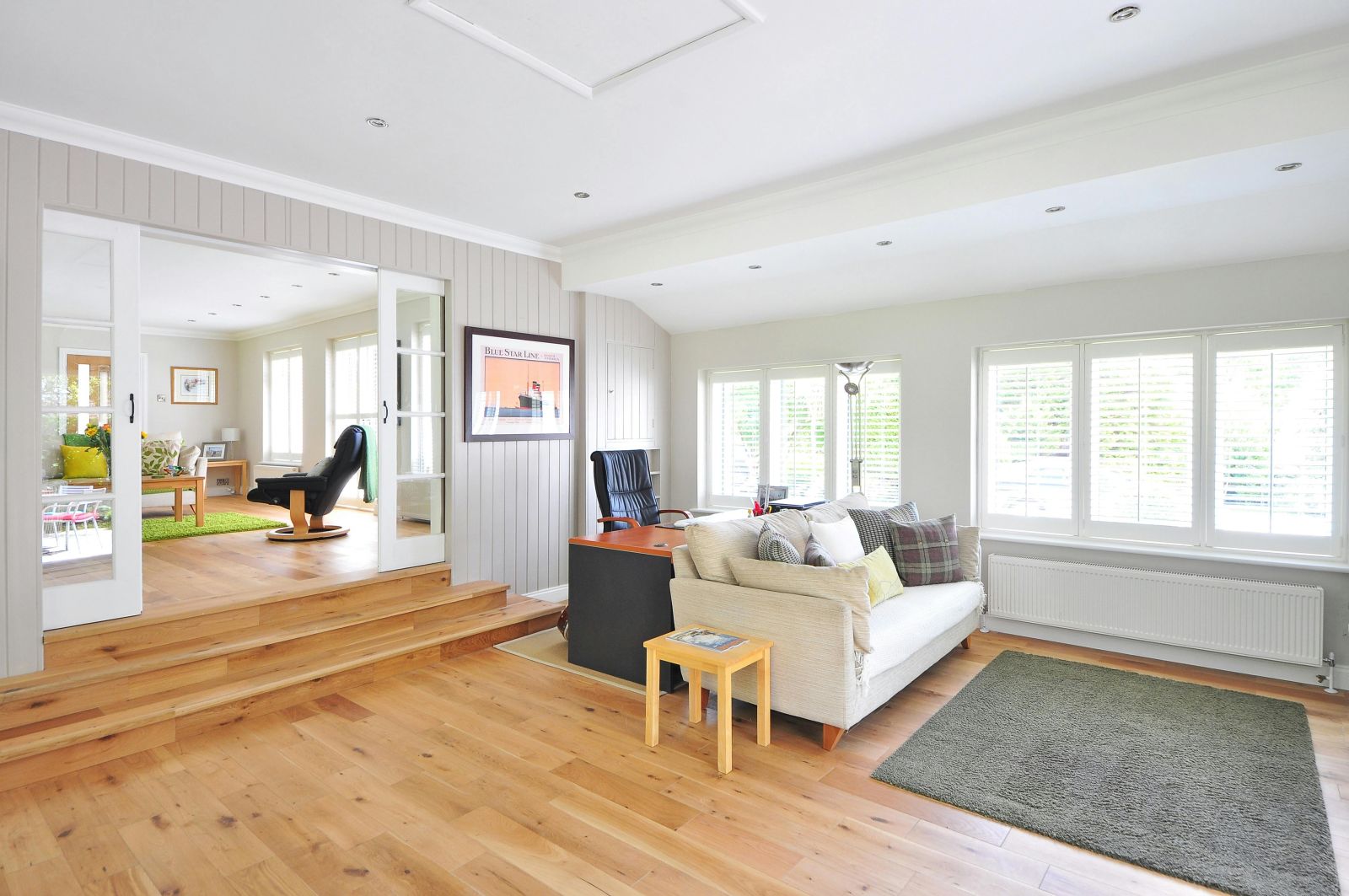
Østerbro
Family flat · Copenhagen
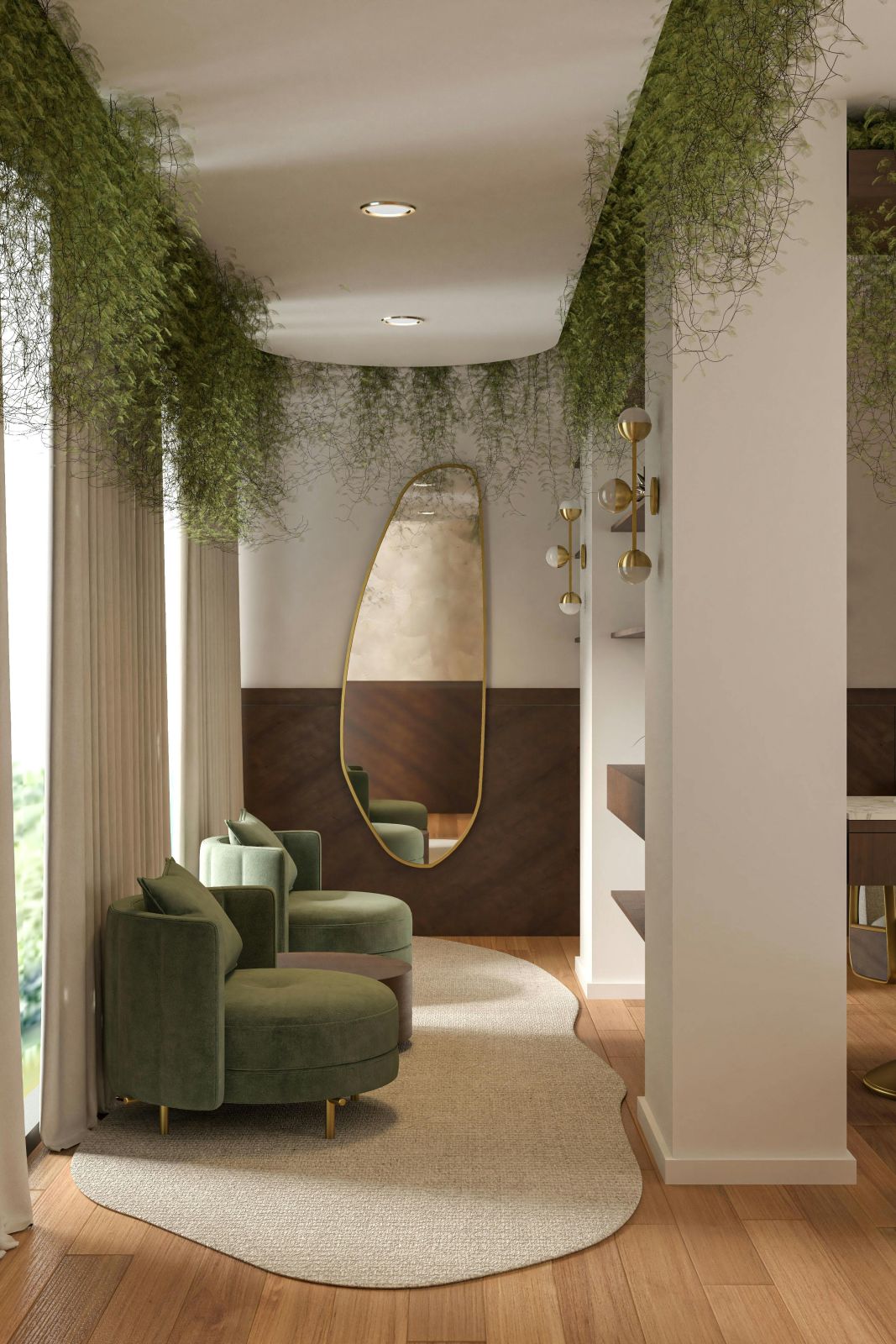
The Library
Private club · London
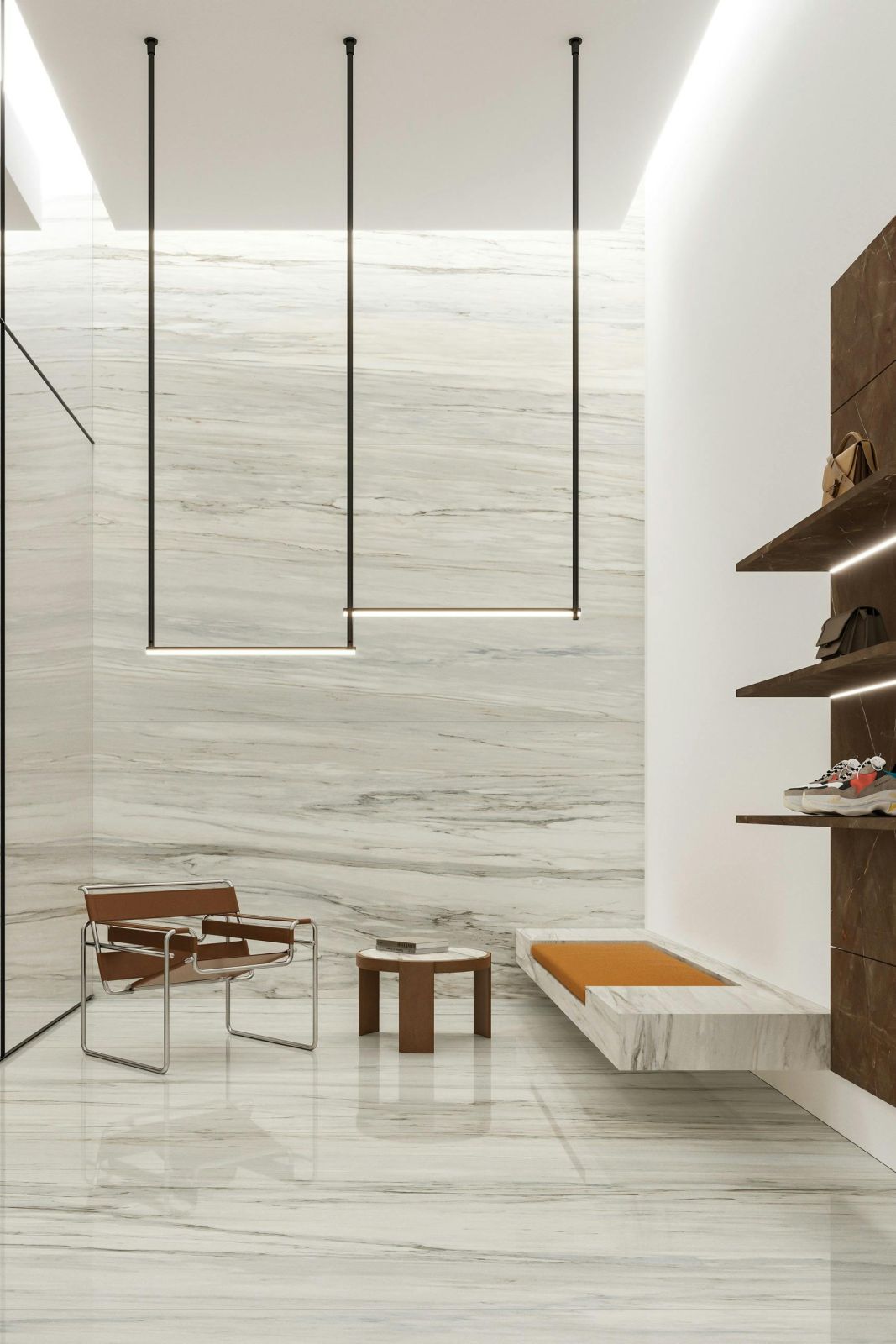
Bath House
Spa · Oslo
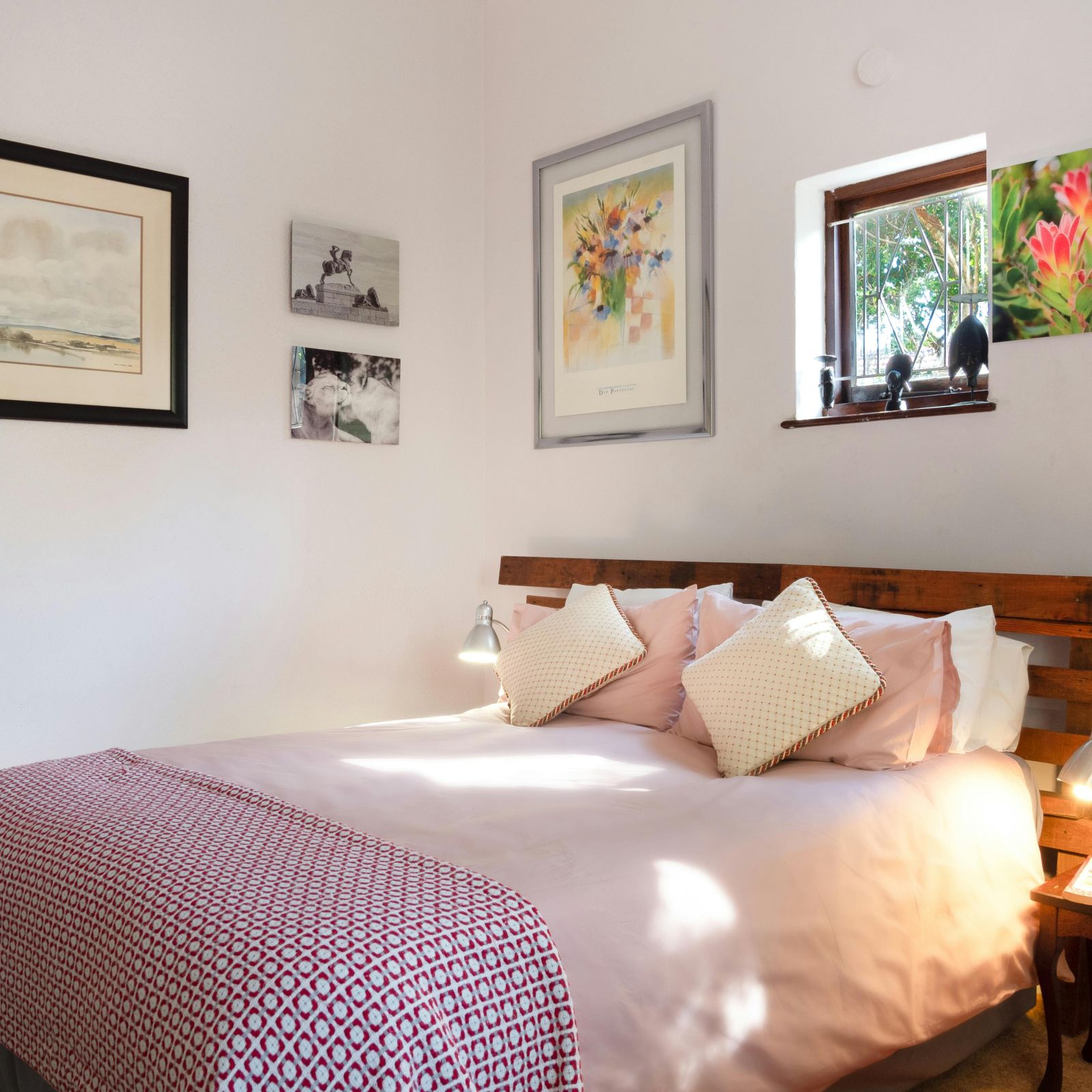
Hotel Fjord
Boutique hotel · Bergen
02
Lumière · Wedding stories for a photographer
TALL PORTRAITS · EXCLUSION BLEND · DEEP FADE
LUMIÈRE · WEDDING PHOTOGRAPHY
Every wedding has its own light
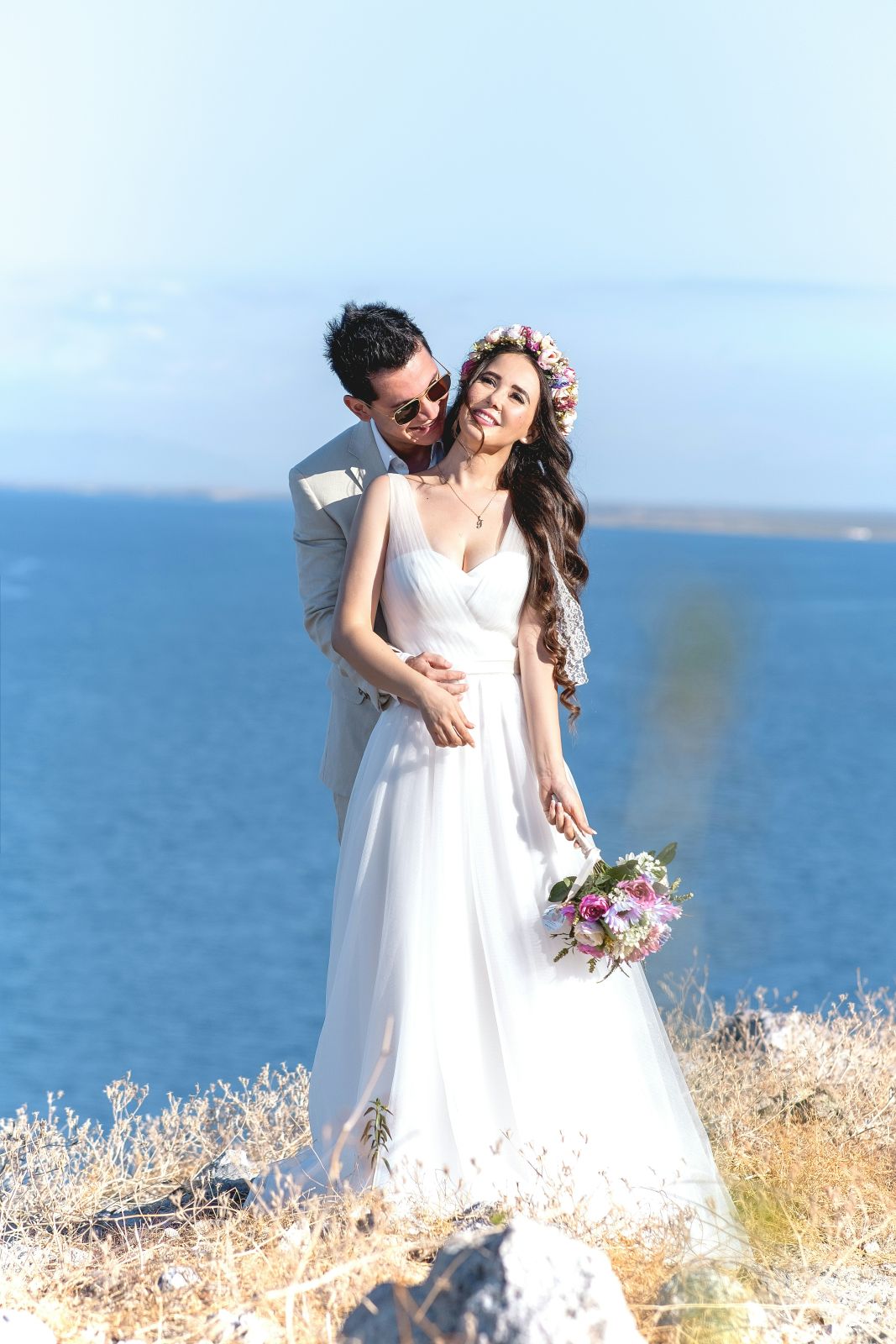
Amalfi
Sofia & Luca · June
Paris
Claire & Tom · April
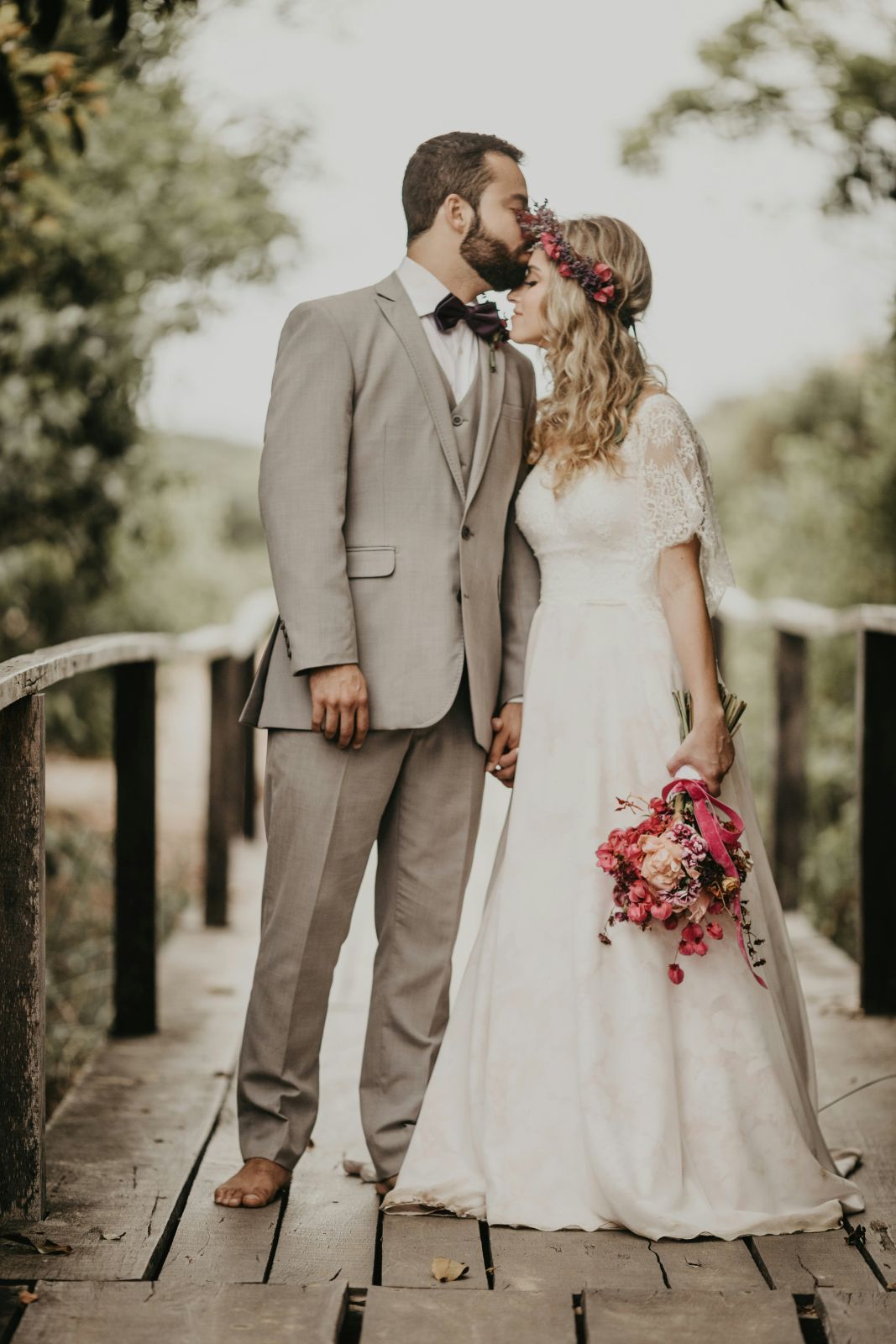
Lisbon
Inês & Rui · May
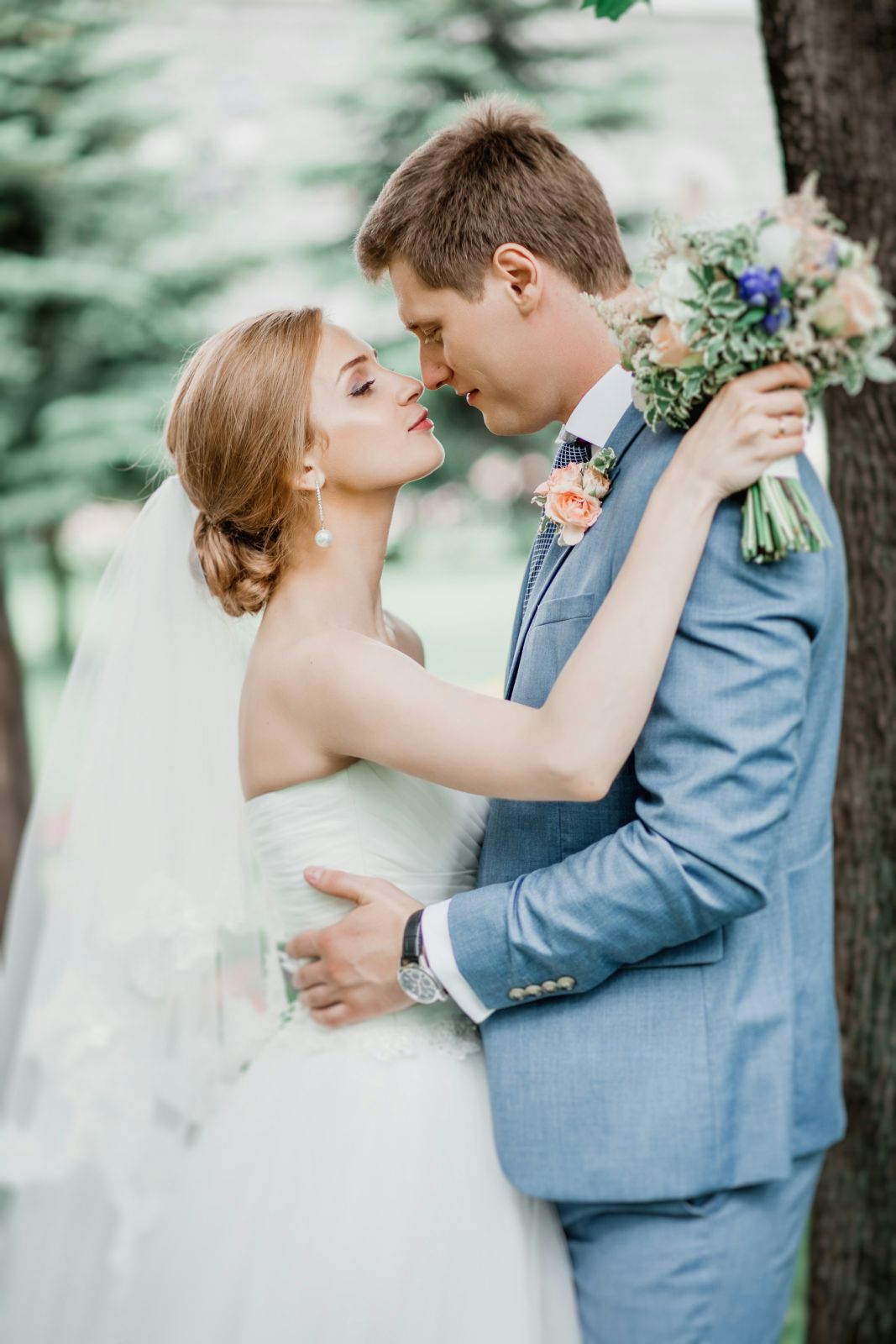
Cotswolds
Emma & Jack · August
With exclusion, the caption picks up the colours of the photo underneath.
03
Terra · A destination grid for a travel journal
SIX PLACES · CONDENSED CAPITALS · BLACK STAGE
TERRA · FIELD JOURNAL Nº 14
SIX PLACES THAT CHANGED HOW WE TRAVEL
Long reads and photo essays from Canada, Greece, the American Southwest and Zambia. Hover a place to see the story.
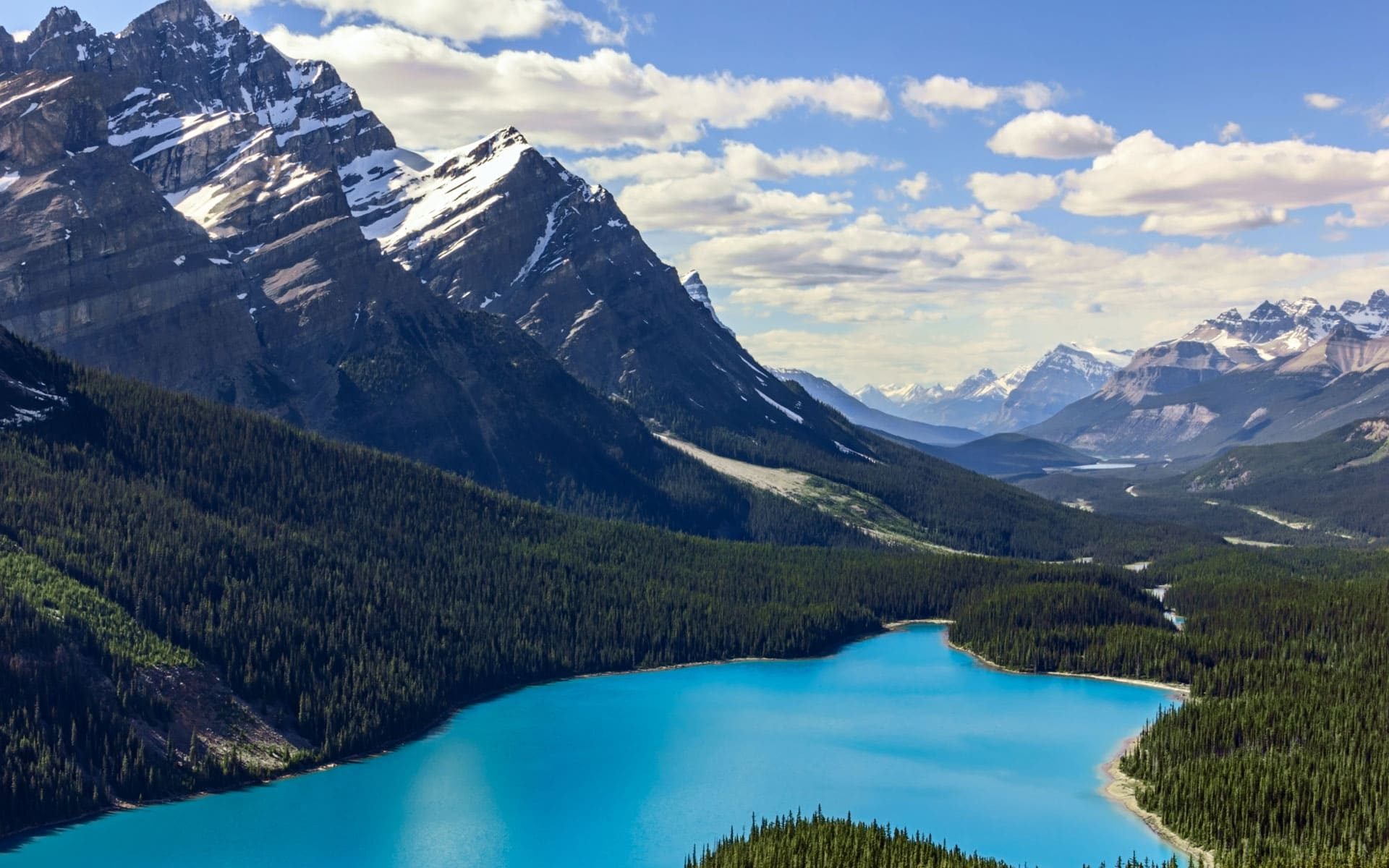
Banff
Canada · 12 min read

Oia
Greece · 9 min read
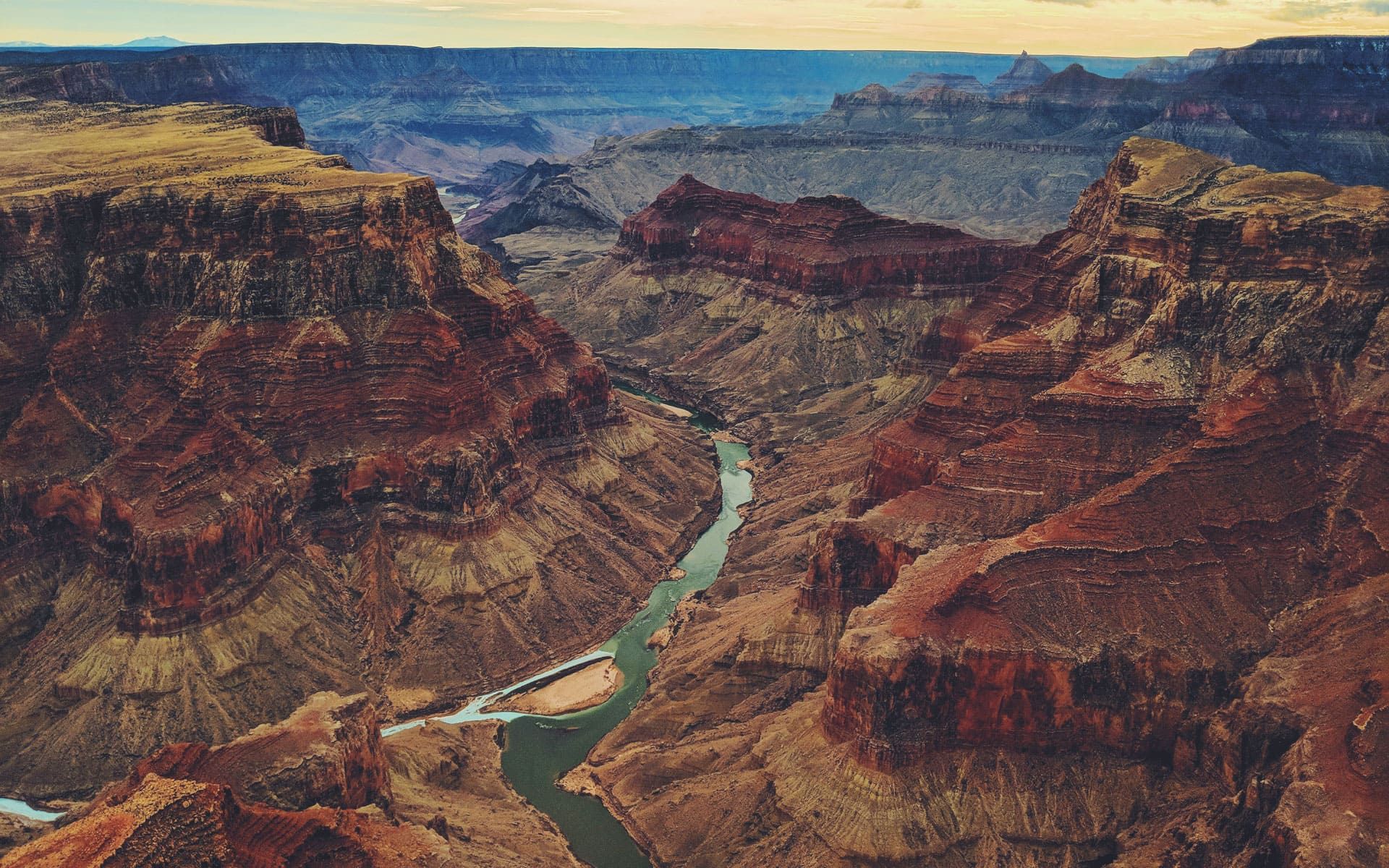
Arizona
USA · 15 min read

Zambezi
Zambia · 11 min read
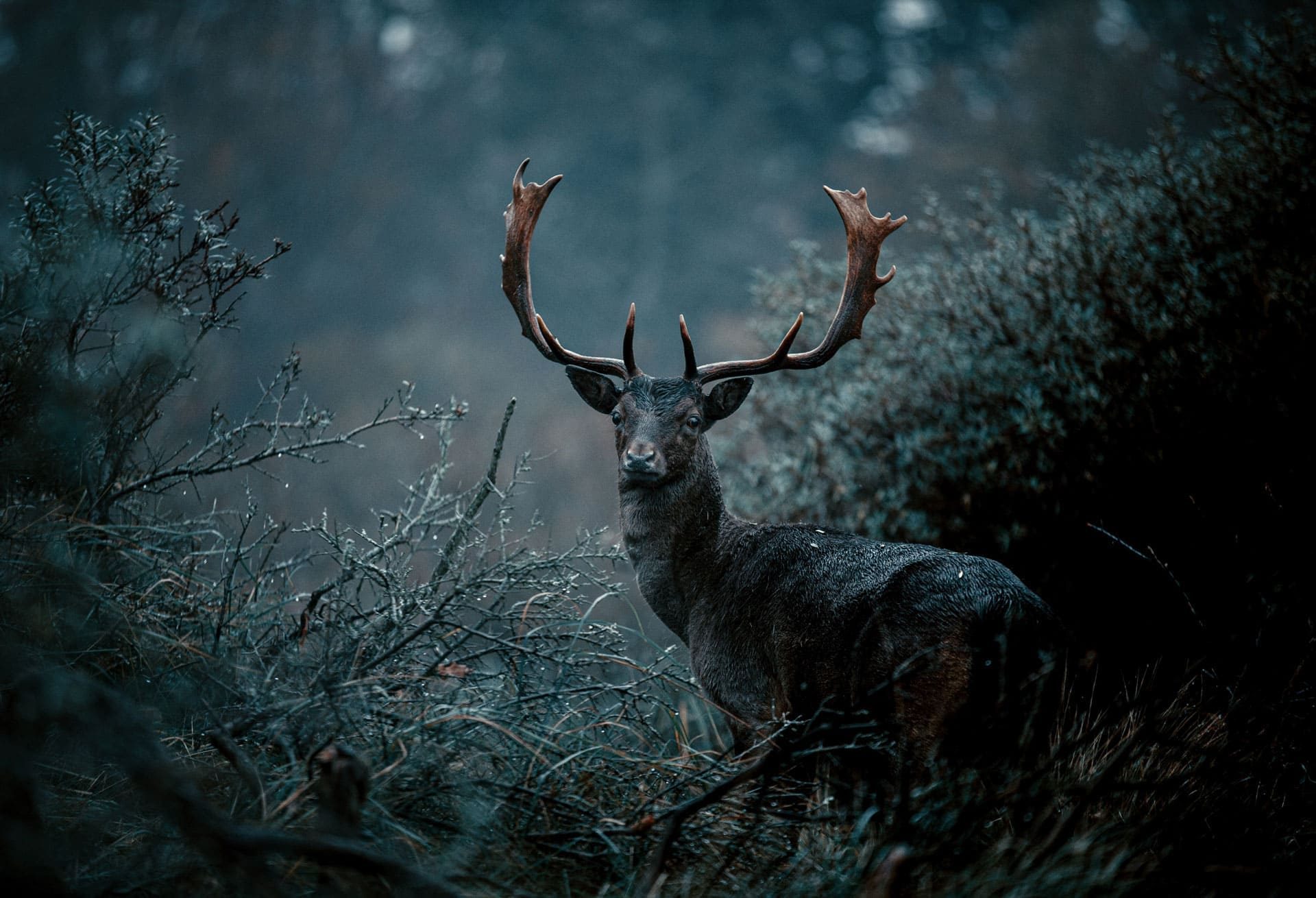
Black Forest
Germany · 8 min read
Page
USA · 7 min read
04
Osteria Lume · Tonight’s dishes for a restaurant
PRICES IN THE CAPTION · WARM PALETTE · ROUNDED PHOTOS
OSTERIA LUME · TONIGHT
Four plates from the wood oven

Margherita
San Marzano, fior di latte, basil · £13
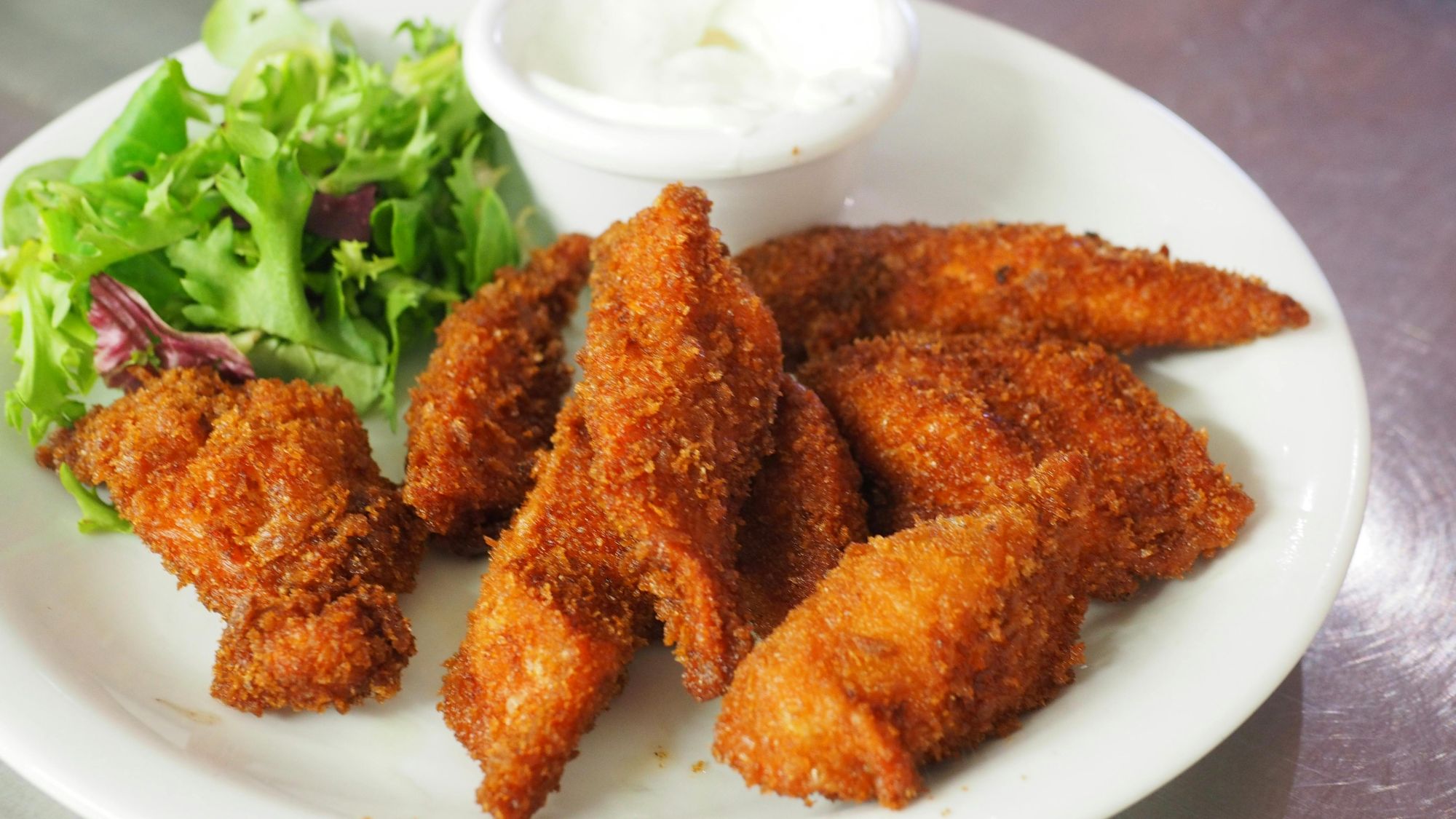
Cotoletta
Crumbed chicken, lemon, aioli · £17
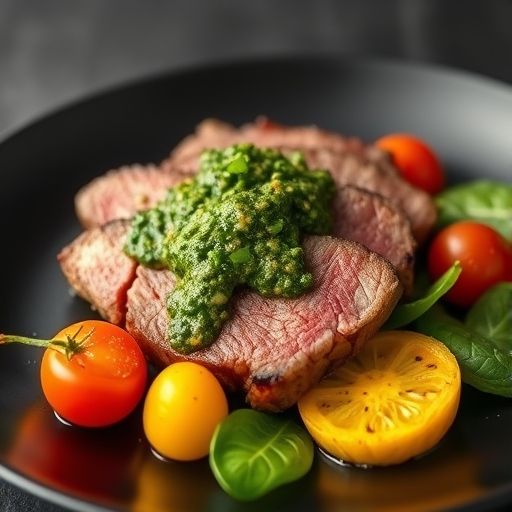
Tagliata
Sirloin, salsa verde, roast tomatoes · £26
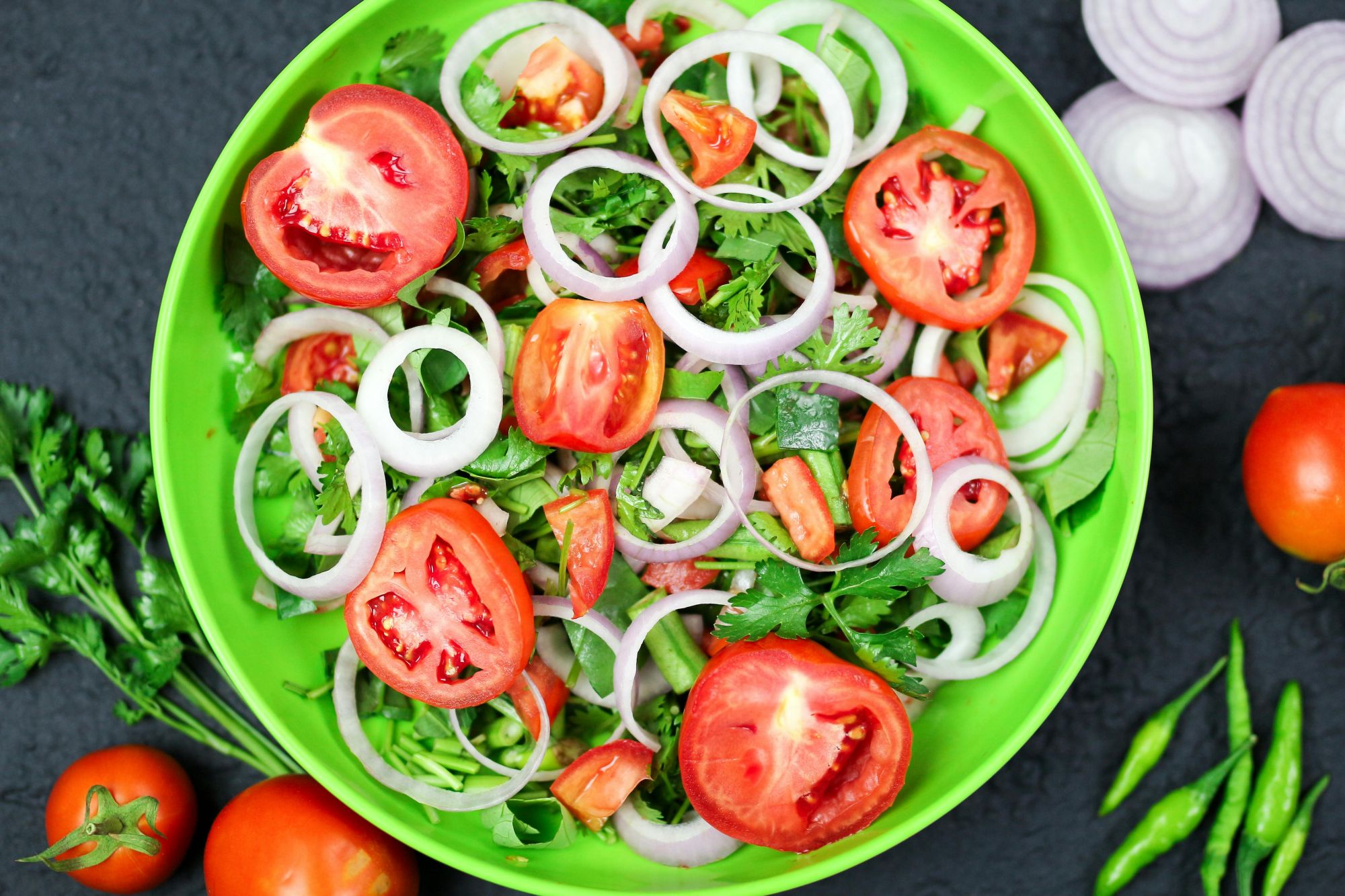
Capesante
Seared scallops, peas, mint · £18
The caption carries the dish and its price, so the photos stay clean.
05
Studio Kin · A lookbook for a fashion label
THREE TALL LOOKS · BESIDE THE COPY · EXCLUSION BLEND
STUDIO KIN · SPRING 2027
Dressed for the city, cut for the weekend
Three looks from the new collection. Hover one to see its name and price.
Shop the collection →
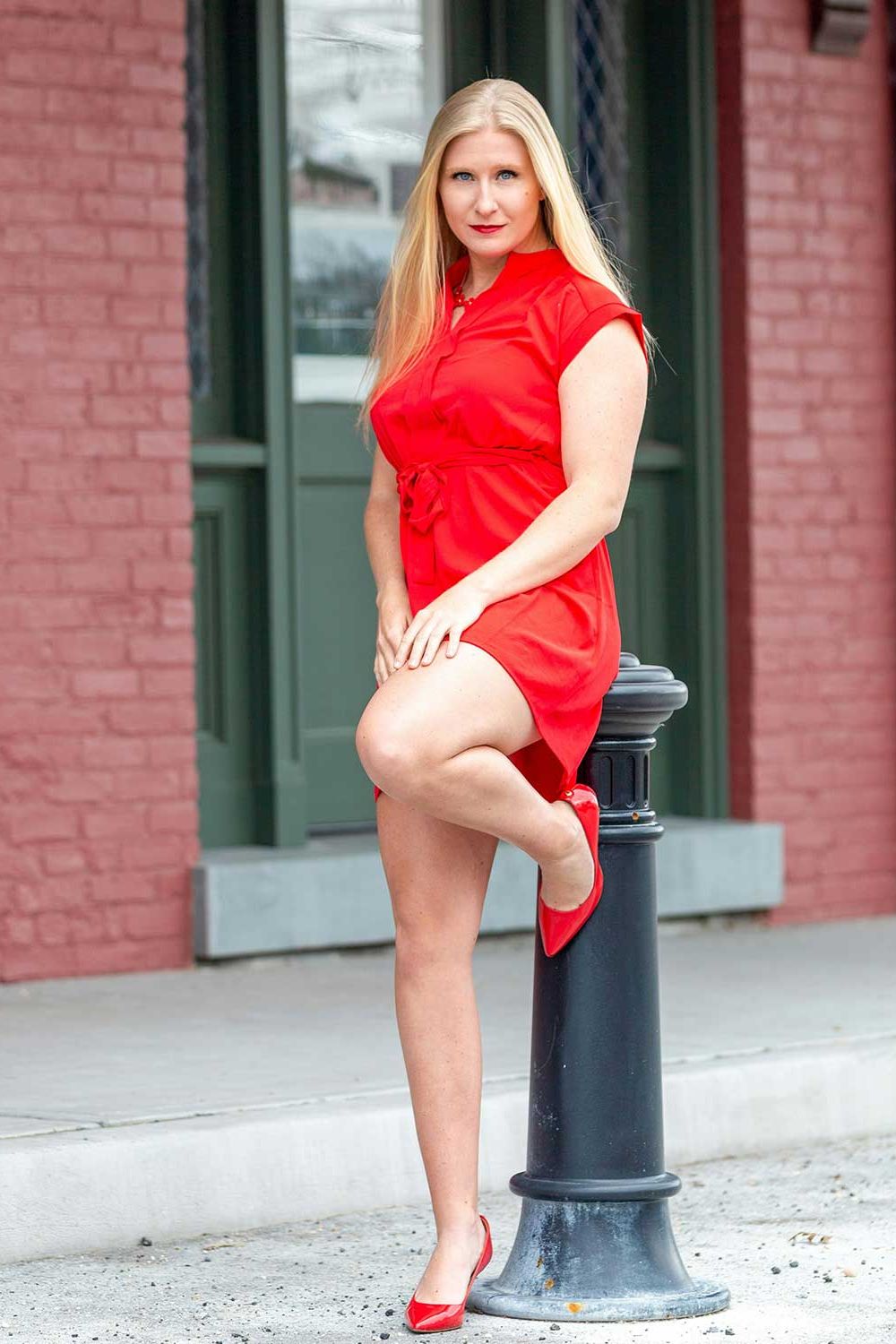
Rosa
Silk slip dress · £240

Ivory
Linen two-piece · £320

Weekend
Cotton shirt & denim · £185
06
Fieldwork · The team page for a design studio
NAMES AND ROLES · CLEAN SANS · LIGHT PAGE
FIELDWORK · DESIGN STUDIO
The people behind the work
A small team of four, working out of one room in Bristol. Hover a face to meet them.

Daniel
Founder · strategy

Maya
Lead designer

Omar
Developer

Freya
Writer & editor
PLAYGROUND
Try the image caption settings
Each gallery is its own Image Caption module with one setting changed. Hover them to compare.
Seven blend modes
The same white caption over the same photo. The blend mode decides how the two mix.

Caption
Difference
Caption
Exclusion
Caption
Luminosity
Caption
Color
Caption
Normal
Caption
Multiply
Caption
Color dodge
How far the other photos fade
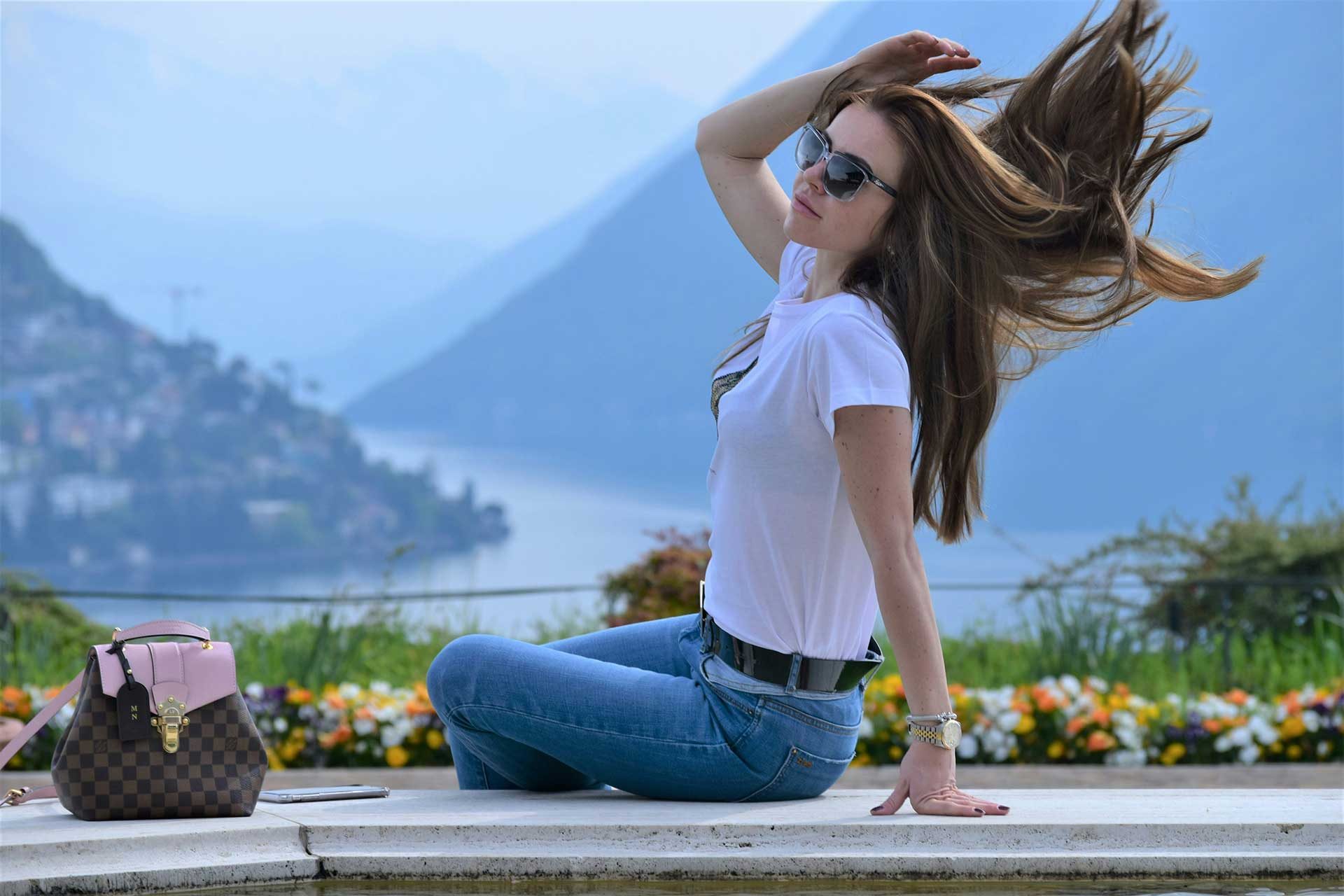
One
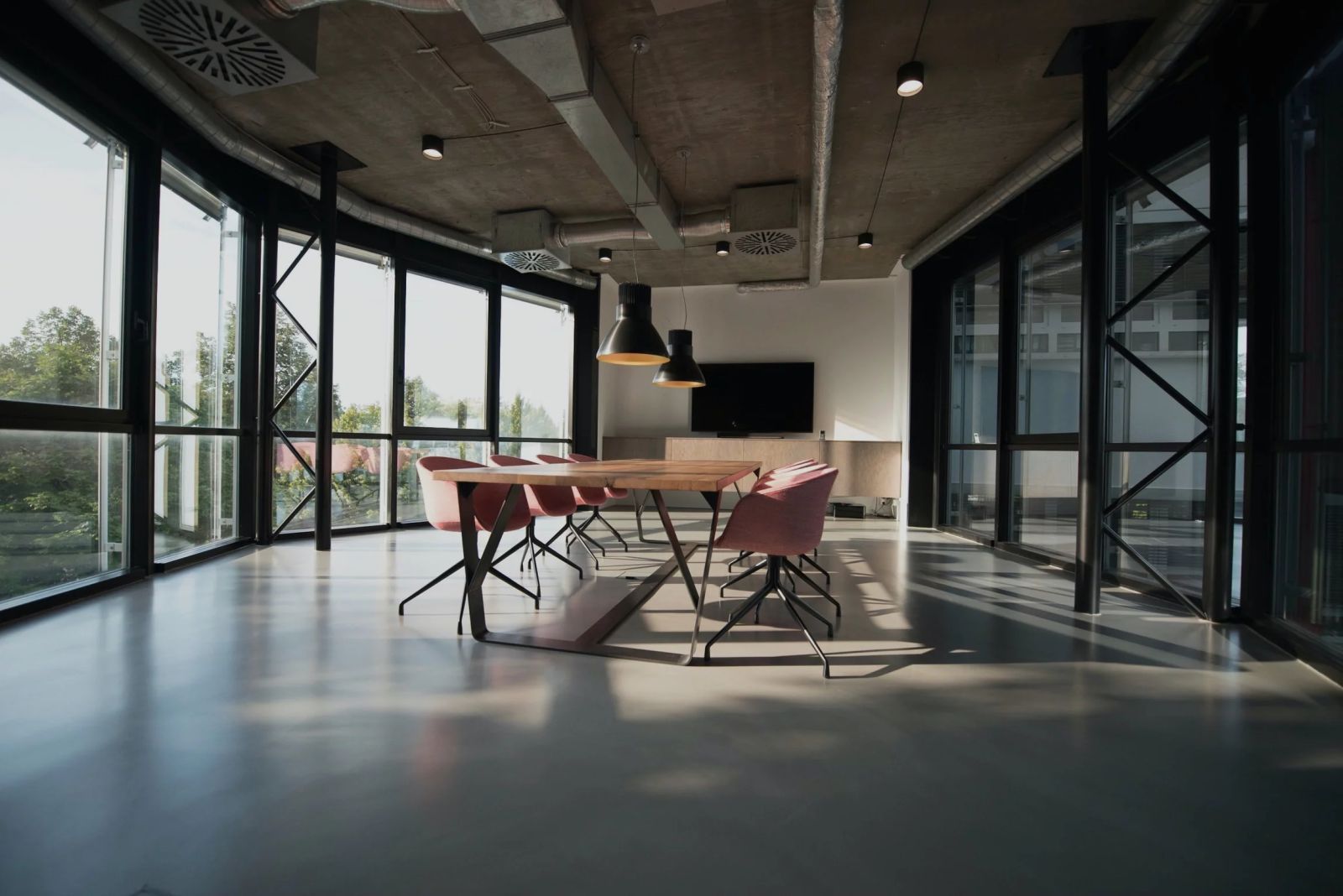
Two
Three
Fade to 10%
One

Two
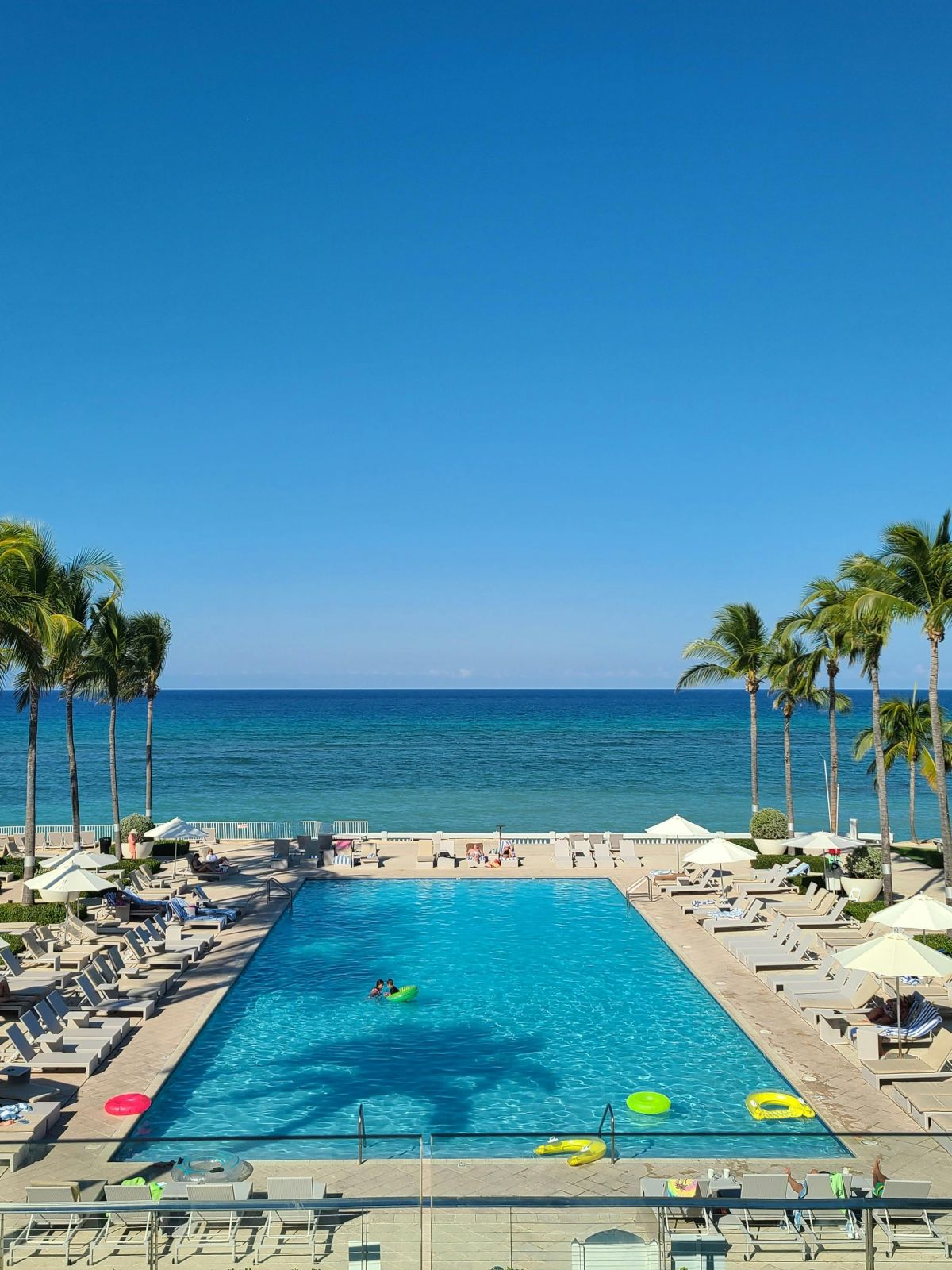
Three
Fade to 40%
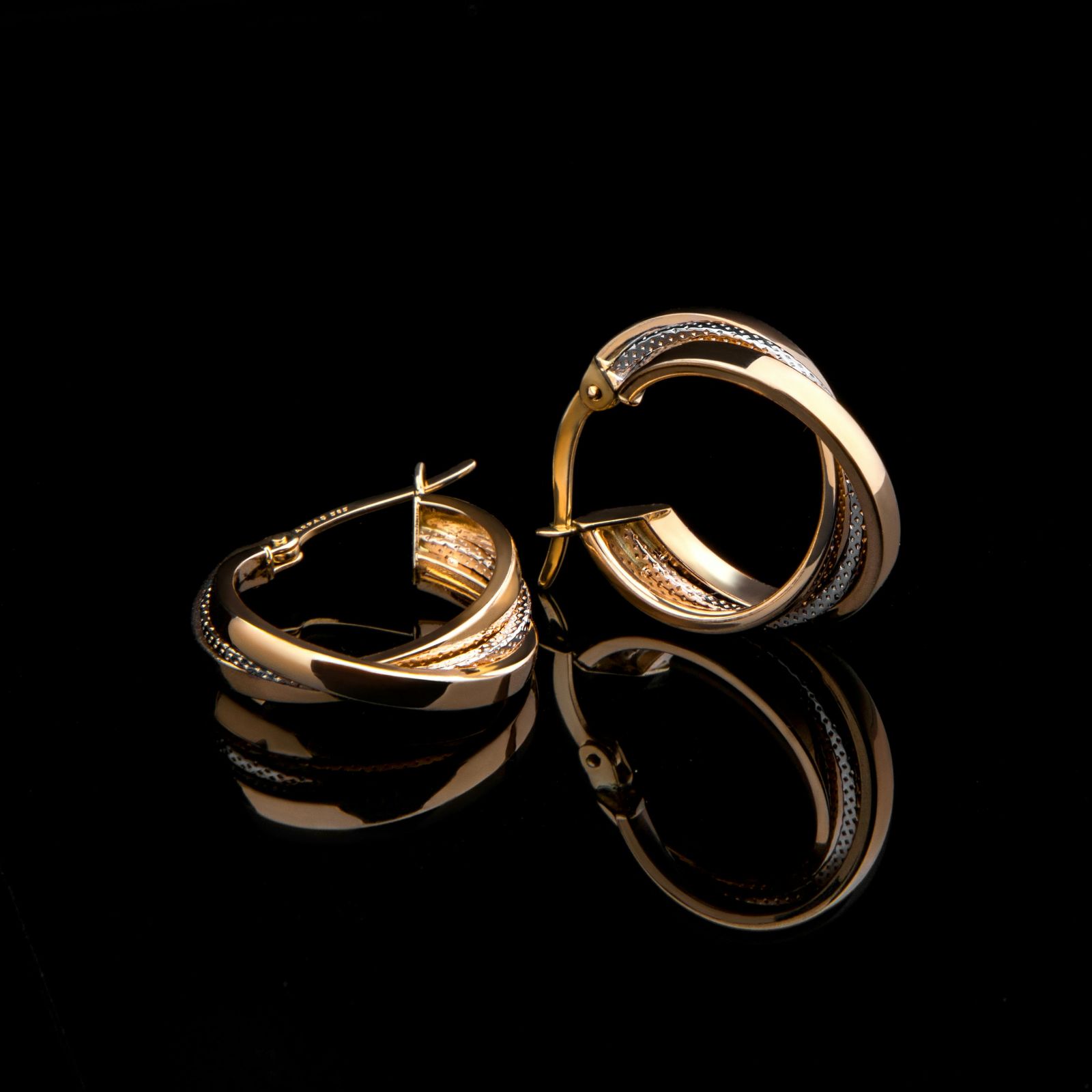
One
Two
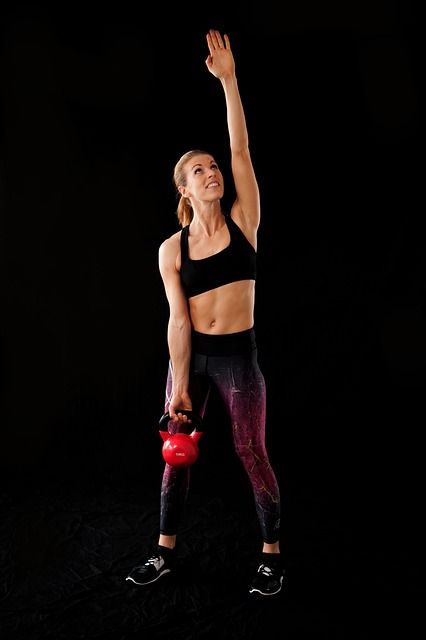
Three
Fade to 75%
Photos that span columns
Set where each photo starts and ends on the grid, with separate values for tablets and phones.
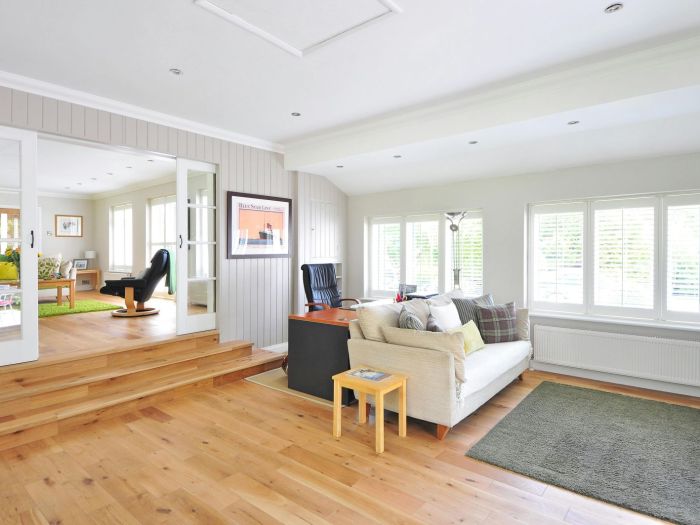
Three columns
Columns 1 to 4
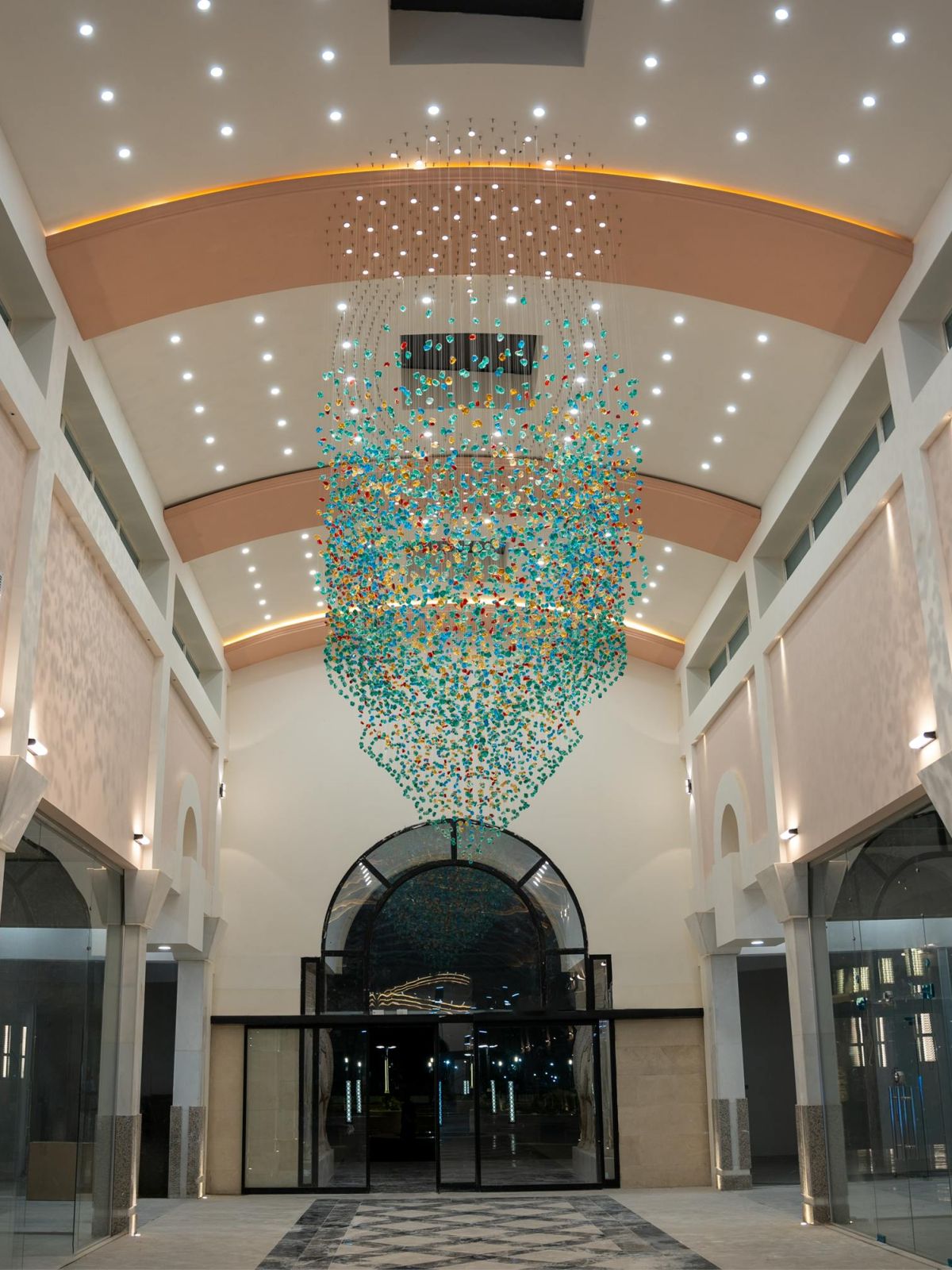
One column
Column 4
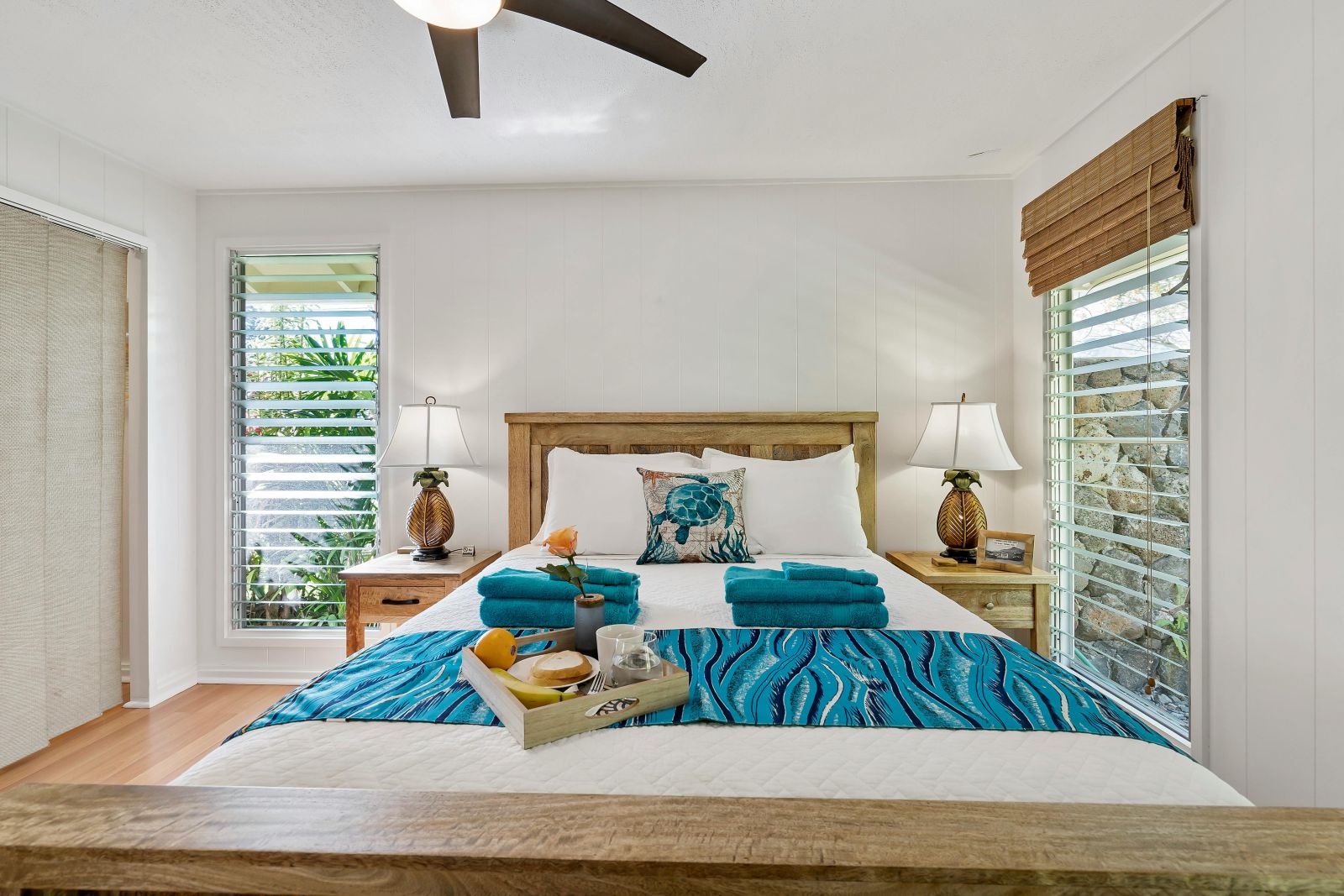
One column
Column 1
Two columns
Columns 2 to 4
One column
Column 4
FEATURES
Image Caption features
Everything is set in the Divi Builder, with no code.
Captions on hover
Each photo has a title and an optional description that appear when a visitor points at it.
7 blend modes
Difference, Exclusion, Luminosity, Color, Normal, Multiply and Color dodge.
The others fade back
Choose how far the other photos fade while one is hovered, from barely to almost gone.
Photos that span columns
Let a photo start and end on any column for magazine-style layouts.
Columns and gap per device
Set the number of columns and the gap for desktop, tablet and phone.
Height and focus point
Set one photo height for the grid and choose which part of each photo stays in view.
Your own fonts
Style the title and the description separately, with any font, size and spacing.
Divi 5 and Divi 4
The module works in both versions of Divi.
HOW TO
How to add image captions in Divi
1
Add the module
In the Divi Builder, add DG Image Caption and set the number of columns and the gap.
2
Add your photos
Add an Image Caption Item for each photo, then upload the image and write its alt text.
3
Write the captions
Give each photo a title, and turn on the description for a second line.
4
Style the effect
Pick the blend mode, how far the others fade, the photo height and the fonts.
FAQ
Image caption FAQ
Short answers about the Image Caption module. Open as many as you like.
More questions? Ask our team, we reply within 24 hours.
It shows photos in a grid. When a visitor points at a photo, the other photos fade back and that photo’s title and description appear over the gallery, mixed in with a blend mode.
On desktops the caption appears in the middle of the whole gallery, in large type. On tablets and phones it sits over the photo itself.
Yes. On touch screens a tap on a photo shows its caption. Captions stay hidden until then, so keep anything visitors must see in the page text as well.
It decides how the caption mixes with the photo. Difference turns white text dark over light areas, so it stays readable on any photo; Exclusion is softer, and Normal keeps the text exactly as you set it.
Yes. Each photo can start and end on any column, with separate values for desktop, tablet and phone.
Yes. The module is available in both Divi 5 and Divi 4, with the same blend modes, fading and column spans.
REVIEWS
Voices of Satisfaction
Hear directly from our cherished clients.
★★★★★
“
DiviGrid made my portfolio look professional without any developer help. The filterable grid module saved me hours of work!

Mohammad Sobhy
★★★★★
“
Customer service is fantastic the DiviGrid and Divi Image Mask Slider are winners and that starts with a great team backing them. Lots of unique options thanks for the support

Tim Kerney
★★★★★
“
It’s a wonderful world to discover. However, I would appreciate some improvement in: – translation (french for instance) – documentation (the search engine is too weak).

Pierre Moser
★★★★★
“
I’ve had almost no issues with Divigrid – like maybe 2 in one year. Their support was immediate and with a resolution. I’ve been working with WordPress & Divi for over six years now and have tried many plugin module developers. Divi Grid has given me consistently excellent results so their plugins are my primary choice.

Bonnie Unsworth
★★★★★
“
A fantastic selection of plugins which are intuitive to use. When I had a query support was on hand and very quick to resolve my question.

Heather Pedley
★★★★★
“
Great software at an amazing price. I like it.

Pedro de Pradines
★★★★★
“
This is a great plugin. there is no doubt. work well all features are like magic. requesting you divigrid team to create tutorials also on YouTube for some advanced options and open a forum site. It has vast features to talk about.

Shezan Ahmed
★★★★★
“
I’m relatively new to Divi, but found this plug-in to be very helpful making a site just the way I want to see it without having to jugle other items.

Thomas Bogan
★★★★★
“
I’m so happy with customer service! While I’m not a beginner with Divi I needed help and it came quickly. I’m really enjoying everything I can do with the content grid and can’t wait to get into the list grid!

Valerie Robitaille
Explore more DiviGrid modules
Masonry Gallery
A filterable photo wall with hover effects.
Justified Gallery
Rows of photos that keep their shapes.
Image Accordion
Photo panels that open on hover or click.
Image Hotspot
Pins on a photo that open tooltips.
GET STARTED
Let your photos tell the story
Image Caption comes with DiviGrid, together with 50+ other Divi modules. From $19 a year.
14-day money-back guarantee
Secure checkout
Support replies within 24 hours