
Divi Image Shapes
Images that refuse to be rectangles.
DG Image Shape puts any photo inside a blob, an arch, a brush stroke or one of 106 shapes, right in the Divi 5 Builder. Add a backdrop shape and decoration layers, morph to a second shape, and add hover or parallax effects. The photo stays a real, responsive image with alt text. Ten places where a shaped image does more than a square one, below.

Blob

Arch

Hexagon
Badge

Elegant
Live examples
Explore 10 Divi image shape examples
Move the mouse over the examples: many of them react with parallax layers, hover effects or a shape that morphs. Each one is a single DG Image Shape module.
USE CASE 01 · COACHES, FREELANCERS & PERSONAL BRANDS
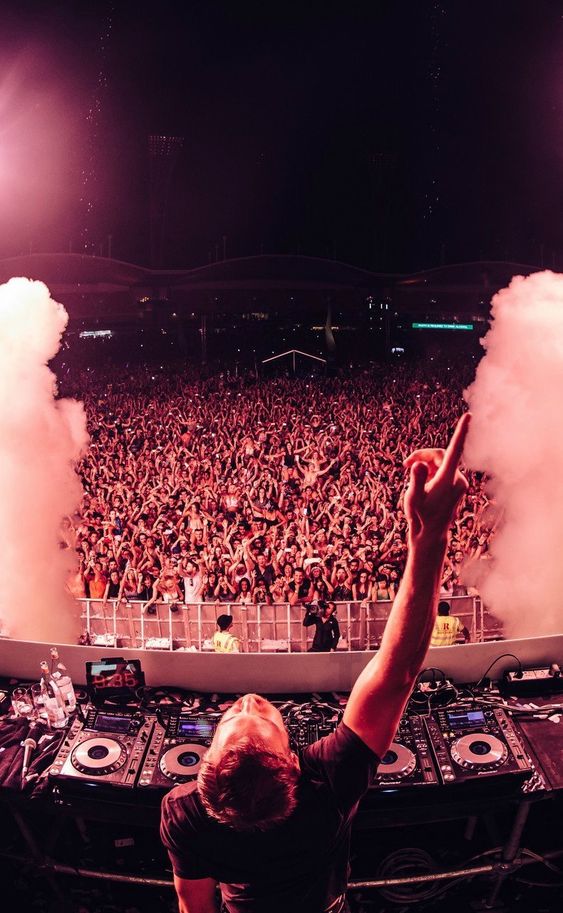
A hero portrait in a soft, organic shape feels personal in a way a square photo never does. The accent shape, dots and ring float at different depths as the visitor moves the mouse.
Shape: Elegant 15 + Matching Accent · Layers: dots, ring, sparkle with mouse parallax · Motion: idle Float

USE CASE 02 · TEAM & ABOUT PAGES
Profile cards with personality
Three portraits, three related arch shapes, each with an offset colour block behind it. Hover a card and the photo zooms inside its shape while the dots move away.
Shapes: Arch, Tombstone, Gothic Arch · Backdrop: same shape, offset · Hover: Zoom In + layer move

Jonas Weber
Creative Director
Twelve years of brand work, still sketches every idea on paper first.

Lena Fischer
Head of Strategy
Turns messy research into a plan the whole team can repeat.

Noah Becker
Lead Developer
Builds fast sites and faster tools. Loves a clean pull request.

USE CASE 03 · RESTAURANTS & FOOD
The dish of the day, served round
Food photos taken from above already want to be circles. A slowly spinning dashed ring and two leaves make the plate feel alive, and hover gives it a little turn.
Margherita, wood-fired — $16
Diavola with honey — $19
Funghi & truffle — $21
Shape: Circle · Layers: spinning dashed ring, swinging leaves, price text · Hover: Rotate Shape
USE CASE 04 · PRODUCT LAUNCHES & SHOPS
A product that changes on hover
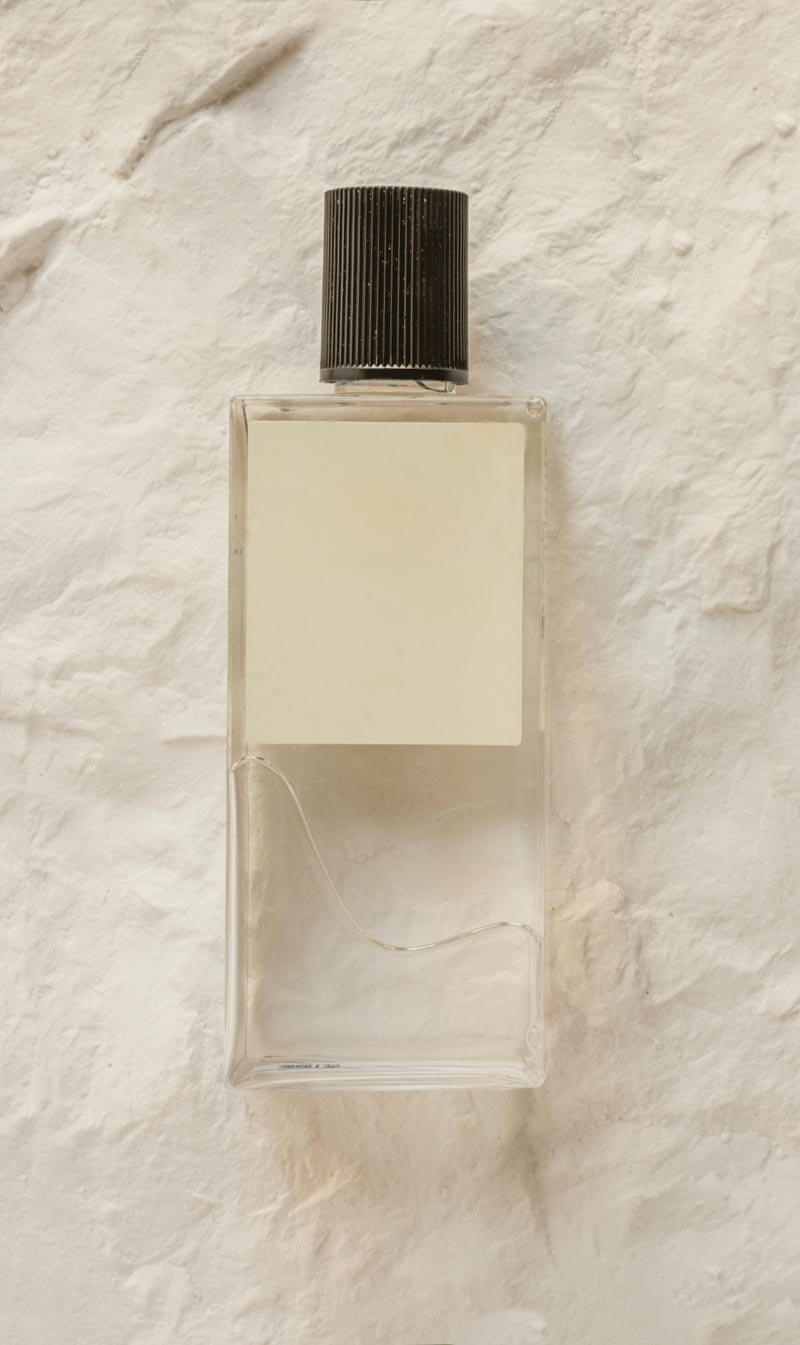
The bottle sits in a blob that keeps slowly morphing. Hover it and the image swaps to the product in use, inside the same shape. It is a gentle before / after for any shop page.
Shape: Animated Blob (morphing) · Hover: Swap Image · Layers: NEW text badge, stars

USE CASE 05 · BLOGS, TRAVEL & PORTFOLIOS
A travel journal in brush strokes
Hand-painted shapes fit a journal or a portfolio. The photos start in black and white and bloom into colour on hover. Click one to open it full size in the lightbox.
Shapes: Elegant brush strokes + accents · Hover: Black & White to Colour · Extras: centred caption, Lightbox


USE CASE 06 · INTERIORS & REAL ESTATE
A collage that opens into the room
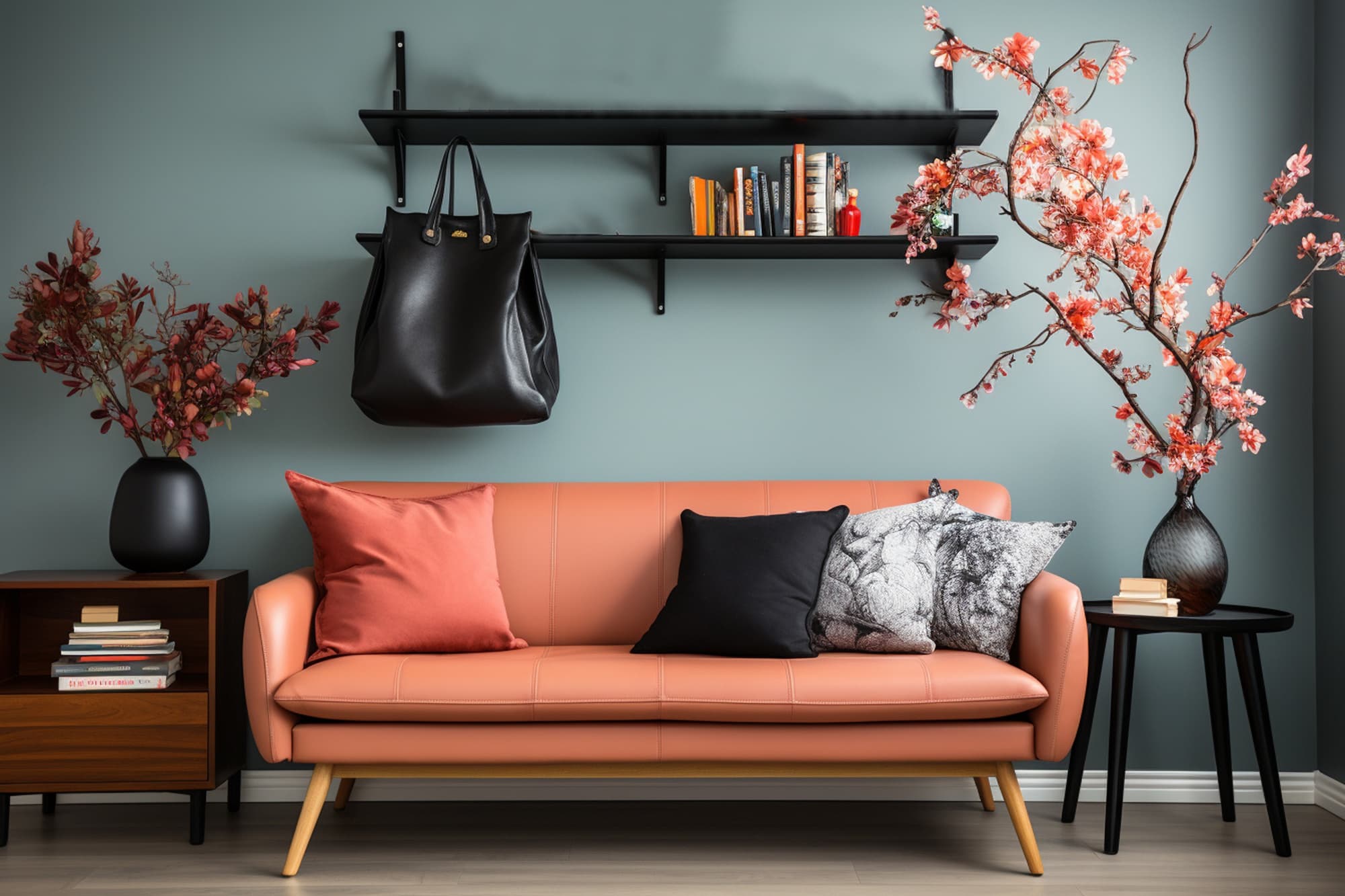
Four tiles hint at the space; hover and the tiles grow into the full photo. Great for listings, interior studios and before / after stories, with the lines drifting as you scroll.
Shape: Elegant 33 (tile collage) + accent · Hover: Reveal the Full Image · Layers: diagonal lines with scroll parallax

USE CASE 07 · TESTIMONIALS & REVIEWS
★★★★★
“We launched in three weeks instead of three months. The new site books calls while we sleep.”
Marcus Lee · Founder, Northwind Studio
Shape: Speech Bubble · Backdrop: same shape, offset left · Layers: quote mark (text layer), plus grid · Hover: Grow
USE CASE 08 · WEDDINGS & EVENTS
A frame that turns into a heart
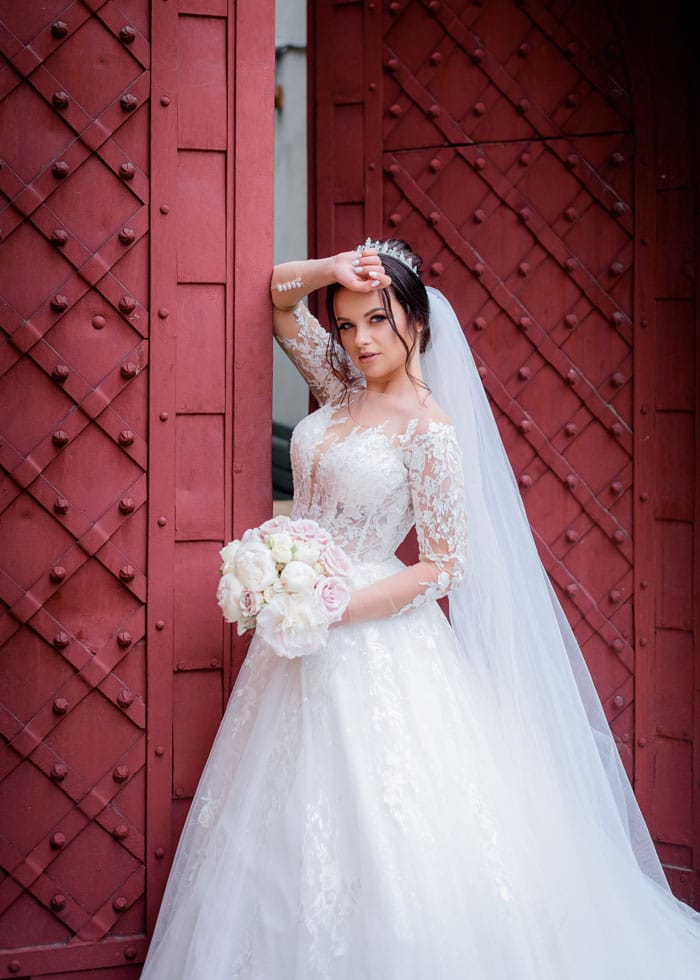
Soft double arches suit invitations, venues and photographers. Hover the photo and the arches melt into a heart. A small moment couples remember.
Shape: Double Arch · Hover: Morph to a Second Shape (Heart) · Layers: confetti, floating rings
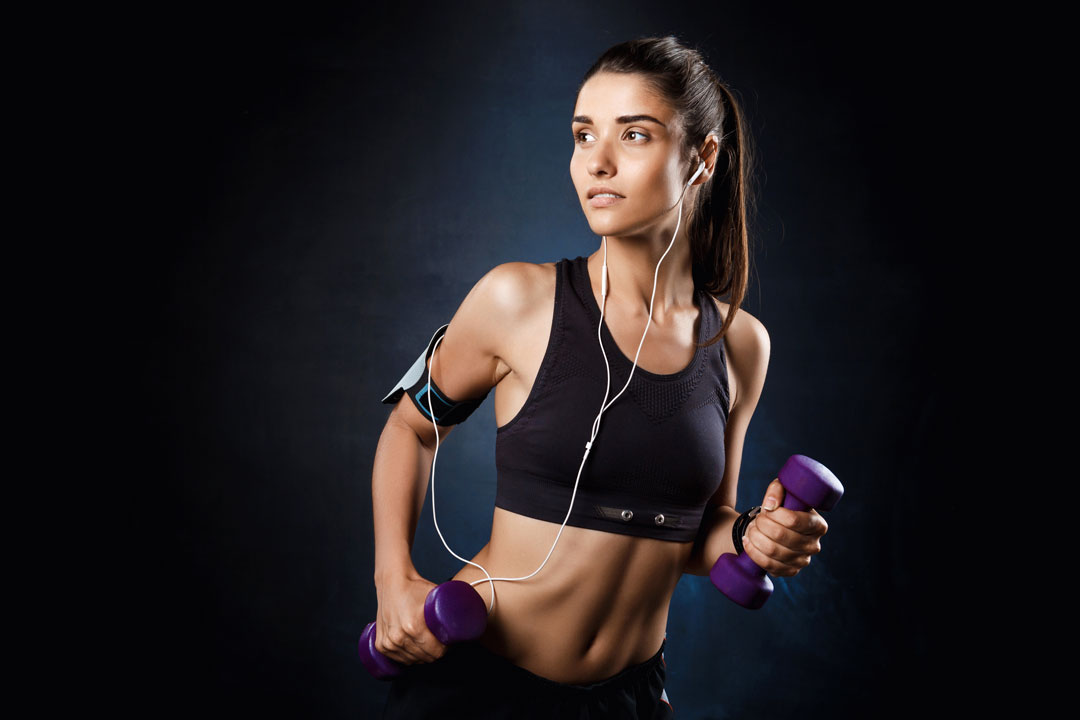
USE CASE 09 · FITNESS, SPORTS & GYMS
Energy you can feel with the mouse
A rough brush stroke, a neon backdrop and a pulsing bolt give a class or coach page real energy. Move over the photo and it tilts in 3D toward the pointer.
Shape: Brush 4 · Hover: 3D Tilt · Layers: pulsing lightning, bouncing chevrons
USE CASE 10 · APPS, SAAS & STARTUPS
Make a feature screenshot feel premium
A squircle, a soft gradient blob behind and a few shapes that move at different depths turn a plain screenshot into a product hero. Hover sends a light sweep across it.
Shape: Squircle · Hover: Shine · Layers: blob, circle, square and dots with mouse parallax

What it is for
What you can build with Divi image shapes
A shaped image breaks the grid of rectangles that most pages are made of. It draws the eye to a portrait, a product or a dish without extra graphics in Photoshop.
- Personal brand heroes with a portrait in an organic shape, an accent shape behind it and floating dots.
- Team and profile cards that feel friendlier than square headshots.
- Restaurant and product photos served in round or soft shapes, with a second image on hover.
- Travel and lifestyle collages with brush-stroke frames and layered decoration.
- Feature screenshots framed by a backdrop shape to make a plain screenshot feel designed.
Features
Divi image shape features
106 shapes, or your own
Choose from 106 library shapes and 6 animated blobs, or upload your own SVG or PNG shape. Fit the photo to the shape, contain it or stretch the shape to the frame, and set the focal point so faces stay in view.
Backdrop and decoration layers
Show a backdrop shape behind the photo and stack decoration layers (shapes, icons, text) above or below it. Each layer can move with the mouse or the scroll for a parallax feel.
Hover and idle effects
On hover, zoom, tilt in 3D, change to black and white or colour, swap to a second image or morph into another shape. Idle animations such as float, breathe and sway keep the shape alive.
Captions, links and lightbox
Add a caption above, below or over the image, link the image to a page, or open it in a lightbox.
How to add a shaped image in Divi
Everything is set in the module; there is no CSS clip-path to write.
- Add the DG Image Shape module and upload your photo with its alt text.
- Pick a shape from the library or upload your own SVG.
- Set the aspect ratio, image fit and focal point.
- Add a backdrop shape, layers and a hover effect if you like.
Why use DiviGrid’s Image Shape module
Shaping images in Divi usually means exporting every photo pre-cut, or writing CSS masks. DG Image Shape does it on the page, so you can change the photo or the shape at any time.
- The image stays a real <img>: responsive, lazy-loaded and with alt text for search engines.
- One module for shapes, layers, hover effects and parallax.
- Change the shape later without re-exporting any images.
- Works with your own brand shapes through SVG upload.
REVIEWS
Voices of Satisfaction
Hear directly from our cherished clients.
★★★★★
“
DiviGrid made my portfolio look professional without any developer help. The filterable grid module saved me hours of work!

Mohammad Sobhy
★★★★★
“
Customer service is fantastic the DiviGrid and Divi Image Mask Slider are winners and that starts with a great team backing them. Lots of unique options thanks for the support

Tim Kerney
★★★★★
“
It’s a wonderful world to discover. However, I would appreciate some improvement in: – translation (french for instance) – documentation (the search engine is too weak).

Pierre Moser
★★★★★
“
I’ve had almost no issues with Divigrid – like maybe 2 in one year. Their support was immediate and with a resolution. I’ve been working with WordPress & Divi for over six years now and have tried many plugin module developers. Divi Grid has given me consistently excellent results so their plugins are my primary choice.

Bonnie Unsworth
★★★★★
“
A fantastic selection of plugins which are intuitive to use. When I had a query support was on hand and very quick to resolve my question.

Heather Pedley
★★★★★
“
Great software at an amazing price. I like it.

Pedro de Pradines
★★★★★
“
This is a great plugin. there is no doubt. work well all features are like magic. requesting you divigrid team to create tutorials also on YouTube for some advanced options and open a forum site. It has vast features to talk about.

Shezan Ahmed
★★★★★
“
I’m relatively new to Divi, but found this plug-in to be very helpful making a site just the way I want to see it without having to jugle other items.

Thomas Bogan
★★★★★
“
I’m so happy with customer service! While I’m not a beginner with Divi I needed help and it came quickly. I’m really enjoying everything I can do with the content grid and can’t wait to get into the list grid!

Valerie Robitaille
FAQ
Image shape questions
Common questions about shaped images in Divi.
Add the DG Image Shape module, upload your photo and choose a blob from the shape library. You can also pick one of the 6 animated blobs, which slowly change form.
Yes. Choose Custom Upload as the shape source and upload an SVG or PNG. Your shape keeps its own proportions.
Yes. The photo is output as a normal <img> with its alt text, size attributes and lazy loading, so search engines and screen readers see it like any other image.
Yes. Choose the morph hover effect and a second shape, and the image changes shape when visitors hover it. Other hover effects include zoom, 3D tilt and swapping to a second image.
Image Shape displays one shaped image with layers and effects. The Image Mask Slider is a slider that moves between images with mask transitions.
Keep exploring
Related Divi modules
Looking for something else? Browse all DiviGrid modules or see the Divi 5 plugin compatibility list.
THE FULL LIBRARY
106 shapes, 6 animated blobs, 11 hover effects
Every tile below is a live DG Image Shape module, so you can hover them. Upload your own SVG or PNG for anything that is missing, and stack any of the 35 decorations as layers.
Library: 9 categories · Motion: 11 hover effects, 4 idle animations, 5 layer animations + parallax
Blobs · 12
Organic · 6

Geometric · 14
Arches & Windows · 8
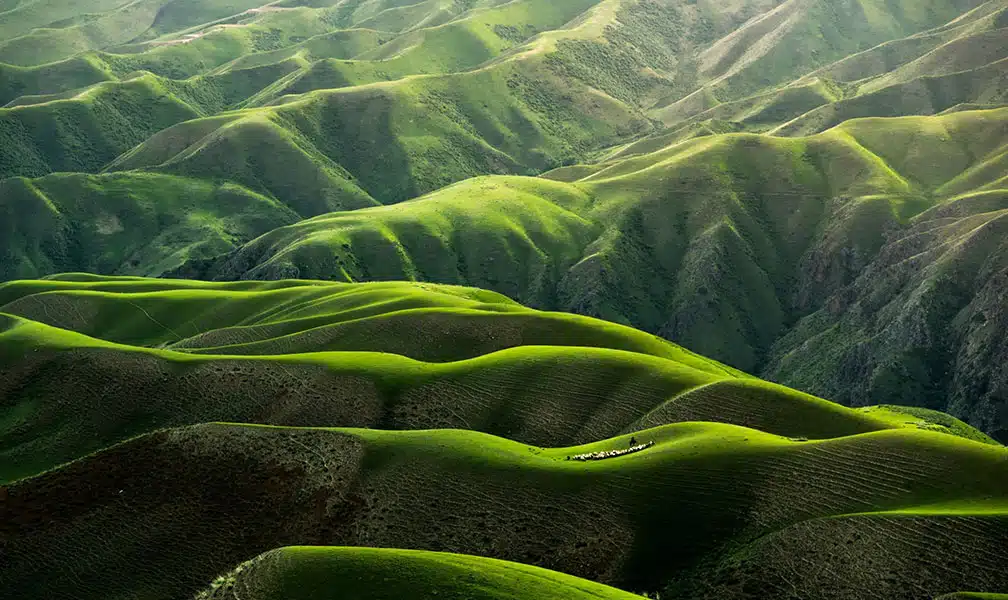
Brush Strokes · 8
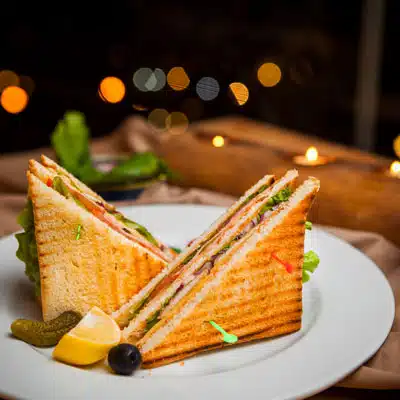
Badges · 6
Collages · 6

Fun · 6
Elegant · 40 — each with a matching accent shape
Animated Blobs · 6 — the edges keep morphing

Hover Effects · 11 — hover each tile
Idle Animations · 4 — always running, paused off screen
Layer Motion · 8 — for any decoration, shape, icon or text layer
Pick a shape, stack a few layers, choose a hover effect.
Every image on this page is a single DG Image Shape module with a real, responsive <img> inside.