
Divi Image Hover Reveal
One module. Five ways to reveal a story.
DG Image Reveal is a Divi 5 module that shows a photo when visitors hover, click or tap an item: a destination, a room, a team member or a project name. Pick a layout (Grid Over Image, Split or a Hover List with a floating image) and one of 26 transitions. Five real layouts below, each with the settings it uses.
Live examples
Explore 5 Divi image hover reveal examples
Hover the items in each example (or tap them on a phone). Every section is one DG Image Reveal module with a different layout, trigger and transition.
USE CASE 01 · TRAVEL & TOURISM
A destination hero that sells the trip
Four places, one full-width image. Visitors hover a column and the whole hero changes scene. Autoplay keeps it moving when nobody is touching it, and the progress bar shows what comes next.
Layout: Grid Over Image, 4 columns · Effect: Ink Bloom + Slow Zoom · Extras: Glass Effect, Autoplay with progress

Seven days of cabins, cedar trails and quiet mornings above the clouds.

Ride the morning train through terraced hills and stay on a working estate.

Reef walks, turquoise shallows and a seaplane ride over the lagoon.

Slow beach days, reef snorkelling and dinners where the sun goes down.
USE CASE 02 · HOTELS & RESORTS
Let guests walk through the resort
A single column of rooms sits on top of the photo. Clicking a room swaps the scene with a camera-shutter effect, and its booking button appears only on the room that is open.
Layout: Grid Over Image, 1 column at the left · Effect: Camera Shutter · Extras: Click trigger, icons, Show Button Only on the Active Item
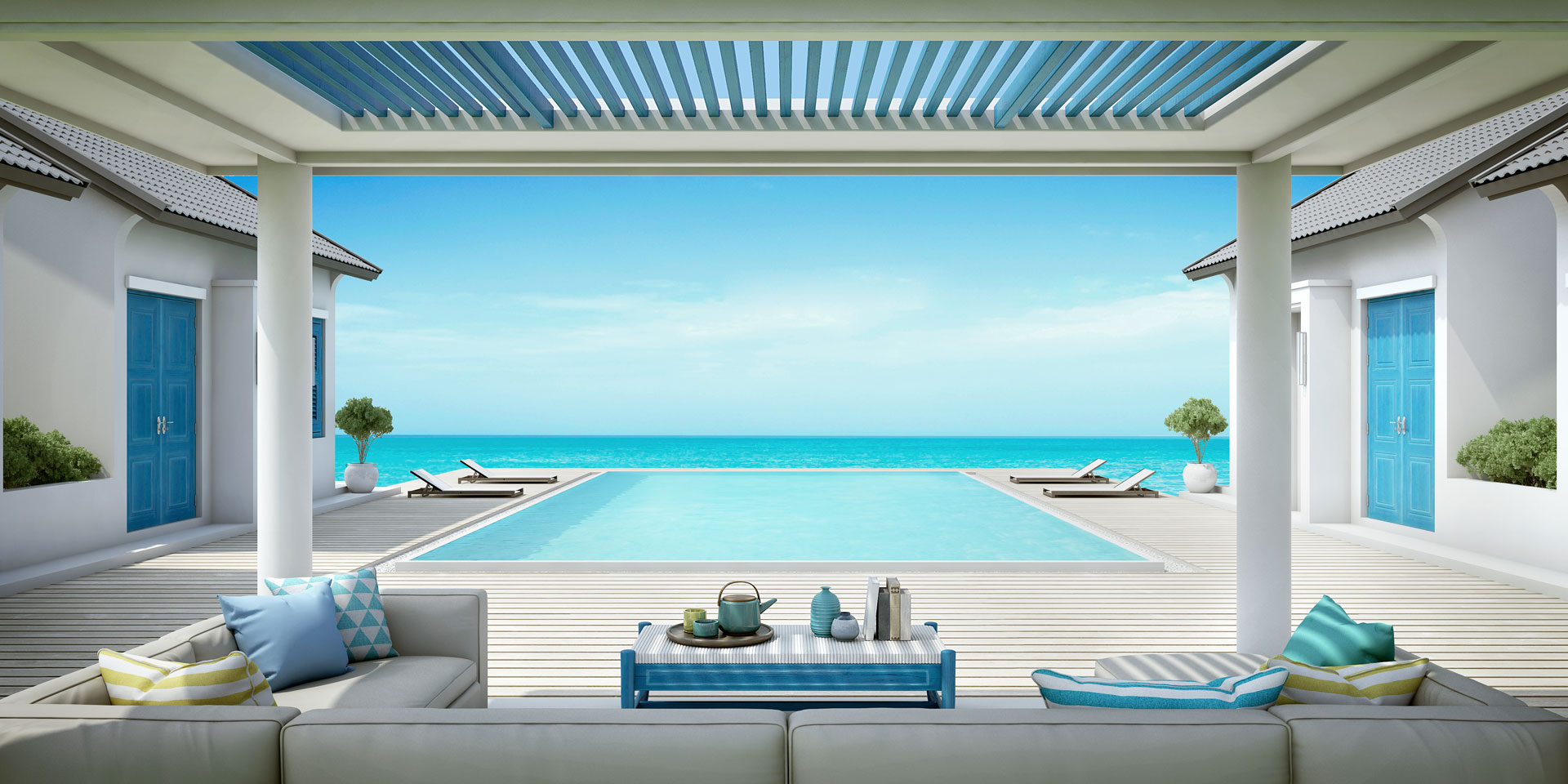
An open living room that runs straight into your own infinity pool and the sea.

Cocktails on the bay walk, grilled catch of the day and the best sunset on the island.

Lit pool, outdoor shower and a villa built for families or two couples.

Loungers, umbrellas and towel service from sunrise. Breakfast is served right here.
USE CASE 03 · PRODUCTS & E-COMMERCE
Explain a routine, step by step
The steps sit on the left with a product photo each, and the image on the right changes as the routine plays. It is a calm way to teach a process: onboarding, recipes or a four-step skincare ritual.
Layout: Split, image right, sticky · Effect: Liquid Morph · Extras: Autoplay steps with progress, item media images




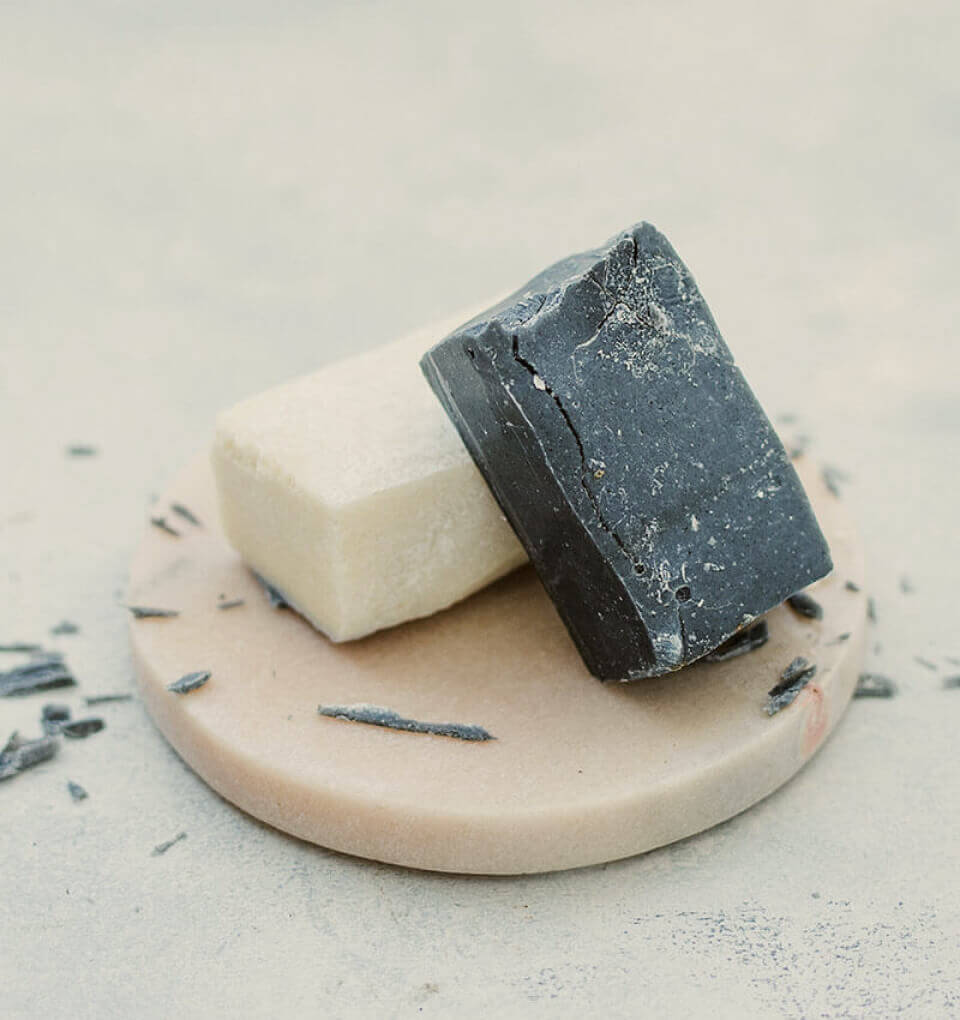
Lift the day away with a gentle, low-foam cleanse. Thirty seconds, lukewarm water.
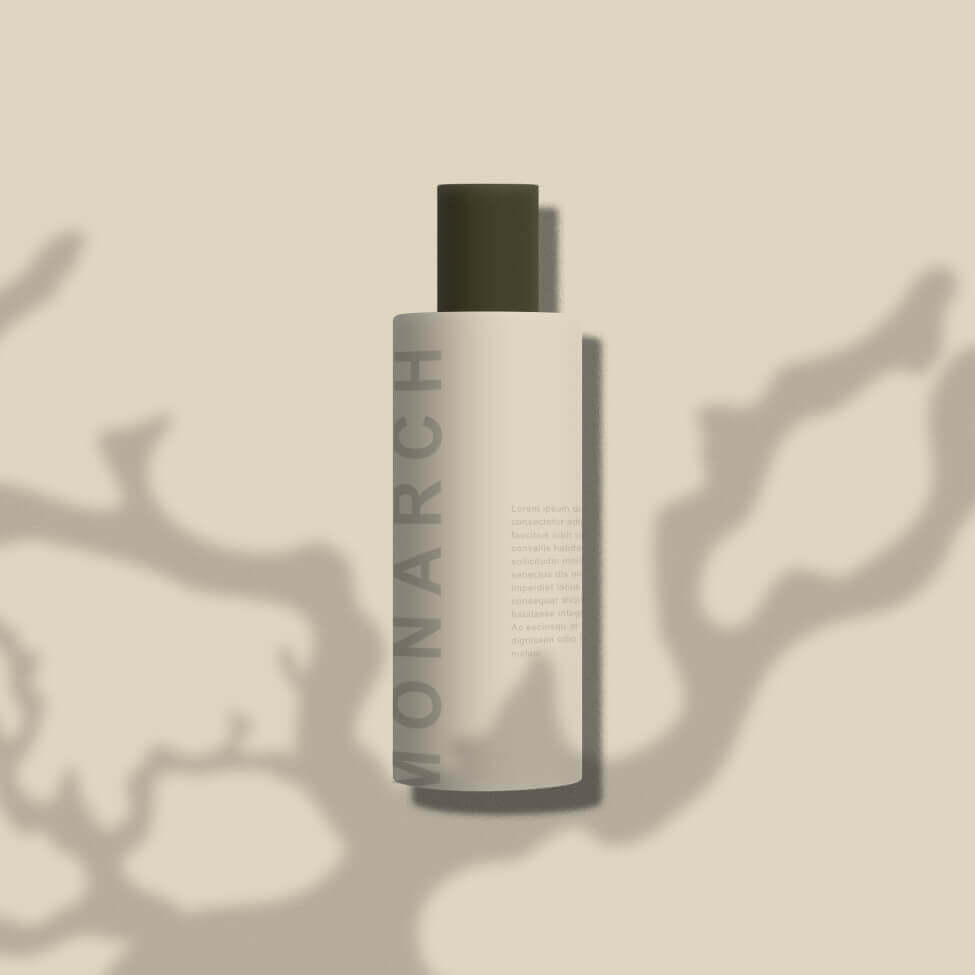
Rebalance and prep the skin so everything after it absorbs better.
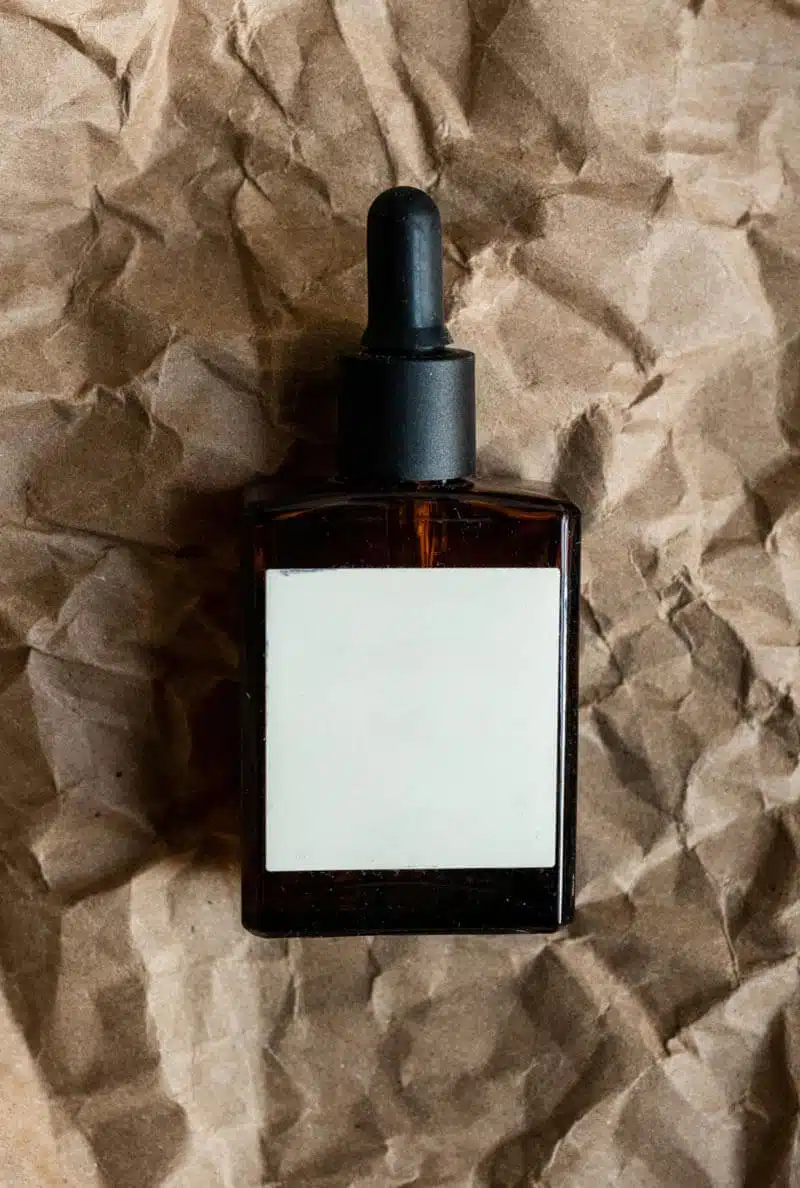
Three drops, pressed in, never rubbed. Targets dullness overnight.
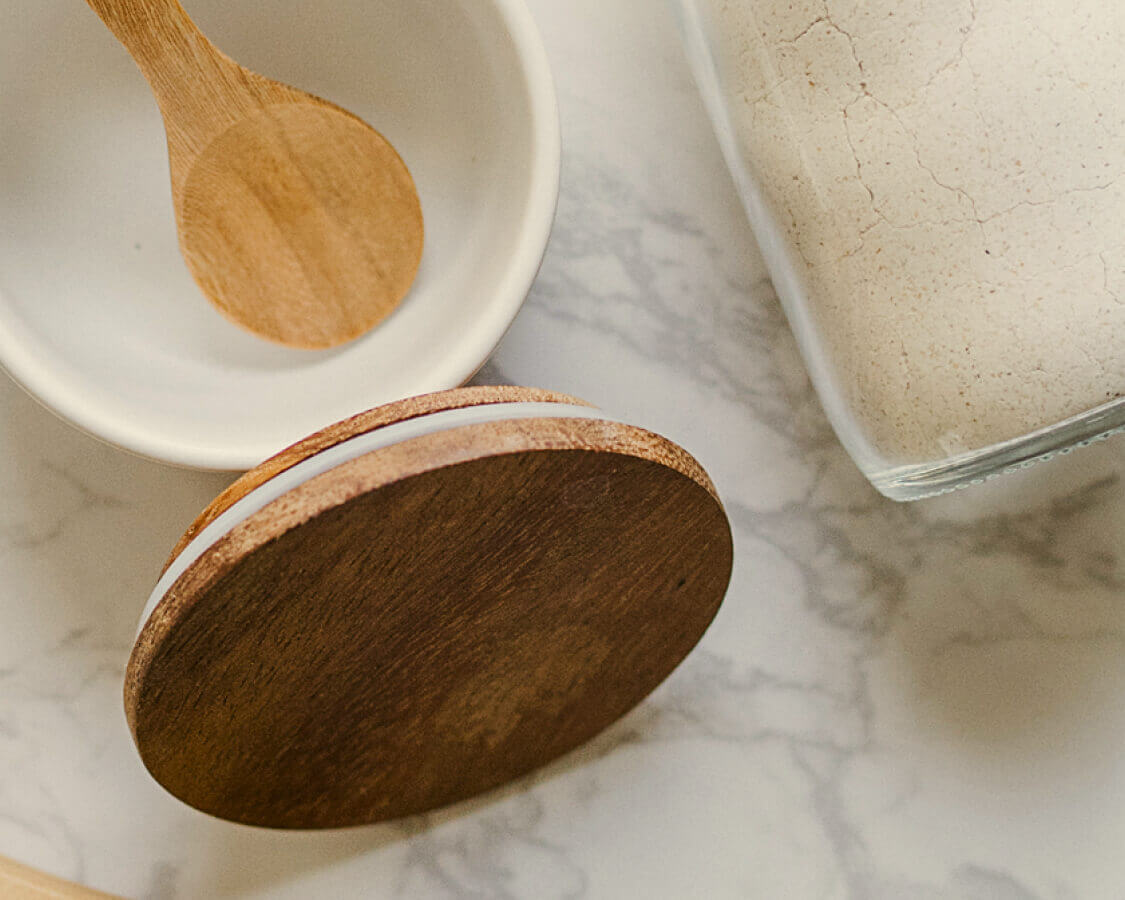
Seal it in with a light cream that sits well under make-up and SPF.
USE CASE 04 · TEAMS & PEOPLE
Give every person their own entrance
Five people, five columns, and every item uses its own Reveal Effect. It is playful, it fits creative studios and agencies, and it shows how items can override the module default.
Layout: Grid Over Image, 5 columns · Effect: Per item: Glass Shatter, Honeycomb, Pinwheel, 3D Tile Flip, Paint Drops · Extras: Content at the bottom, per-item overlay





USE CASE 05 · AGENCIES & PORTFOLIOS
A case-study list with a floating preview
Big, quiet typography and a preview that follows the cursor. Each row links to its case study. On phones the rows stack with their own image, so nothing depends on hover.
Layout: Hover List, follow cursor + tilt · Effect: Liquid Wave · Extras: Numbered rows, arrow on the active row, whole-item links

Leafline Studio
Orbit Creative

Peach UI Kit

Photography Day

Typeset Dashboard
What it is for
What you can build with a Divi image reveal
An image reveal turns a plain list into something visitors want to explore. The words stay readable and clickable; the photo arrives only when someone shows interest.
- Destination and tour heroes where each place name swaps the full-width background photo.
- Hotel and real estate tours with rooms listed beside one large image that changes as visitors move down the list.
- Step-by-step routines such as skincare or onboarding steps, each with its own photo.
- Team pages where hovering a name brings up that person’s portrait.
- Portfolio and case-study lists with a floating preview image that follows the cursor.
Features
Divi image hover reveal features
Three layouts
Grid Over Image lays the items over one big photo, Split puts the image beside the list, and Hover List shows a floating image next to the cursor. On phones, keep the layout, stack each item with its own image, or move the image on top.
26 transitions
From a soft fade and ink bloom to liquid morph, camera shutter, glass shatter and 3D tile flip. Set the duration and easing, or give single items their own effect.
Hover, click or autoplay
Reveal on hover, on click or both, choose which item starts open, and let autoplay walk through the items with a progress bar when nobody is interacting.
Items with real content
Each item has a title, subtitle, text, an icon or image and a button, so the list works as navigation, not just decoration. Glass styling and an active-item scale help the current item stand out.
How to create a hover reveal list in Divi
No custom JavaScript: the module handles the hover, the transitions and touch screens.
- Add the DG Image Reveal module and choose a layout.
- Add an item for each entry and give it a title, text and image.
- Choose the trigger (hover, click or both) and a transition effect.
- Style the items, the active state and the phone behaviour in the Design tab.
Why use DiviGrid’s Image Reveal module
Building a hover list with swapping images in Divi usually means custom code for each section. Here it is one module with live preview in the Visual Builder.
- One image is shown at a time, so long lists stay calm.
- Touch screens get their own setting: tap once or tap twice to open.
- Each item can link to its own page.
- The same module covers heroes, menus, team pages and portfolios.
REVIEWS
Voices of Satisfaction
Hear directly from our cherished clients.
★★★★★
“
DiviGrid made my portfolio look professional without any developer help. The filterable grid module saved me hours of work!

Mohammad Sobhy
★★★★★
“
Customer service is fantastic the DiviGrid and Divi Image Mask Slider are winners and that starts with a great team backing them. Lots of unique options thanks for the support

Tim Kerney
★★★★★
“
It’s a wonderful world to discover. However, I would appreciate some improvement in: – translation (french for instance) – documentation (the search engine is too weak).

Pierre Moser
★★★★★
“
I’ve had almost no issues with Divigrid – like maybe 2 in one year. Their support was immediate and with a resolution. I’ve been working with WordPress & Divi for over six years now and have tried many plugin module developers. Divi Grid has given me consistently excellent results so their plugins are my primary choice.

Bonnie Unsworth
★★★★★
“
A fantastic selection of plugins which are intuitive to use. When I had a query support was on hand and very quick to resolve my question.

Heather Pedley
★★★★★
“
Great software at an amazing price. I like it.

Pedro de Pradines
★★★★★
“
This is a great plugin. there is no doubt. work well all features are like magic. requesting you divigrid team to create tutorials also on YouTube for some advanced options and open a forum site. It has vast features to talk about.

Shezan Ahmed
★★★★★
“
I’m relatively new to Divi, but found this plug-in to be very helpful making a site just the way I want to see it without having to jugle other items.

Thomas Bogan
★★★★★
“
I’m so happy with customer service! While I’m not a beginner with Divi I needed help and it came quickly. I’m really enjoying everything I can do with the content grid and can’t wait to get into the list grid!

Valerie Robitaille
FAQ
Image hover reveal questions
What people ask before adding a hover reveal to a Divi page.
Add the DG Image Reveal module, add one item per line of text and give each item an image. When a visitor hovers an item, its image appears with the transition you choose. You can also reveal on click, or on both.
Yes. You choose the phone behaviour: keep the desktop layout, stack every item with its own image, or show the image on top of the list. Touch screens can open an item with one tap or two.
Yes. The Hover List layout shows a floating image that follows the cursor, and you can set its width and height.
No. Entrance animations reveal one image as it scrolls into view. DG Image Reveal swaps between many images as visitors interact with a list. For a single shaped image with hover effects, see Image Shape.
Yes. Every item has its own link and an optional button, and links can open in a new tab.
Keep exploring
Related Divi modules
Looking for something else? Browse all DiviGrid modules or see the Divi 5 plugin compatibility list.
Pick a layout, drop in your images, done.
Grid Over Image, Split or Hover List, 26 transitions, autoplay, glass items and per-item effects. Every section on this page is a single DG Image Reveal module.