
Divi FAQ Module
Answer questions before they are asked.
DG FAQ is a Divi 5 module for frequently asked questions. Show them as an accordion, a toggle list, flip cards, a chat or answers side by side, add icons, images and category tabs, and switch on FAQ schema for search engines. Below are ten FAQ sections built with it, from SaaS pricing to a dental clinic.
Live examples
Explore 10 Divi FAQ module examples
Every example is the same module with different settings. Open the questions, switch the tabs and flip the cards; the line under each heading lists the FAQ type and options it uses.
USE CASE 01 · SAAS & PRICING PAGES
Pricing questions, sorted into tabs
Plans, billing and security questions each get their own tab, so nobody scrolls past twenty answers. The most asked one wears a "Popular" badge, and a help box catches everyone else.
Type: Accordion · Style: Cards · Extras: Category Tabs, Popular badge, Still Have Questions box
Yes. Every plan starts with a 14-day free trial with all features unlocked. No card needed until you decide to stay.
Any time, from your account page. Upgrades apply right away; downgrades take effect at the end of your billing period.
Nothing breaks. We email you at 80% and 100%, and you can upgrade or remove old projects. We never delete data without asking.
All major credit cards, PayPal and bank transfer for yearly plans. Invoices are sent automatically after each payment.
If the product is not right for you, contact us within 30 days of a payment for a full refund. No forms, no questions.
In EU data centres with daily encrypted backups. You can export everything as CSV or JSON whenever you like.
SSO with Google, Microsoft and Okta is included in the Team and Business plans.
Still have questions?
USE CASE 02 · CAFÉS & RESTAURANTS
Opening hours, allergens and dogs
A café FAQ is a list people scan, so it is a Toggle: open as many as you like, or press Expand all. Small icons make each topic easy to spot. The photo beside it is a DG Image Shape.

Type: Toggle · Style: Minimal · Extras: question icons, Expand all
Monday to Friday 7:00–18:00, weekends 8:00–17:00. The kitchen closes 30 minutes earlier.
Yes. Every day we have at least two vegan cakes, oat and almond milk at no extra charge, and gluten-free bread on request.
Of course. Dogs are welcome inside and on the terrace, and there is always a bowl of fresh water by the door.
For groups of six or more. Smaller tables are first come, first served, and we turn them fast.
Free Wi-Fi everywhere and sockets along the window bar. On weekends we ask laptop guests to share bigger tables.
USE CASE 03 · HOTELS & RESORTS
Questions on the left, the answer on display
Side by Side keeps the list short and gives each answer a large panel with a photo and a booking button. Below tablet width it turns into a normal accordion by itself.
Type: Side by Side · Style: Boxed · Extras: answer images, answer buttons
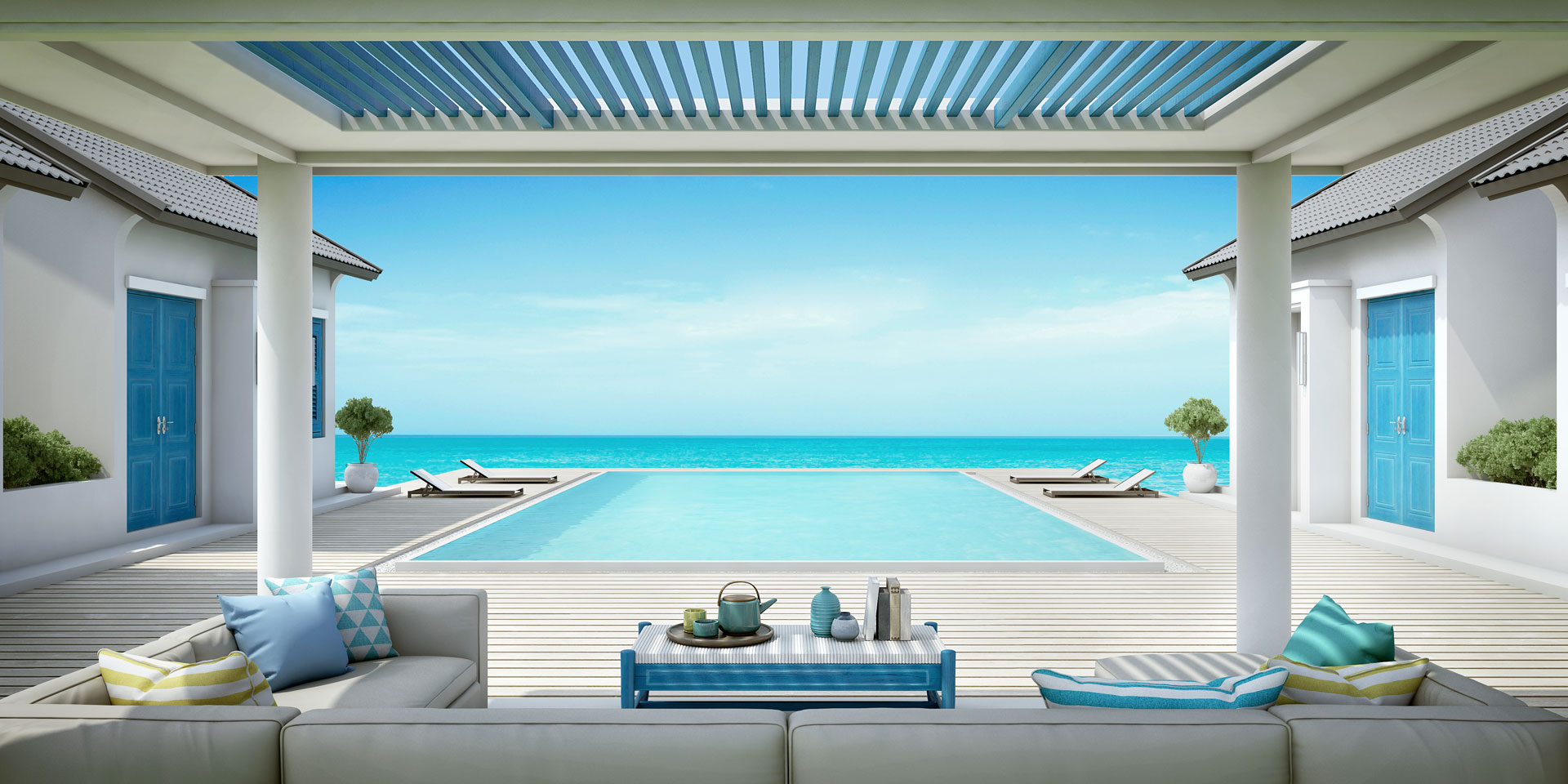
Check-in from 15:00, check-out until 11:00. Early arrivals can leave bags with us and use the pool and spa right away.

Yes, for every room. It is served on the terrace from 7:00 to 10:30, with an à la carte menu until noon.
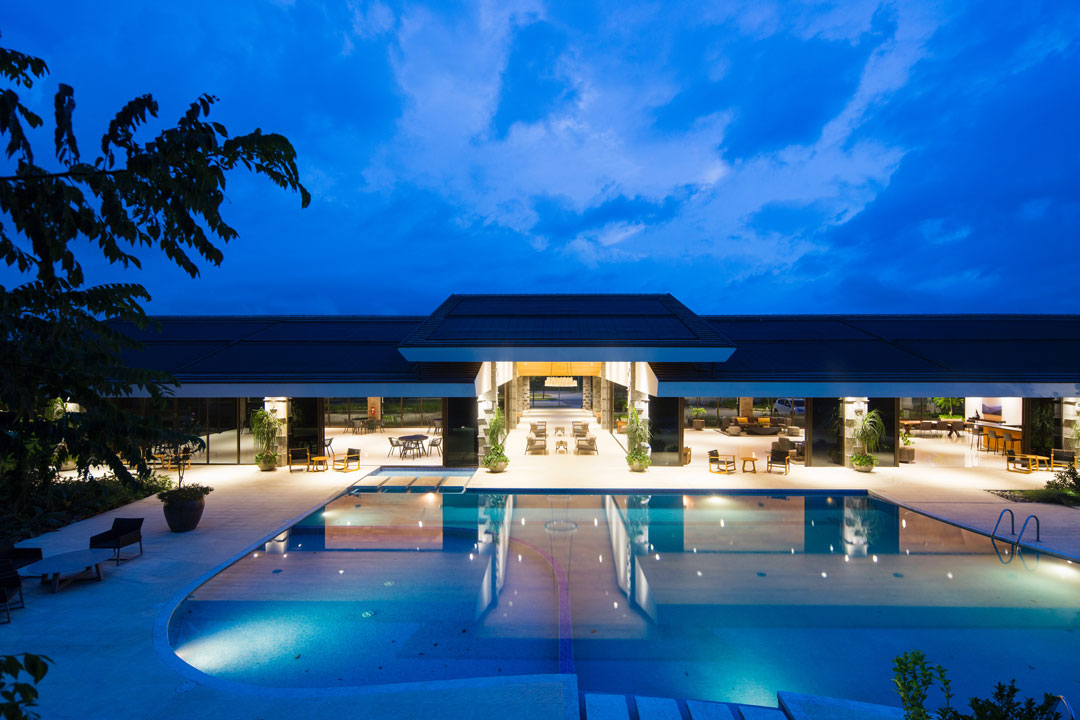
An infinity pool open 7:00–21:00 and a spa with massages, a sauna and a steam room. Book treatments one day ahead.
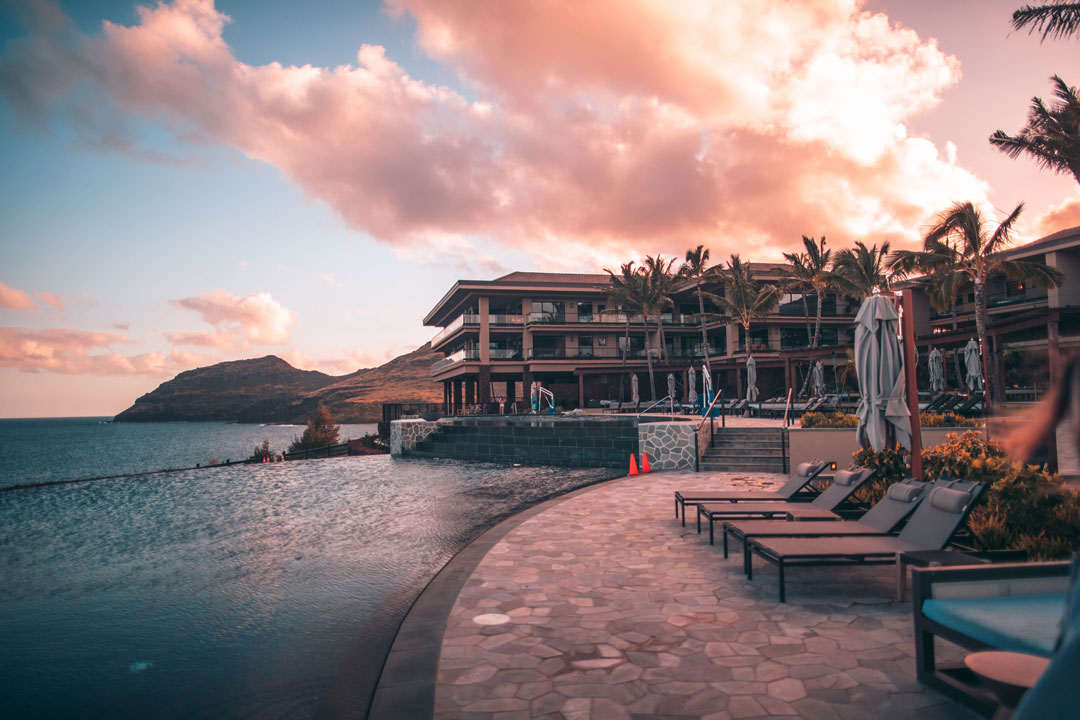
We pick you up in a private car for a flat rate of $45 each way. Send us your flight number at least 24 hours before.
USE CASE 04 · ONLINE STORES
Shipping and returns, as a conversation
The Chat type turns questions into a friendly chat: the visitor taps a question, Mia "types" for a second and the answer pops in. It feels like support, without staffing a chat.
Type: Chat · Extras: reply avatar and name, typing dots

Orders before 2 pm ship the same day. Standard delivery takes 2–3 working days, express arrives the next day. 📦
Yes, on every order over $50. Below that it is a flat $4.90, wherever you are in the country.
Sure! You have 30 days. Print the free label from your account, pack it up and drop it at any parcel shop.
Within 3 working days after the parcel reaches us. You get an email the moment we send it.
USE CASE 05 · WEDDINGS & EVENTS
Questions that flip like little cards
Flip Cards turn the FAQ into a playful grid: hover a card (or tap it on a phone) to see the answer on the back. Ideal when every answer is short and sweet.
Type: Flip Cards (hover) · Extras: question icons, front hint
Ideally 12–18 months before a summer date, 6–9 months for winter.
Yes, across Europe. We handle venues, vendors and guest travel.
Absolutely. It starts eight weeks before, so we know every detail.
Of course. We love new vendors and share the timeline with them early.
Every outdoor plan comes with an indoor plan B, booked and ready.
Full planning starts at $8,000; we will tell you honestly what is possible.
USE CASE 06 · ONLINE COURSES & EDUCATION
Two neat columns, numbered
Course buyers compare details, so numbers and two columns help them keep their place. Every question starts closed, so the whole list fits on one screen.
Type: Toggle · Style: Boxed · Extras: 2 columns, 01 02 numbering
For life, including every future update of the course.
No. The first module starts from zero and builds up step by step.
Around three hours: short videos, one exercise and a weekly live Q&A.
Yes, a shareable certificate after you finish the final project.
A private forum and a monthly group call with the teacher.
Yes, every lesson works on phones, tablets and computers.
There are no deadlines. Join the next live call whenever you are ready.
Yes. We send a proper invoice with your company details.
USE CASE 07 · HEALTH & CLINICS
Clear, careful answers for a clinic
Q and A labels and an accent bar keep long, careful answers easy to read. On a real clinic site, switch on FAQ Schema here: health websites are among the few that still get FAQ rich results in Google.
Type: Accordion · Style: Accent Bar · Extras: Q / A labels, answer reveal
For most people it does not. You may feel some pressure and scraping. If your gums are sensitive, we can numb the area first. Just tell us before we start.
Every six months for most adults. If you have gum disease, diabetes or wear braces, we may ask you to come every three or four months.
Professional whitening is safe when a dentist checks your teeth first. Some people feel short-term sensitivity, which usually fades within a day or two.
Call us right away; we keep slots free every day for emergencies. Outside opening hours, call the number on our voicemail for the on-call dentist.
USE CASE 08 · REAL ESTATE & PROPERTY
Answers that are always on show
For three or four important answers there is no need to click: Always Open shows them all, each with a photo on the left. It reads like a short guide, and it still counts as an FAQ for search engines.
Type: Always Open · Style: Filled · Extras: answer images on the left
How long does buying a home take?
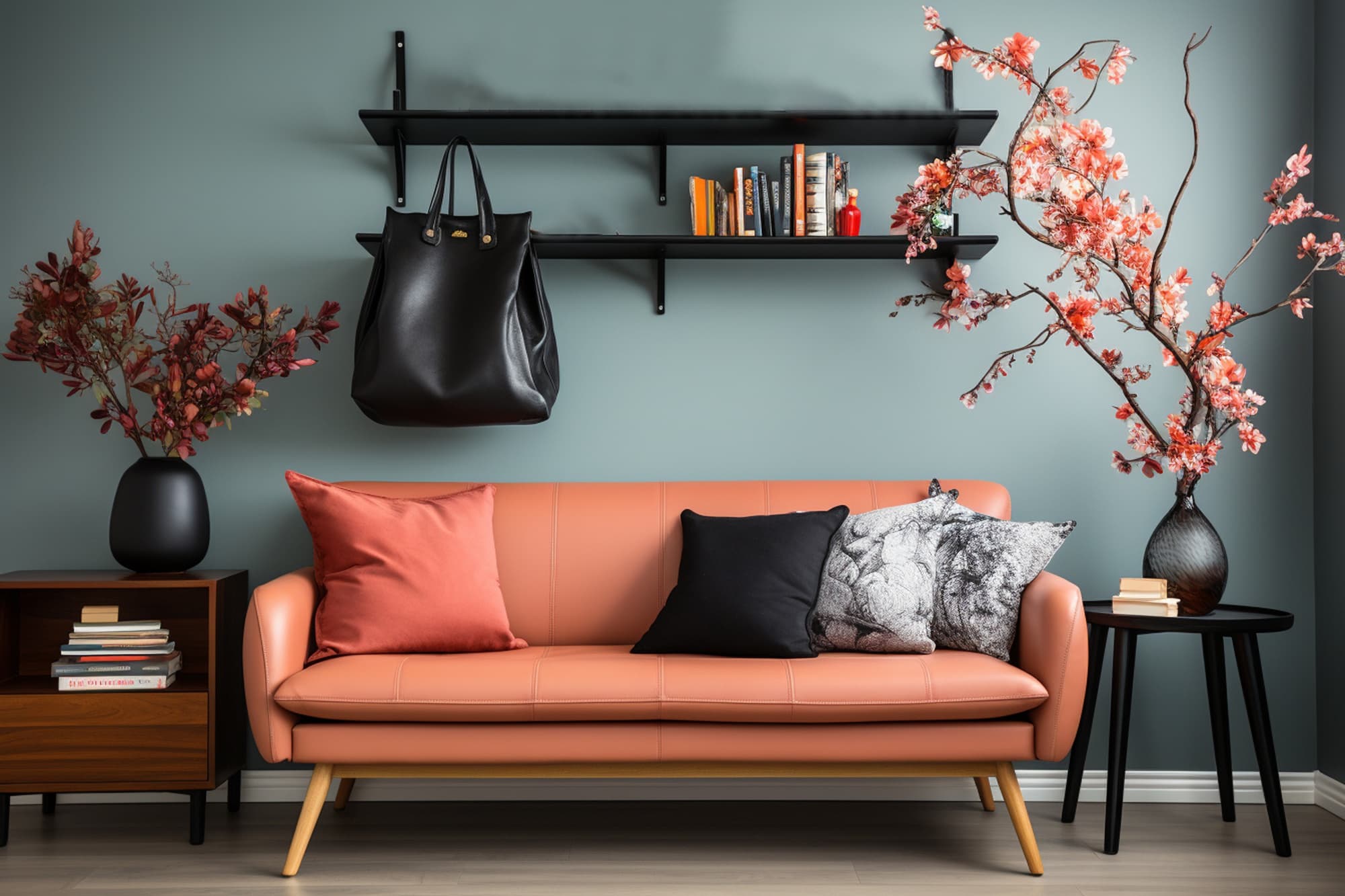
From an accepted offer to keys usually 8–12 weeks: survey, mortgage approval, contracts and the final walk-through.
What does a viewing include?
A 45-minute tour with an agent, the floor plan, energy rating and running costs, and time for every question you have.
Can you help with the mortgage?
Our partner advisers compare 90+ lenders for free and tell you what you can borrow before you start viewing.
USE CASE 09 · GYMS & MEMBERSHIPS
Bold, dark and to the point
A dark theme with a plus that swaps to a minus fits a gym brand. Long answers keep the question stuck to the top while you read, so the close button is always at hand.
Type: Accordion · Style: Minimal + dark item colours · Extras: Swap icon + / −, Sticky Question
No joining fee and no contract. Pay monthly, pause or cancel online with seven days notice.
Yes, up to three months a year for travel, injury or exams. It costs nothing and takes one click in the app.
All 60+ weekly classes are included in every membership:
- Strength and conditioning
- HIIT and spin
- Yoga, mobility and pilates
- Boxing fundamentals
Book up to seven days ahead in the app. Spots are released two hours before class if someone cancels.
Every member can bring one guest a month for free. Your friend just needs to register in the app first.
Twelve certified coaches. Your first 45-minute session is free so you can find the right one.
USE CASE 10 · HELP CENTERS & DOCS
A long help list that stays tidy
Ten questions, five on show and a Show More button for the rest. Every question has its own link, so support can send "/help#reset-password" and the answer opens by itself.
Type: Accordion · Style: Cards · Extras: Show More (5 of 10), links to questions, help box (text left, button right)
Jump to: Reset my password · Delete my account · Export my data
Click "Forgot password" on the login page and enter your email. The reset link is valid for one hour.
Go to Settings › Account, enter the new address and confirm it from the email we send you.
Settings › Team › Invite. Paste up to 50 emails at once and choose a role for each person.
Yes. Changes made offline sync automatically as soon as you are back online.
Settings › Notifications lets you choose email, push or none for each type of update.
Settings › Data › Export creates a ZIP with CSV and JSON files. Large accounts get a download link by email.
The latest two versions of Chrome, Edge, Firefox and Safari.
Yes, for Windows and macOS, with the same features as the web app plus offline mode.
Settings › Account › Delete account. Your data is removed for good after a 14-day safety period.
On our status page, which also lets you subscribe to updates about incidents.
Didn’t find your answer?
What it is for
What you can build with a Divi FAQ module
Most websites need an FAQ somewhere: on the pricing page, under a product, on a booking page or in a help centre. The DG FAQ module gives each of those a layout that fits, without leaving the Divi Builder.
- Pricing and plan FAQs sorted into category tabs, with a help box for anything the list does not answer.
- Shipping and returns help shown as a chat, so each answer arrives like a reply from your support team.
- Service FAQs for clinics, salons and gyms with FAQ schema switched on for the page’s main questions.
- Wedding, event and booking pages as flip cards that turn over to show the answer.
- Help centres and course pages with numbered questions, Show More and an Expand All button for long lists.
Features
Divi FAQ module features
Six ways to show answers
Accordion (one open at a time), Toggle, Always Open, Side by Side, Chat and Flip Cards. Short answers suit flip cards; long, careful answers read better in an accordion or the side panel.
FAQ schema from the same questions
Switch on FAQ Schema and the module outputs FAQPage structured data (JSON-LD) built from the questions visitors read, so the markup never drifts from the page. Single questions can be left out of the schema.
Icons, images and badges
Give each question an icon or image, add an image or a button to an answer, number the questions and mark one with a badge such as “Popular”.
Tabs and long lists
Group questions into category tabs with an All tab, show only the first few with Show More, add an Expand All button and scroll the opened question into view.
How to add an FAQ section in Divi
It all happens in the Divi Builder: no shortcodes, and no separate plugin for the schema.
- Add the DG FAQ module to a row and choose the FAQ type.
- Add one FAQ item per question and write the answer. Add an icon, image, badge or button where it helps.
- Pick a style preset and colours in the Design tab, and set the question heading level (H2–H6) to fit your page.
- Turn on FAQ Schema if this is the main FAQ on the page.
Why use DiviGrid’s FAQ module
Divi’s own Accordion and Toggle modules open and close text, but they have no FAQ schema, no tabs and only one layout. One DG FAQ module covers all of that.
- Six layouts in one module, so every FAQ on the site is edited the same way.
- Structured data comes from the visible questions, so you never update it twice.
- You choose the heading level, so the FAQ fits the page’s heading order.
- Every setting previews live in the Visual Builder.
REVIEWS
Voices of Satisfaction
Hear directly from our cherished clients.
★★★★★
“
DiviGrid made my portfolio look professional without any developer help. The filterable grid module saved me hours of work!

Mohammad Sobhy
★★★★★
“
Customer service is fantastic the DiviGrid and Divi Image Mask Slider are winners and that starts with a great team backing them. Lots of unique options thanks for the support

Tim Kerney
★★★★★
“
It’s a wonderful world to discover. However, I would appreciate some improvement in: – translation (french for instance) – documentation (the search engine is too weak).

Pierre Moser
★★★★★
“
I’ve had almost no issues with Divigrid – like maybe 2 in one year. Their support was immediate and with a resolution. I’ve been working with WordPress & Divi for over six years now and have tried many plugin module developers. Divi Grid has given me consistently excellent results so their plugins are my primary choice.

Bonnie Unsworth
★★★★★
“
A fantastic selection of plugins which are intuitive to use. When I had a query support was on hand and very quick to resolve my question.

Heather Pedley
★★★★★
“
Great software at an amazing price. I like it.

Pedro de Pradines
★★★★★
“
This is a great plugin. there is no doubt. work well all features are like magic. requesting you divigrid team to create tutorials also on YouTube for some advanced options and open a forum site. It has vast features to talk about.

Shezan Ahmed
★★★★★
“
I’m relatively new to Divi, but found this plug-in to be very helpful making a site just the way I want to see it without having to jugle other items.

Thomas Bogan
★★★★★
“
I’m so happy with customer service! While I’m not a beginner with Divi I needed help and it came quickly. I’m really enjoying everything I can do with the content grid and can’t wait to get into the list grid!

Valerie Robitaille
FAQ
Divi FAQ module questions
Quick answers about adding FAQs to a Divi website.
Yes. Turn on FAQ Schema in the module settings and it outputs FAQPage structured data (JSON-LD) from your questions and answers. If several FAQ modules on one page have schema on, their questions are combined into one FAQPage. Google currently shows FAQ rich results mainly for government and health websites, but the markup still describes your content to search engines.
Each FAQ item has a question image or icon setting: pick an icon from Divi’s icon library or upload an image, then choose its position. Answers can have their own image as well.
Divi’s Accordion shows one open item in one layout. DG FAQ adds five more layouts (Toggle, Always Open, Side by Side, Chat and Flip Cards), plus FAQ schema, category tabs, numbering, badges, Show More, Expand All and a help box.
Yes. The Side by Side type lists the questions on one side and shows the open answer in a panel beside them. You can set the width of the question list and choose which side it sits on.
Yes. Questions can be H2 to H6. On this page they are H3, under the H2 heading above them.
Yes. DG FAQ is built for Divi 5 and is edited in the Visual Builder like any other Divi module.
Keep exploring
Related Divi modules
Switch between two layouts with one toggle, such as monthly and yearly pricing.
Looking for something else? Browse all DiviGrid modules or see the Divi 5 plugin compatibility list.
Six FAQ types. One module.
Accordion, Toggle, Always Open, Side by Side, Chat and Flip Cards, with tabs, numbering, badges, images and one clean FAQ schema per page.