
Divi Marquee Text
Text that never stands still.
DG Marquee Text is a Divi 5 module for scrolling text: announcement bars, logo strips, menus, reviews, tickers and giant headlines that move at a steady speed, pause on hover and stay readable for screen readers. Ten places where a marquee earns its spot, below.
Live examples
Explore 10 Divi marquee text examples
Hover any row to pause it. Every band on this page is one DG Marquee Text module: some use text only, others mix in icons, logos or photos.
USE CASE 01 · SHOPS & ANNOUNCEMENT BARS
The announcement bar everyone reads
A slim, bright strip above the header carries every offer at once: shipping, codes, new arrivals. It scrolls slowly, stops on hover and never needs a close button.
Speed: 45 px/s · Separator: icon · Extras: module background, Pause on Hover
↑ Looks just like the top bar of a real shop. Use it site-wide in a Divi Theme Builder header.
USE CASE 02 · AGENCIES, SAAS & STARTUPS
Trusted by teams you know
Client logos float past in clean white cards, and the edges fade so the row never ends with a hard cut. Logos are real images with alt text, shown once to screen readers.
Items: image only · Item box: white card, radius, shadow · Extras: Fade Edges 160px



USE CASE 03 · CREATIVE AGENCIES
Crossed ribbons that shout what you do
Two marquees, tilted with Divi's own Transform setting, run in opposite directions: one solid, one in outline. Loud, confident and perfect between two portfolio sections.
Text effect: Outline on the second ribbon · Direction: Left + Right · Extras: Divi Transform rotate
USE CASE 04 · RESTAURANTS & CAFÉS
Today's menu, rolling by
Round dish photos and prices in soft pill cards make a menu teaser that feels like a chalkboard come alive. Swap the items daily and the whole page feels fresh.
Items: image + text · Item box: pill cards · Media: round images before the text
 Truffle tagliatelle · $21
 Margherita, wood-fired · $16
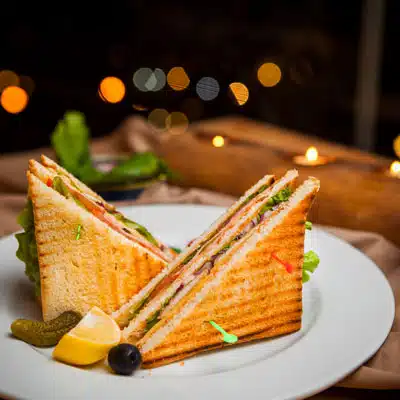 Club sandwich · $13
 Flat white · $4
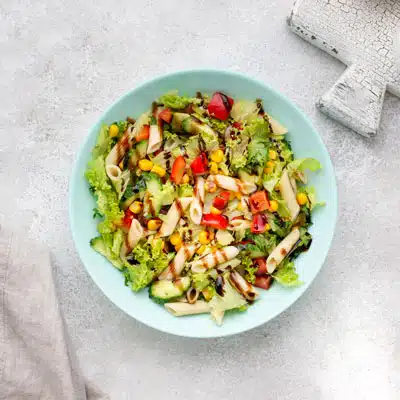 Penne arrabbiata · $15
 Seasonal salad · $12
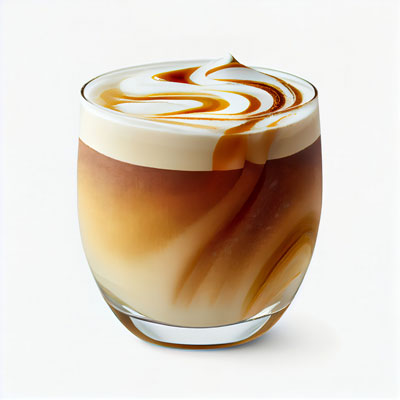 Iced latte · $5
USE CASE 05 · REVIEWS & SOCIAL PROOF
A wall of happy customers
Short reviews in cards drift past slowly enough to read. Visitors can stop the row with the mouse or the keyboard, and screen readers hear each review once.
Speed: 28 px/s · Item box: cards with shadow · Extras: Pause on Hover, Accessible Name
USE CASE 06 · SERVICES & SKILLS
Everything you offer, as moving tags
Two rows of pill tags with icons slide in opposite directions. It is a lively way to list services, skills or product features without a boring bullet list.
Items: icon + text · Item box: pill tags · Direction: Left + Right
USE CASE 07 · FINANCE, CRYPTO & SPORTS
A live-looking ticker
Monospaced numbers and per-item colours (green up, red down) turn the marquee into a stock or score ticker. Each item can have its own colour, the rest follows the module.
Font: monospace · Items: own colour per item · Separator: text "|"
USE CASE 08 · PRODUCT LAUNCHES & EVENTS
Giant words with a gradient fill
The Background Fill text effect paints any Divi gradient inside the letters. Huge, colourful and still real text: selectable, translatable and indexed by search engines.
Text effect: Background Fill (gradient) · Size: 120px · Separator: icon
USE CASE 09 · CONFERENCES & EVENTS
Meet the speakers, one after another
Portraits sit above each name and the row runs in Scroll Through mode: the speakers enter from the right, leave on the left, then the line-up starts again. It starts only when the section is visible.
Loop: Scroll Through · Start: When Visible · Media: image above the text
 Lena Fischer · UX
 Marcus Lee · Product
 Aiko Tanaka · AI
 Noah Becker · Dev
USE CASE 10 · INSTAGRAM & COMMUNITY
A social wall that keeps scrolling
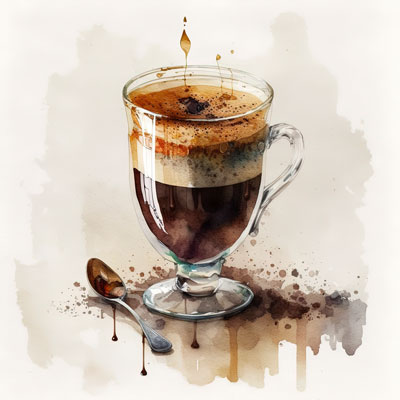
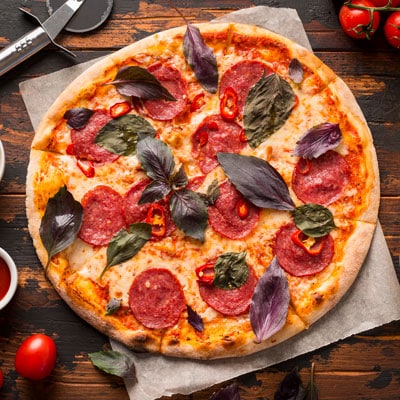
Square photos with a handwritten handle under each one make a feed-like strip for cafés, shops and creators. The pause button gives every visitor control, as accessibility guidelines ask for long animations.
Media: square images above the text · Extras: Pause Button, Accessible Name
 @coffee.lab
 @brunch.club
 @pasta.night
 @latte.art@salad.days
 @sandwich.co@morning.cup
What it is for
What you can build with a Divi marquee
A marquee shows a lot in very little height. It works best for short items people can read in passing, and for big type that sets the mood of a page.
- Announcement bars with offers, shipping info and discount codes above the header.
- Logo strips of clients or partners, with faded edges so the row never ends abruptly.
- Bold agency headlines in outline or gradient-filled text, crossed as ribbons.
- Menus, reviews and services as rows of cards or tags that drift past slowly.
- Tickers for prices, scores or speakers, each item in its own colour.
Features
Divi marquee text features
Speed and direction
Set the speed in pixels per second so every marquee moves at the same pace whatever its length. Scroll left or right, loop seamlessly, or use Scroll Through so items enter on one side and leave on the other.
Text, icons and images
Each item can be text, an emoji, an icon or an image, with the image placed before, after, above or below the text. Separators between items can be text, an icon or an image.
Text effects
Outline text and Background Fill, which paints any Divi gradient or image inside the letters. The text stays real text: selectable, translatable and indexed by search engines.
Pause, start and accessibility
Pause on hover and an optional pause button give visitors control. The marquee can start on page load or when it comes into view, and screen readers hear each item once.
How to add scrolling text in Divi
No custom CSS animation or JavaScript needed.
- Add the DG Marquee Text module to a row.
- Add one marquee item per word, phrase, logo or card.
- Set the direction, speed in pixels per second and the gap between items.
- Turn on fade edges, pause on hover or the pause button, then style the text.
Why use DiviGrid’s Marquee Text module
A CSS marquee is easy to start and hard to get right: it jumps at the loop point, speeds up on long rows and ignores accessibility. This module handles those details.
- Seamless loops with no visible jump.
- The same speed on every row, set in pixels per second.
- Pause controls that follow accessibility guidance for moving content.
- Real text that search engines can index.
REVIEWS
Voices of Satisfaction
Hear directly from our cherished clients.
★★★★★
“
DiviGrid made my portfolio look professional without any developer help. The filterable grid module saved me hours of work!

Mohammad Sobhy
★★★★★
“
Customer service is fantastic the DiviGrid and Divi Image Mask Slider are winners and that starts with a great team backing them. Lots of unique options thanks for the support

Tim Kerney
★★★★★
“
It’s a wonderful world to discover. However, I would appreciate some improvement in: – translation (french for instance) – documentation (the search engine is too weak).

Pierre Moser
★★★★★
“
I’ve had almost no issues with Divigrid – like maybe 2 in one year. Their support was immediate and with a resolution. I’ve been working with WordPress & Divi for over six years now and have tried many plugin module developers. Divi Grid has given me consistently excellent results so their plugins are my primary choice.

Bonnie Unsworth
★★★★★
“
A fantastic selection of plugins which are intuitive to use. When I had a query support was on hand and very quick to resolve my question.

Heather Pedley
★★★★★
“
Great software at an amazing price. I like it.

Pedro de Pradines
★★★★★
“
This is a great plugin. there is no doubt. work well all features are like magic. requesting you divigrid team to create tutorials also on YouTube for some advanced options and open a forum site. It has vast features to talk about.

Shezan Ahmed
★★★★★
“
I’m relatively new to Divi, but found this plug-in to be very helpful making a site just the way I want to see it without having to jugle other items.

Thomas Bogan
★★★★★
“
I’m so happy with customer service! While I’m not a beginner with Divi I needed help and it came quickly. I’m really enjoying everything I can do with the content grid and can’t wait to get into the list grid!

Valerie Robitaille
FAQ
Marquee text questions
What people ask before adding scrolling text to Divi.
Add the DG Marquee Text module, add an item for each piece of text and set the direction and speed. It scrolls on the front end and can also play in the Visual Builder while you edit.
Yes. Give each marquee item an image instead of text, add alt text to the logos and turn on fade edges. For a slider that moves one logo at a time, the Image Carousel module is a better fit.
Yes. Turn on Pause on Hover, or show a pause button, which also lets keyboard and screen-reader users stop the motion.
No. The text is normal HTML text, not an image or a canvas, so search engines read it. Each item is read once by screen readers, not repeated with every loop.
Yes. Each module has its own direction, so two marquees can run in opposite directions, as in the crossed-ribbons example above.
Keep exploring
Related Divi modules
Looking for something else? Browse all DiviGrid modules or see the Divi 5 plugin compatibility list.
Words, logos and photos, always on the move.
Steady speed in pixels per second, seamless loops, pause on hover, a pause button and real text for search engines. One DG Marquee Text module.