
DG ADVANCED BLURB · DIVI 5 & DIVI 4
Divi Advanced Blurb Module
The blurb, with more to say. Add a subtitle, a divider, a badge and a styled button, show an image that changes on hover, and put the icon or image above, below or beside the text.
10 image hovers
16 button styles
Badges in 9 positions
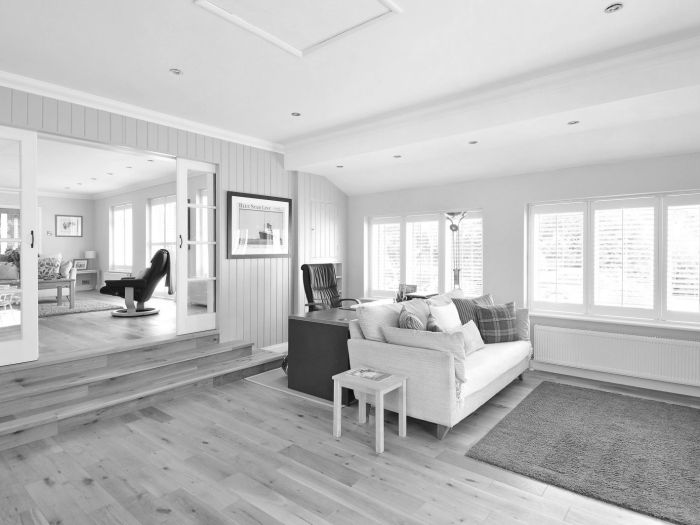
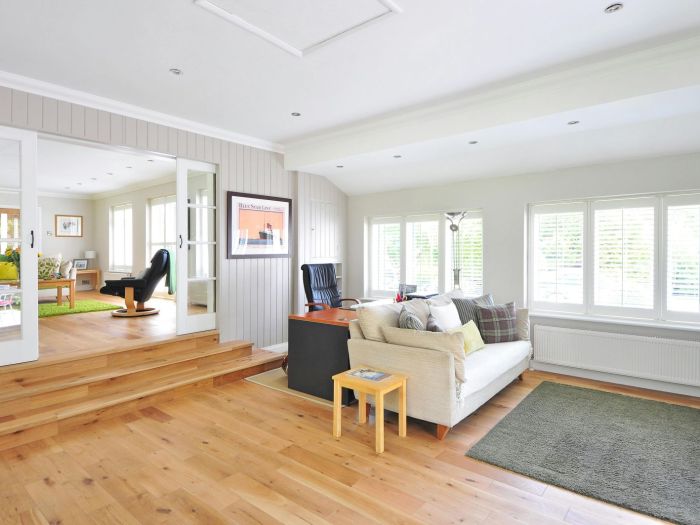
Hartley House
Interior design · Bath
Black and white until you hover, then the colour comes back.
Icon beside the text
Four placements: above, below, left or right.
Badges & dividers
9 badge positions
Point the eye to what is new or on offer.
LIVE EXAMPLES
Divi blurb examples you can build
Six sections, each made with Advanced Blurb and styled for a different business. Hover the images and buttons.
01
Brightwater · Services for a cleaning company
ICON TILES · SUBTITLE PRICE · BADGE WITH ICON · OUTLINE BUTTON
HOME CLEANING · MANCHESTER
A spotless home, without lifting a finger
Insured, vetted cleaners and a fixed price before you book. Every service comes with a re-clean if you are not happy.
Regular clean
From £60
Weekly or fortnightly, with the same cleaner every time.
Deep clean
From £180
Every room top to bottom, inside the oven and the fridge.
End of tenancy
From £220
A landlord-ready clean so you get your deposit back.
Carpet & upholstery
From £90
Hot-water extraction that lifts stains and dries fast.
Office clean
From £45 / hour
Early morning or after hours, so work never stops.
Bathroom refresh
From £70
Limescale, grout and glass, back to showroom shine.
02
Atelier Lumen · Projects of an interior designer
BLACK & WHITE TO COLOUR ON HOVER · DIVIDER · MINIMAL BUTTON
SELECTED WORK
Rooms that feel like home
Each project shows in black and white. Hover a photo and the colour comes back, using the alternate image setting.
Hartley House
Living room · Bath
Warm oak, linen and a low sofa for a Georgian terrace.
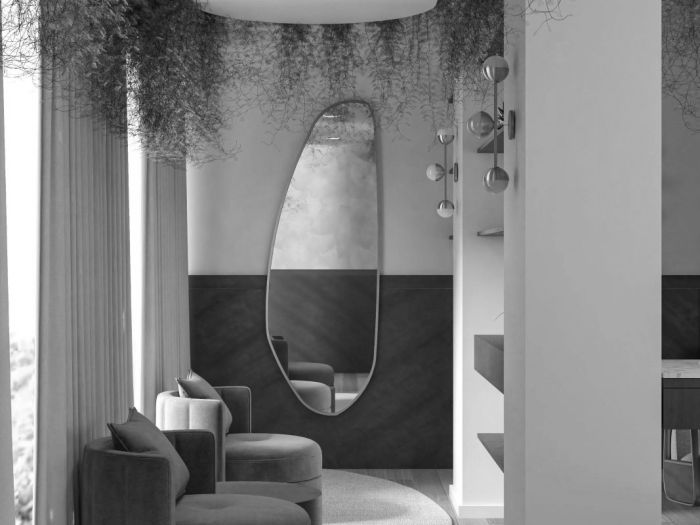
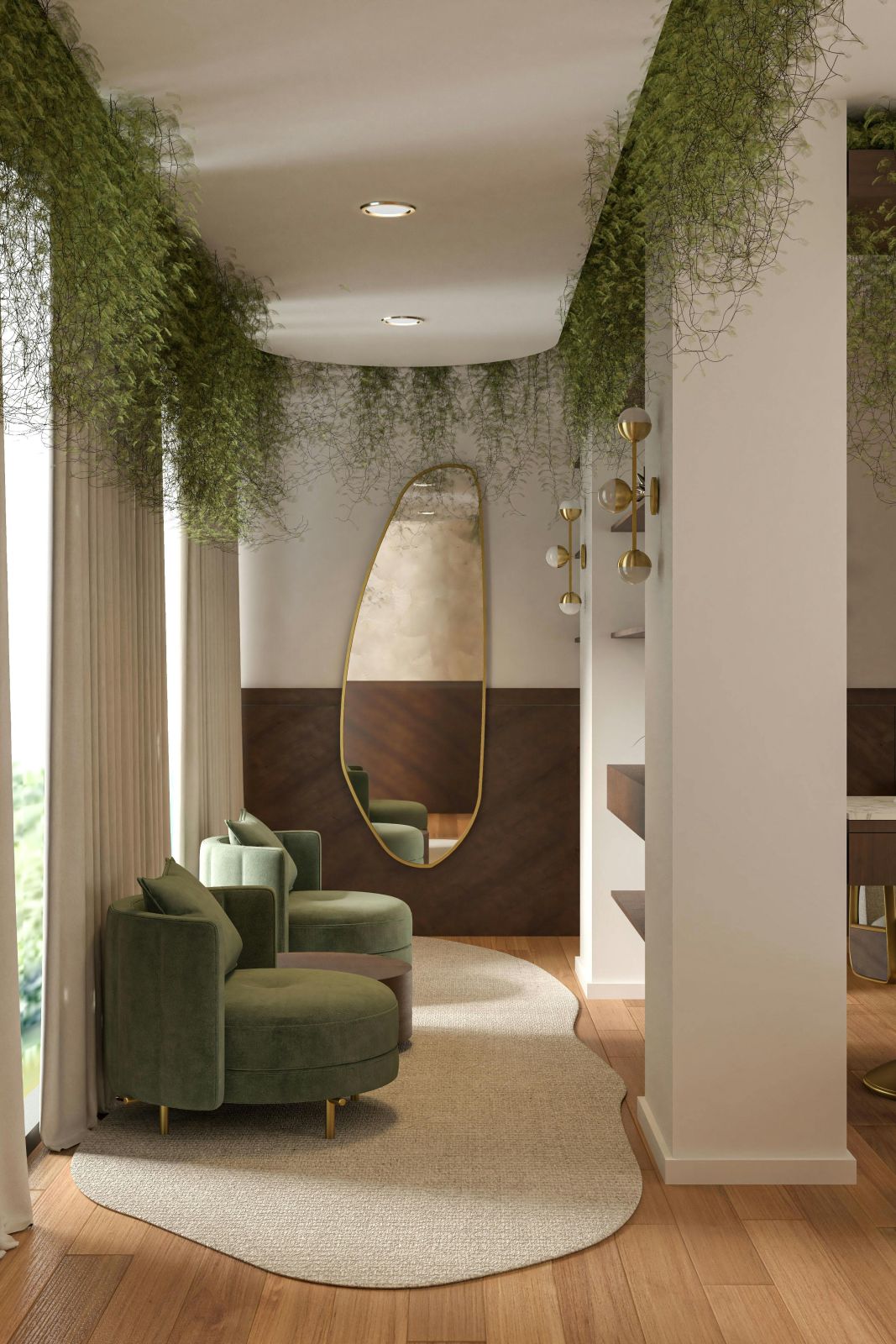
The Mill
Lounge · Leeds
An old textile mill turned into a calm reading room.
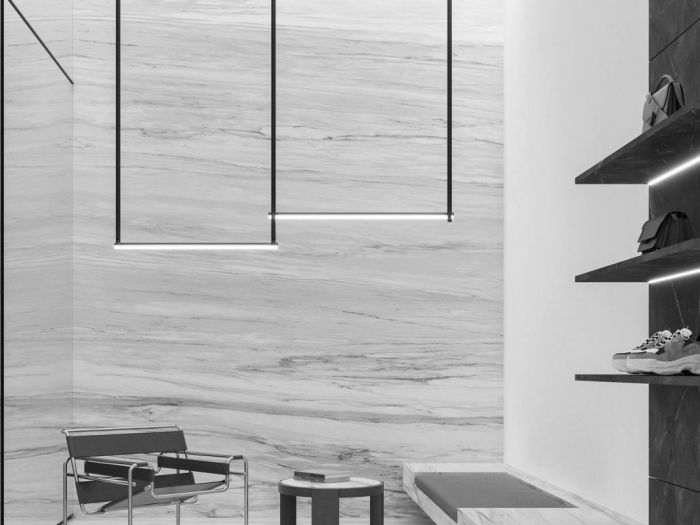
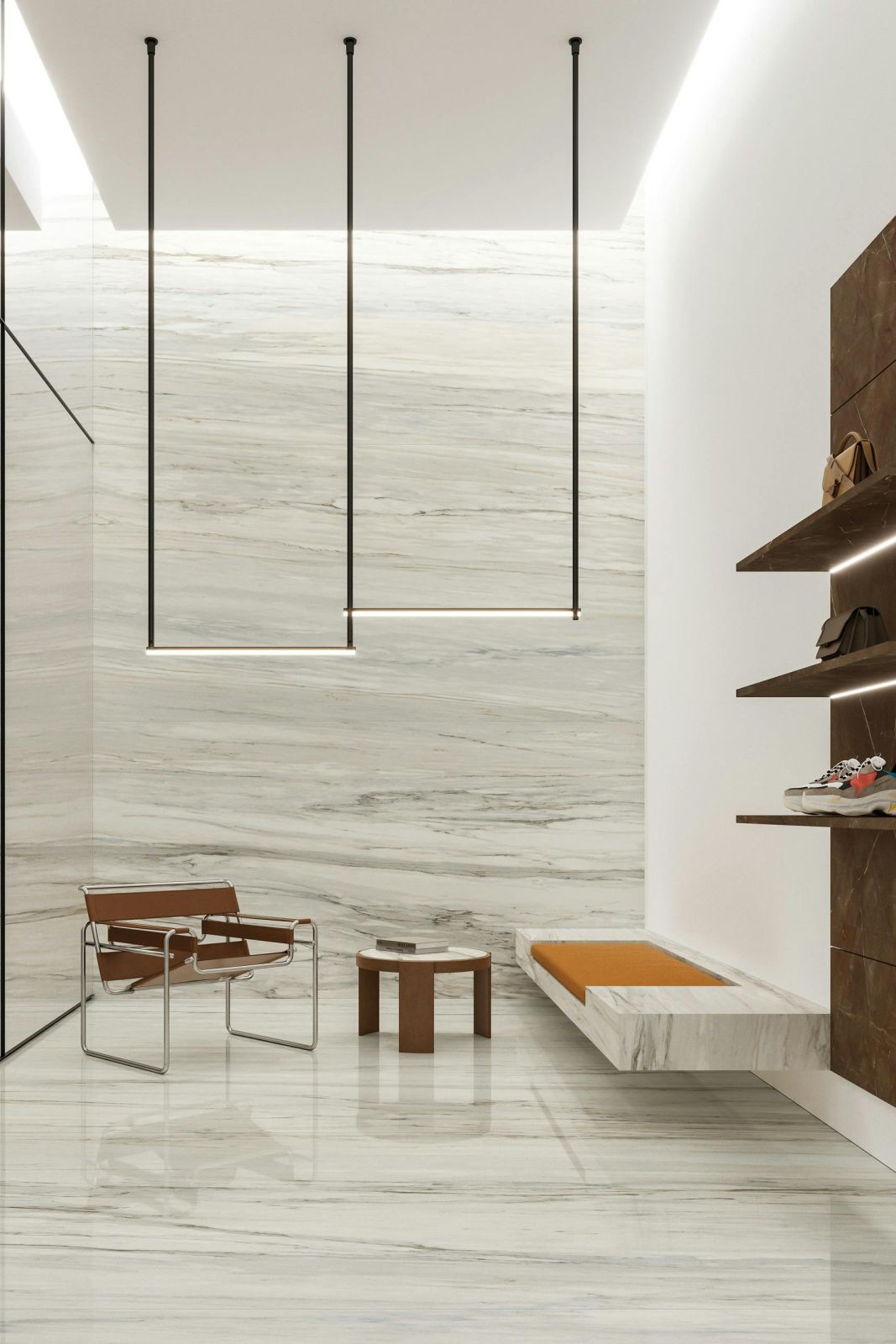
Ashcombe
Bathroom · Bristol
Veined marble and brass for a quiet morning ritual.
03
Ember & Oak · Menu highlights for a restaurant
ROUND PHOTO · PRICE SUBTITLE · DOTTED DIVIDER · IMAGE HOVER
FROM THE WOOD OVEN
Tonight’s favourites
A round photo, the price as a subtitle and a dotted divider for each dish.
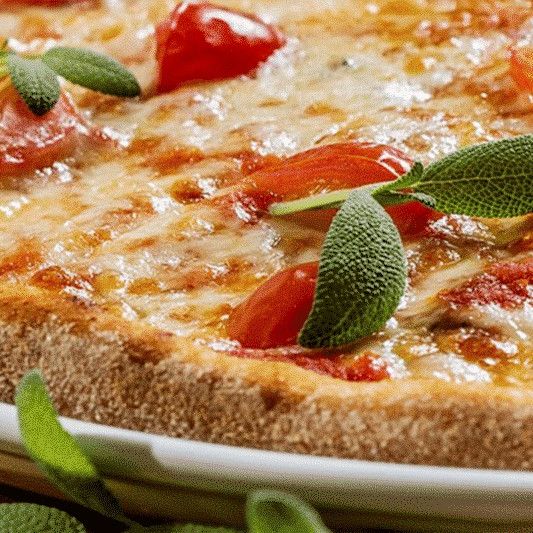
Margherita
£12
San Marzano tomato, fior di latte, basil and olive oil.
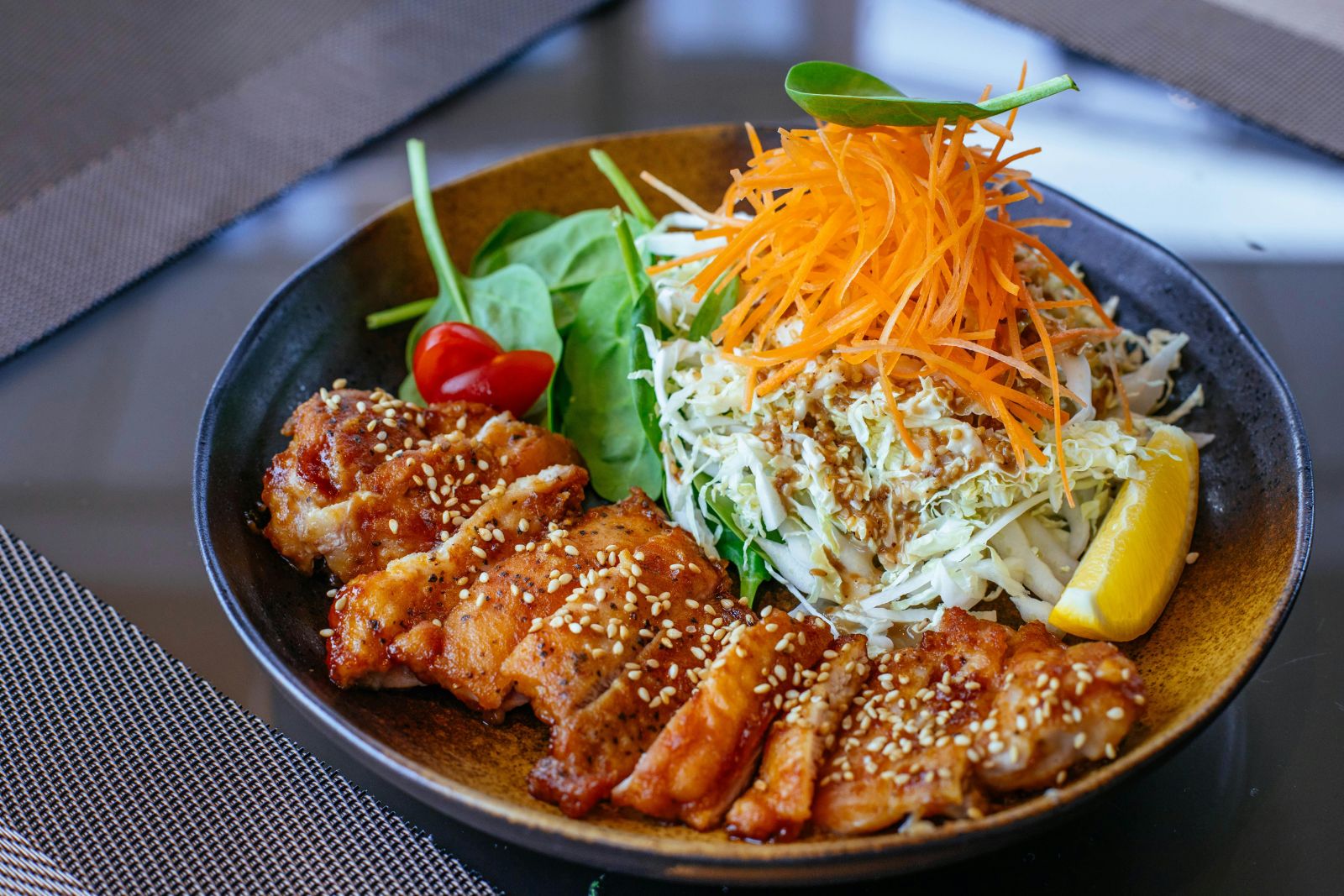
Teriyaki chicken
£15
Glazed thigh, carrot slaw, greens and sticky rice.
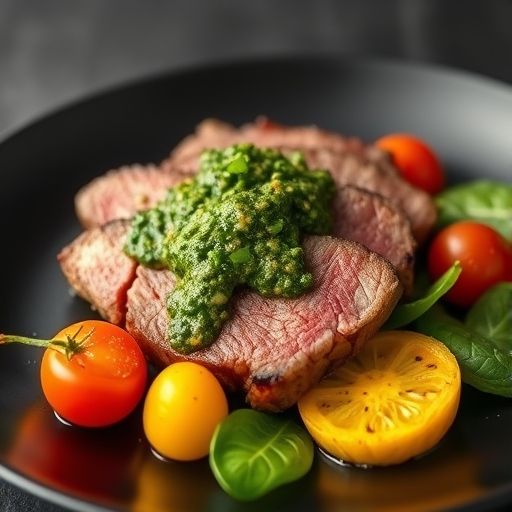
Bavette & Stack
£24
Grilled over oak, with parsley, garlic and red wine vinegar.
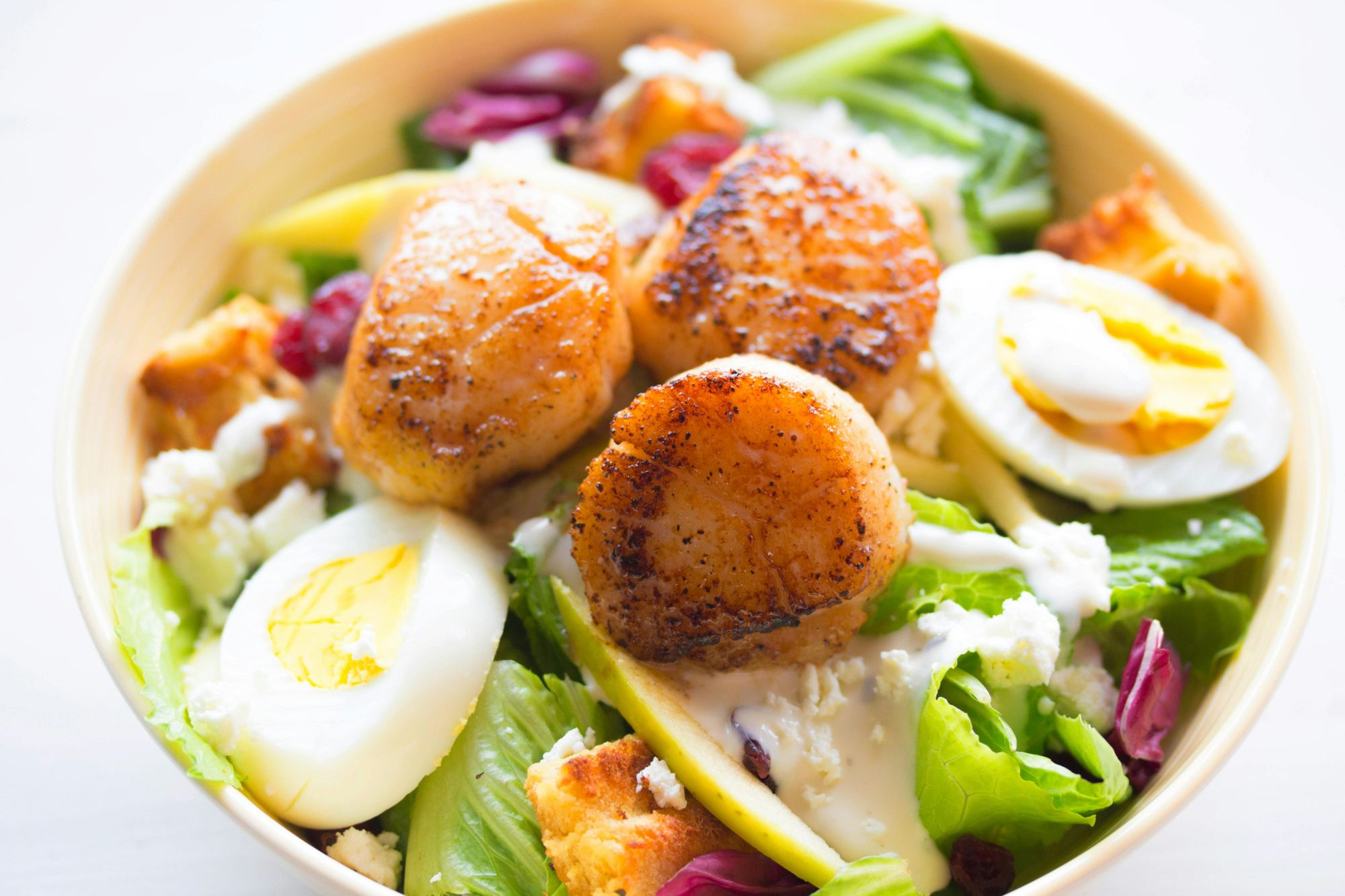
Seared scallops
£18
Brown butter, soft egg and a handful of greens.
04
Northlake Academy · Highlights for an online school
CENTRED · GRADIENT ICON · DOTTED DIVIDER · SLIDE BUTTON
WHY NORTHLAKE
Learning that fits around your life
Expert tutors
Every course is taught by someone who works in the field.
A full library
Readings, templates and recordings for every lesson.
Live classes
Small evening groups, so there is always time for questions.
Help when you need it
A real person answers your questions every weekday.
05
Sol Skin · Product cards for a skincare shop
SQUARE IMAGE · ZOOM HOVER · SALE BADGE WITH ICON · FILLED BUTTON
Glow, gently
Small-batch skincare made in Cornwall. A badge with an icon marks the offers, and the photo eases in when you hover it.

Daily serum set
£42
Vitamin C, hyaluronic acid and niacinamide.

Night cream
£28
Rich, slow-absorbing and fragrance free.

Satin lipstick
£18
Six warm shades with a soft, satin finish.
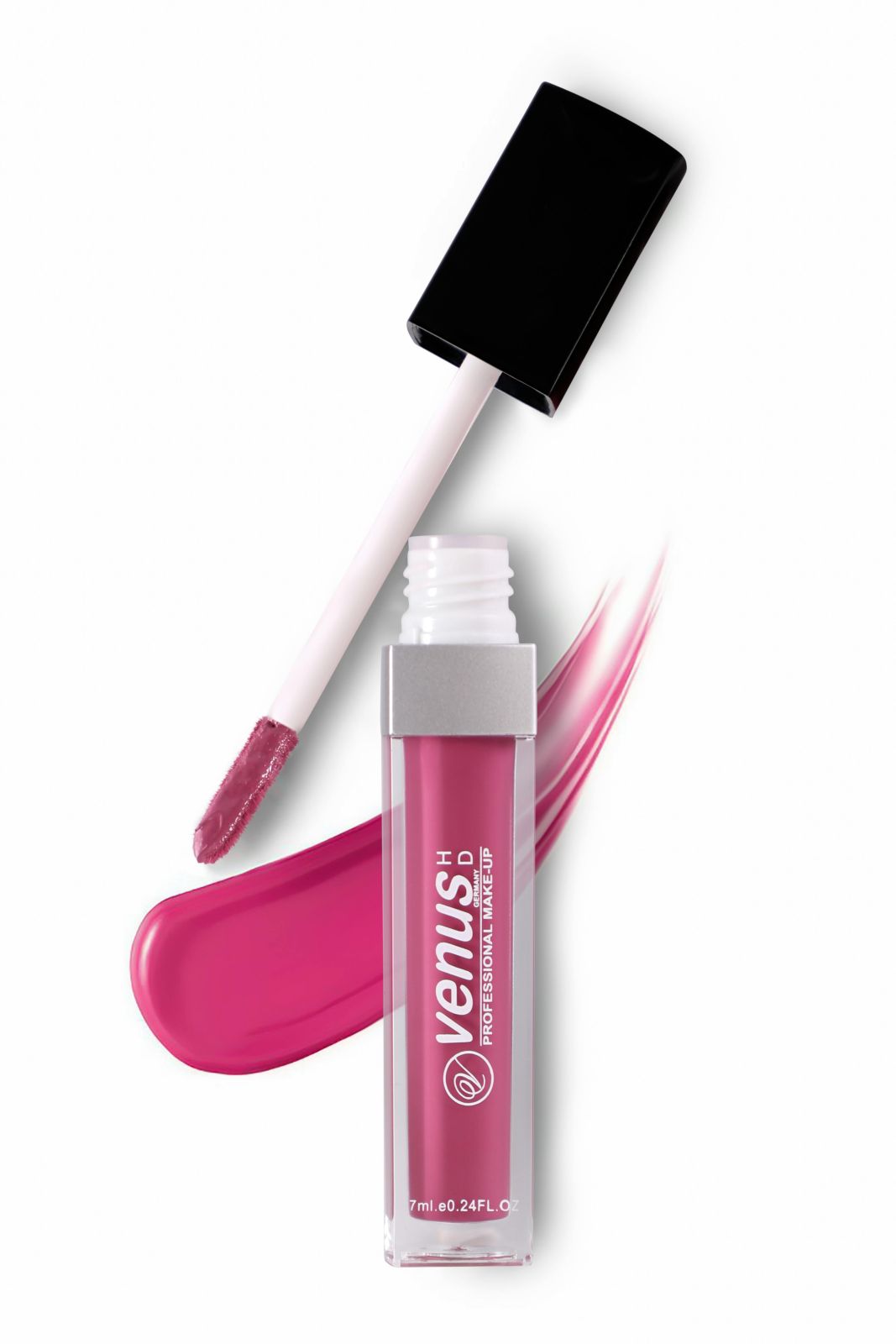
Rose lip gloss
£14
Sheer colour with a cooling peppermint finish.
06
Pulse · Feature list for an analytics app
ICON BESIDE THE TEXT · GLOWING ICON · BUTTON WITH ICON · DARK
// FEATURES
Know your numbers by Monday morning
Icon placement “row” puts the icon beside the text, for feature lists that read like a spec sheet.
Live dashboards
Revenue, sign-ups and churn update the moment they change.
Weekly digest
A short email every Monday with the numbers that moved.
Team sharing
Share a dashboard with a link, or embed it in your wiki.
PLAYGROUND
Try the hover styles
Each card is its own Advanced Blurb with one setting changed. Hover the images and buttons to compare.
10 image hover styles
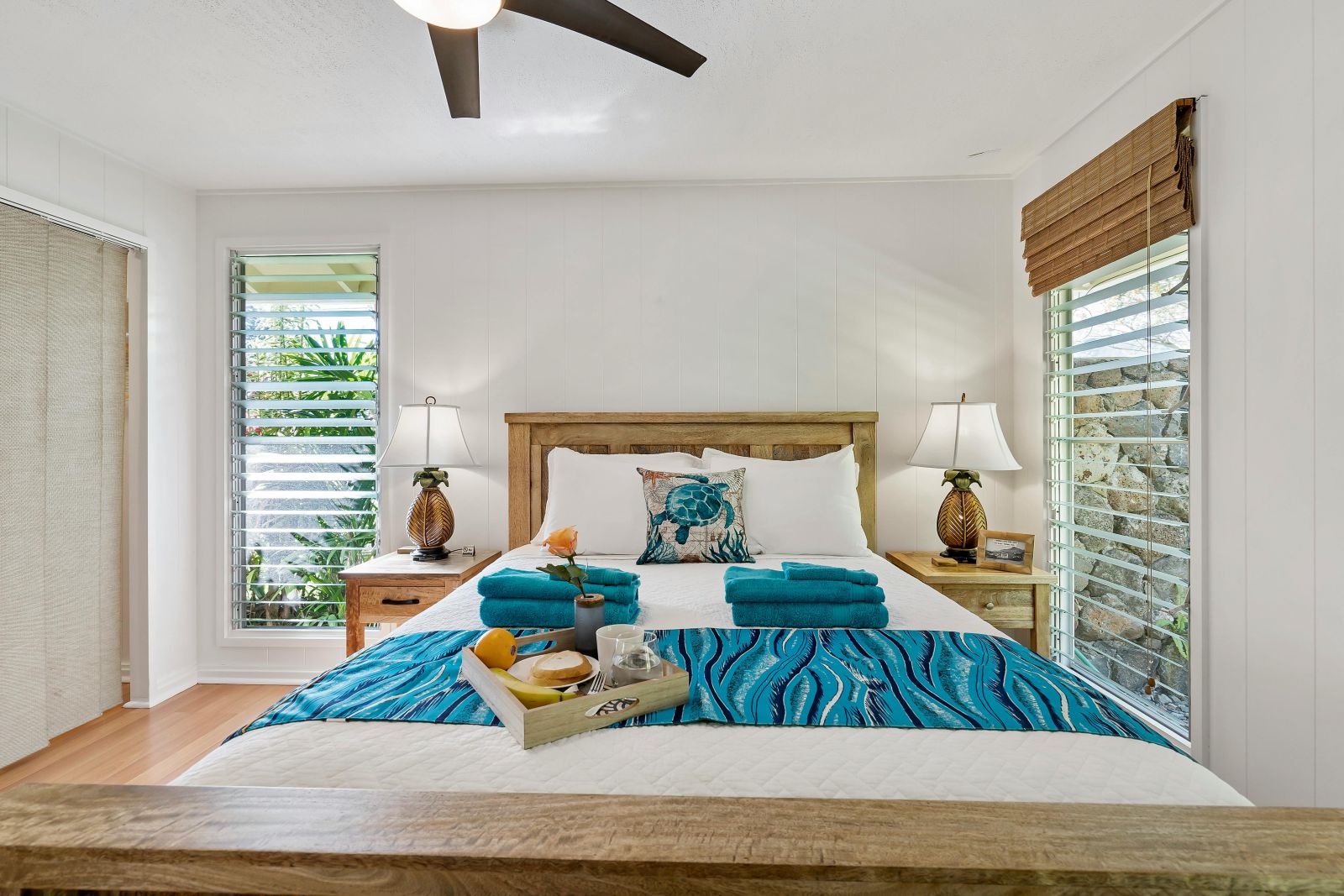
Eagle
Goose
Parrot
Hawk
Peacock
Ostrich
Kiwi
Hummingbird
Crane
Swallow
Button hover styles
Style 1
Style 2
Style 3
Style 4
Style 6
Style 8
Style 9
Style 10
Style 12
Style 13
Style 14
Style 16
Icon or image placement
Icon above
Placement: column
Icon left
Placement: row
Icon right
Placement: row-reverse
Icon below
Placement: column-reverse
FEATURES
Advanced Blurb features
Everything the standard Divi Blurb does, plus the parts it is missing. All settings live in the Divi Builder.
Subtitle and divider
A second line under the title and a divider in eight styles: solid, dashed, dotted, double and more.
Icon, image or both
Show an icon, an image, or both in one blurb, with size, background, border and shadow.
A second image on hover
Pick an alternate image that fades in, such as a black and white photo turning to colour.
10 image hovers
Eagle, Goose, Parrot, Hawk, Peacock, Ostrich, Kiwi, Hummingbird, Crane and Swallow.
16 button styles
Hover fills and borders, with your colours, an optional icon and a link that can open in a new tab.
Badges
A label with an optional icon in nine positions, with rotation, colours and spacing.
Four placements
Put the icon or image above, below, left or right of the text, and align it.
Layers and order
Change the order of title, subtitle, divider, text and button, and the stacking of each part.
HOW TO
How to create a blurb in Divi
1
Add the module
In the Divi Builder, add DG Advanced Blurb to a column, one per card.
2
Write the text
Type the title, subtitle and description, and turn on the divider if you like.
3
Add an icon or image
Pick an icon or upload an image, choose its placement, and add a second image for hover.
4
Add a badge and button
Set the badge text, pick one of 16 button styles, then save the page.
FAQ
Divi blurb FAQ
Short answers about the Advanced Blurb module. Open as many as you like.
More questions? Ask our team, we reply within 24 hours.
A Divi module for content cards such as services, features, products and projects. Each blurb can have an icon or image, a title, a subtitle, a divider, text, a badge and a button.
The Divi Blurb has a title, text and an image or icon. Advanced Blurb adds a subtitle, a divider, a badge, a second image on hover, a button with 16 hover styles, 10 image hovers and four placements.
Yes. Turn on both: the image sits in its own area and the icon sits with the text, each with its own size and styling.
Yes. Set the placement to row or row-reverse to put the icon or image on the left or right, or use column and column-reverse for above and below.
Yes. Each blurb can show a badge with an optional icon in nine positions, with its own colours, spacing and rotation.
Yes. The module is available in both Divi 5 and Divi 4.
REVIEWS
Voices of Satisfaction
Hear directly from our cherished clients.
★★★★★
“
DiviGrid made my portfolio look professional without any developer help. The filterable grid module saved me hours of work!

Mohammad Sobhy
★★★★★
“
Customer service is fantastic the DiviGrid and Divi Image Mask Slider are winners and that starts with a great team backing them. Lots of unique options thanks for the support

Tim Kerney
★★★★★
“
It’s a wonderful world to discover. However, I would appreciate some improvement in: – translation (french for instance) – documentation (the search engine is too weak).

Pierre Moser
★★★★★
“
I’ve had almost no issues with Divigrid – like maybe 2 in one year. Their support was immediate and with a resolution. I’ve been working with WordPress & Divi for over six years now and have tried many plugin module developers. Divi Grid has given me consistently excellent results so their plugins are my primary choice.

Bonnie Unsworth
★★★★★
“
A fantastic selection of plugins which are intuitive to use. When I had a query support was on hand and very quick to resolve my question.

Heather Pedley
★★★★★
“
Great software at an amazing price. I like it.

Pedro de Pradines
★★★★★
“
This is a great plugin. there is no doubt. work well all features are like magic. requesting you divigrid team to create tutorials also on YouTube for some advanced options and open a forum site. It has vast features to talk about.

Shezan Ahmed
★★★★★
“
I’m relatively new to Divi, but found this plug-in to be very helpful making a site just the way I want to see it without having to jugle other items.

Thomas Bogan
★★★★★
“
I’m so happy with customer service! While I’m not a beginner with Divi I needed help and it came quickly. I’m really enjoying everything I can do with the content grid and can’t wait to get into the list grid!

Valerie Robitaille
Explore more DiviGrid modules
Advanced Person
Team members and profiles with hover effects.
Interactive Card
Flip cards that show a back side on hover or click.
Advanced Price List
Pricing tables, room rates and product cards.
List Grid
Icon lists, menus, timelines and schedules.
GET STARTED
Blurbs that do more than sit there
Advanced Blurb comes with DiviGrid, together with 50+ other Divi modules. From $19 a year.
14-day money-back guarantee
Secure checkout
Support replies within 24 hours