
DG STORYFOLD · DIVI 5
Divi Story Fold Module
Turn menus, brochures, lookbooks, stories and photo albums into books whose pages really turn. Built in the Divi builder, without code.
Turn the page
Click, drag or swipe
Click a page, drag its corner, swipe on a phone or use the arrow keys. Every page curls like real paper.
Each spread in this little book opens one of the demos further down.
Trattoria Lumen

Sofia & Daniel

48 Hours in Lisbon
Quiet Layers
The Fox Who Borrowed the Moon

Margaret Ellis
Made for real pages
- 10page layouts
- 3book styles
- 2turn effects
- 0lines of code
Now make your own
DG StoryFold is part of DiviGrid for Divi 5.
HOW IT WORKS
A real book, made of Divi modules
Add the book, add one Page Item per sheet, choose a layout for each side. Or import a PDF and every page becomes a book page.
The book
One DG StoryFold module holds the whole book: its style, size, paper, covers, arrows and how pages turn.
Page items
Each Page Item is one sheet of paper: its front is a right-hand page, its back the next left-hand page.
Turning
Visitors click, drag, swipe or use the arrow keys. Links can open the book on any page.
10 PAGE LAYOUTS FOR EVERY SIDE
Text
Two columns
Image
Image + caption
Image + text
Full-page photo
Quote
Icon list
Big numbers
Empty paper
6 EXAMPLE BOOKS
Explore what you can build
Every book below is live. Turn the pages, play the videos, and resize the window: on phones each book shows one page at a time.
01
The Fox Who Borrowed the Moon · Bedtime storybook
BOOK · 12 PAGES
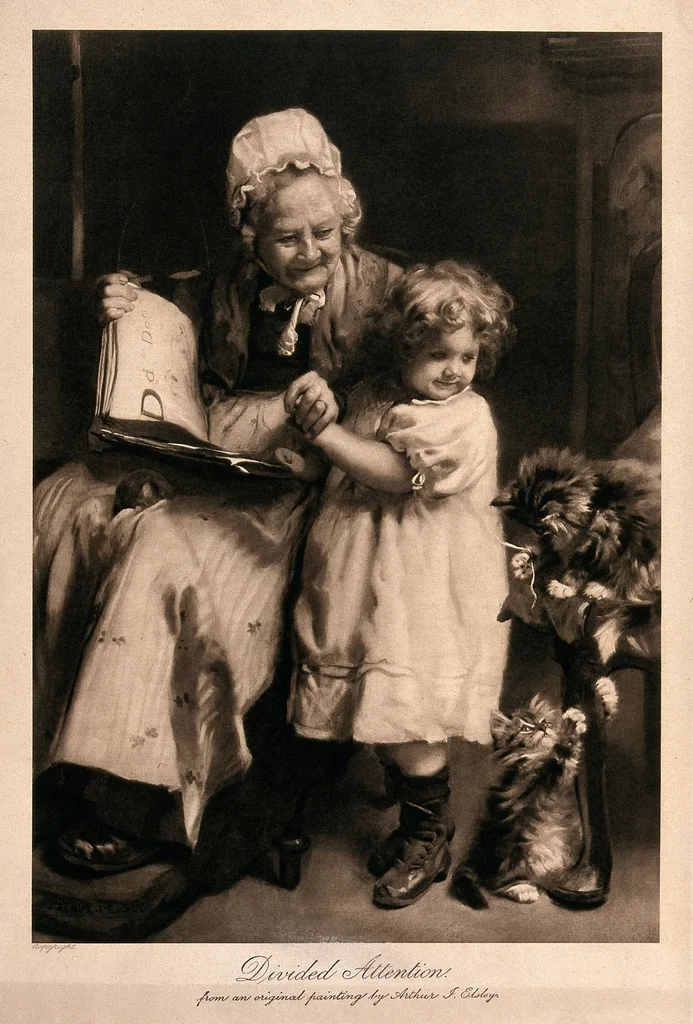
A grandmother’s bedtime story for her granddaughter: an arched cover photo, warm grainy paper, a soft page-turn sound, and a short fox film from YouTube on the last spread.
What it uses
- Style: Book, hard covers, cover image arch
- Pages: 12, page shape 1.38
- Layouts: Text, Image + caption, Image + text, Full-page photo, Quote, Icon list
- Also: page-turn sound, grain paper, YouTube video on a page
The Fox Who Borrowed the Moon
A bedtime story for Lily
Just one more page
For my favourite listener, who always asks for “just one more page” and never once lets me skip a word.
With all my love,
Grandma Rose

A fox with a big wish
At the edge of a sleepy wood lived a little fox called Pip. Every night Pip sat on the hill and looked up at the moon.
“If only I could hold it,” Pip whispered, “just for one night.”
Lily, already in her pyjamas“Grandma, can a fox really hold the moon?”
“Shh, sweetheart. Listen, and you’ll see.”

The moon on the lake
The wood went dark
Without the moon, the whole wood went dark. The rabbits could not find their burrows. The hedgehogs bumped into stones. Even the stars looked worried.
Pip held the moon close. It was warm, and it hummed like Grandma’s kettle.
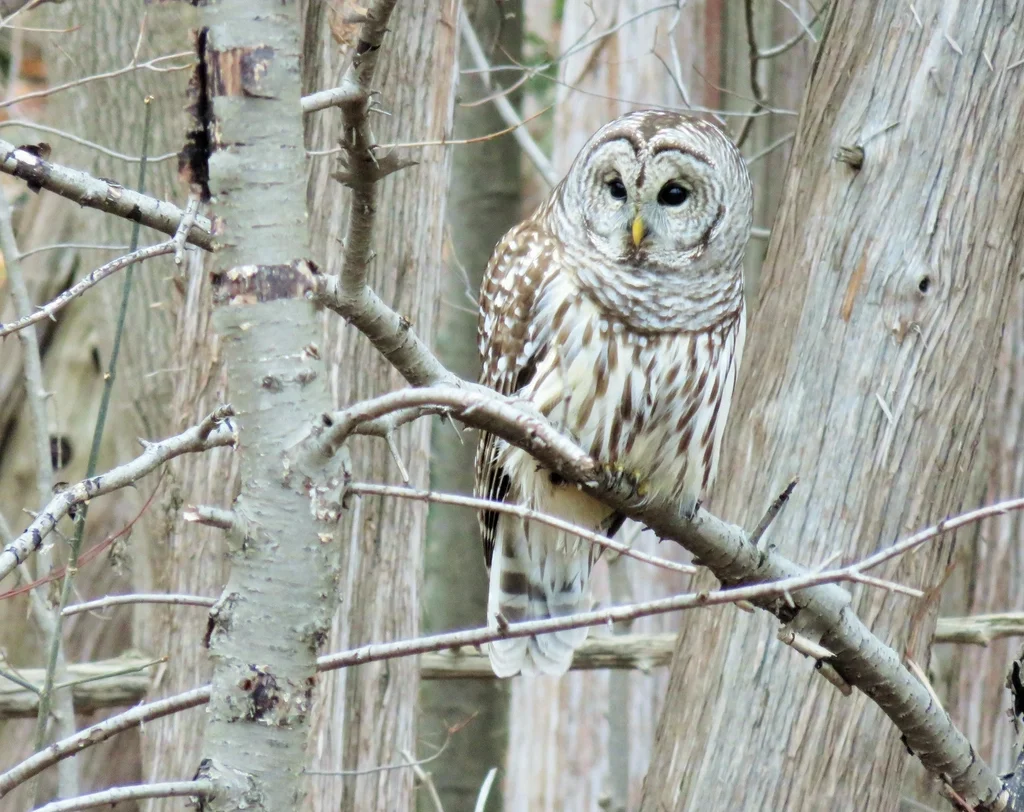
Old Owl’s advice
Three small things
- Wishes are lovely to make.
- Sharing makes the light go further.
- Home is where someone waits for you.
Real foxes, real moonlight

Goodnight, Pip
The End
Now close your eyes, my darling.
The moon is right where it should be.
Grandma Rose & Lily
Bedtime stories, every night since 2019.
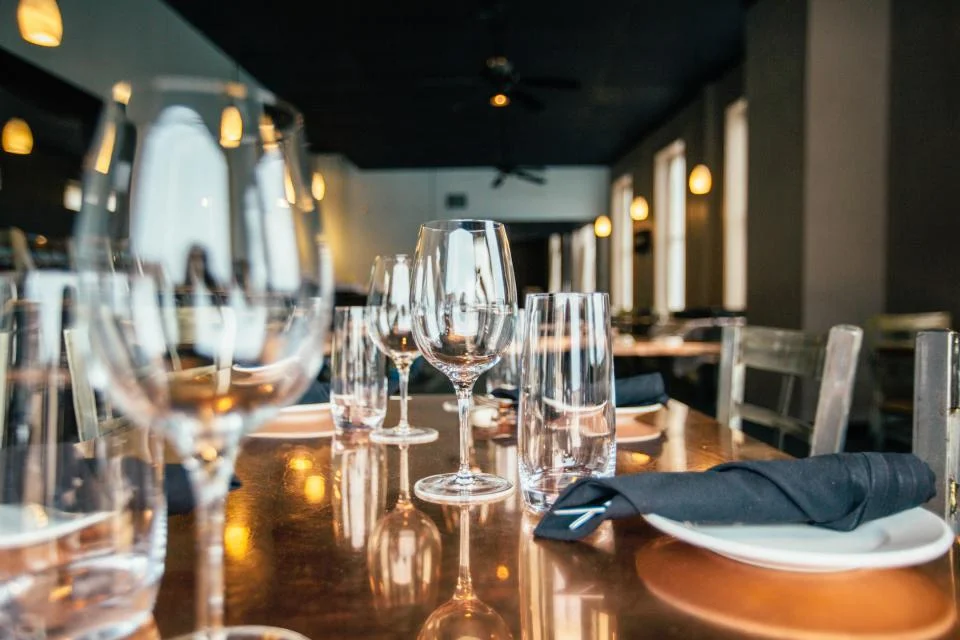
A menu guests leaf through like the one on the table: dishes with prices, a full-page photo for each course, and a pasta-making video in the image’s place.
What it uses
- Style: Magazine, soft covers, cover image full
- Pages: 14, page shape 1.414
- Layouts: Text, Image, Image + caption, Image + text, Full-page photo, Quote, Big numbers, Empty paper
- Also: YouTube video on a page
Autumn Menu
Marta, head chefWe cook what the market gives us, slowly, over wood and flame. Everything on these pages was a field or a farmer’s story this week.
To begin
Caprese · 14
Heirloom tomatoes, buffalo mozzarella, basil oil
Arancini · 9
Saffron rice, smoked scamorza, aioli
Carpaccio · 15
Aged beef, rocket, shaved parmesan, lemon
Focaccia · 6
Rosemary, olive oil from Puglia
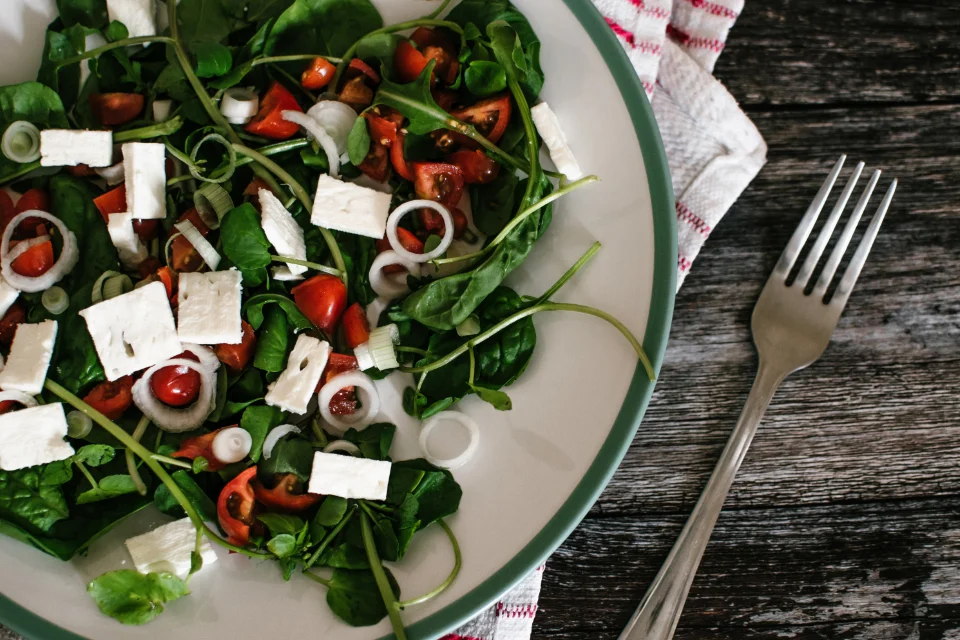
Caprese, our way
Fresh pasta
Tagliatelle al ragù · 19
Six-hour beef and pork ragù, parmesan
Pumpkin ravioli · 18
Brown butter, sage, amaretti crumb (v)
Risotto ai funghi · 21
Wild mushrooms, thyme, aged pecorino (v)
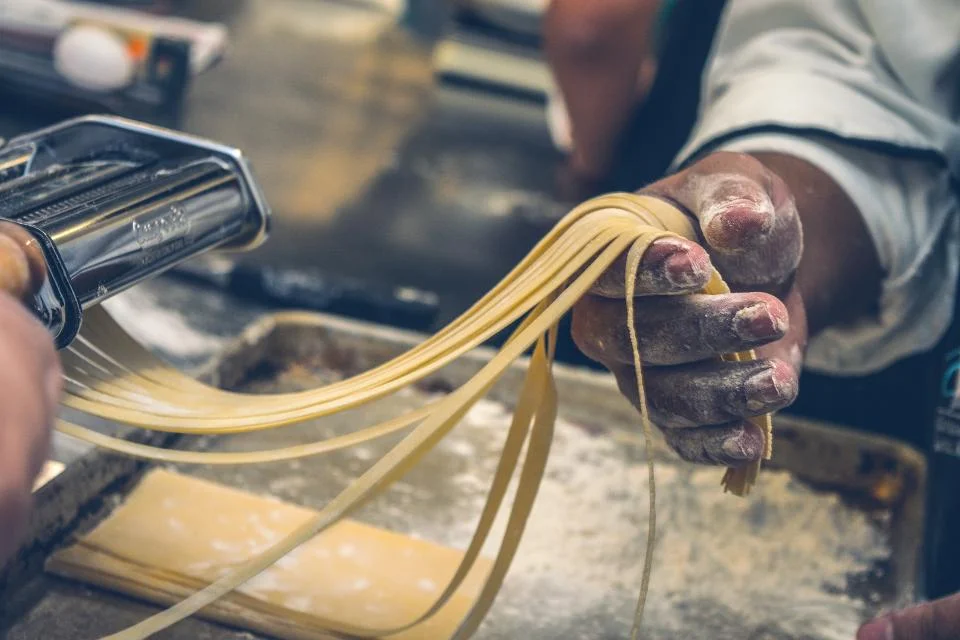
The way nonna makes it
From the fire
Wood-fired sea bass · 28
Fennel, blood orange, salsa verde
Slow-cooked beef cheek · 29
Polenta, red wine, gremolata
Cauliflower steak · 22
Romesco, toasted hazelnuts (vg)
Rolled by hand
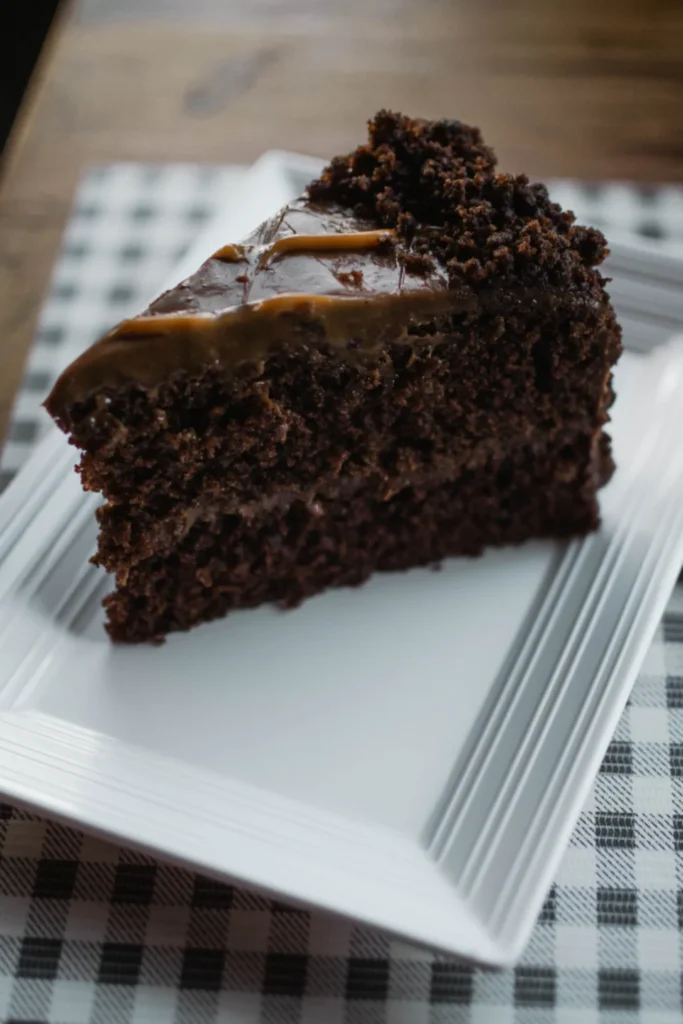
Something sweet
Dark chocolate cake · 9
Crème fraîche, berries
Tiramisù · 8
Made at the table
In numbers
- 14 local farms
- 48 h slow-proved dough
- 3 generations of recipes
- 0 microwaves
Wine & drinks
House red or white · 7 / 28
By the glass or the bottle
Lumen spritz · 10
Blood orange, prosecco, soda
Espresso · 3
Roasted in our town

Trattoria Lumen
12 Harbour Lane
Thursday to Sunday, 6 – 11 pm
03
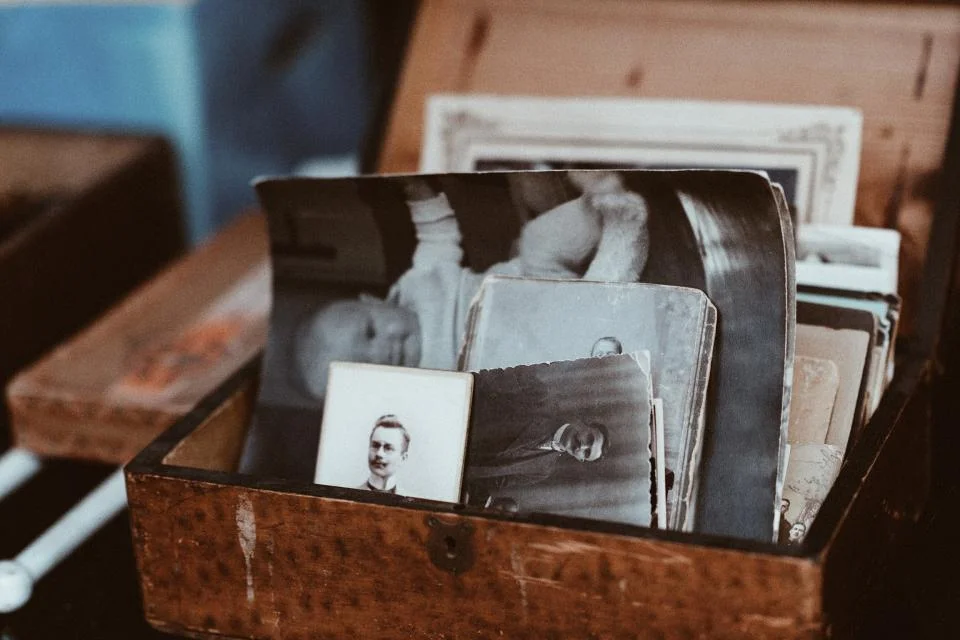
Margaret Ellis · Memory album
ALBUM · 14 PAGES
A life story in old photographs, letters and dates, with an archive film from the 1950s. Photos sit in print and polaroid frames, like a real album.
What it uses
- Style: Album, hard covers, cover image circle
- Pages: 14, page shape 1.333
- Layouts: Text, Image, Image + caption, Image + text, Quote, Icon list, Big numbers, Empty paper
- Also: dots paper, YouTube video on a page
A Life in Pages
1938 – and still counting
Hello, dear ones
Emma said I should write it all down before I forget. So here it is: eighty-eight years in a few pages.
Turn them slowly. I did.
— Grandma Maggie
Mud, apples and the river
We had no car and no telephone, but we had the river. My brothers and I fished, fell in, and came home soaked for supper.
Mother kept apples in the attic all winter. The whole house smelled of them.
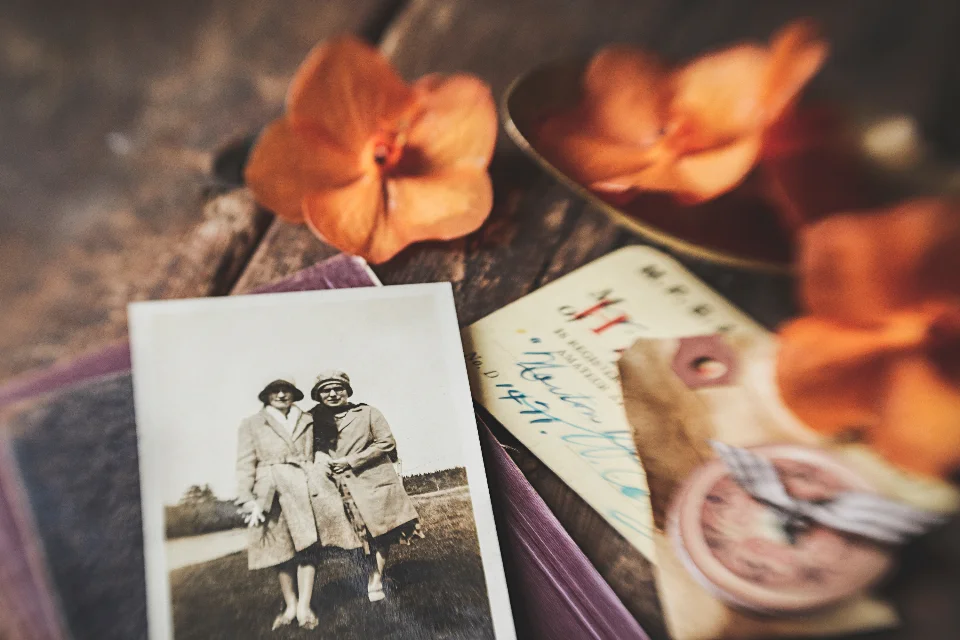
Summers like ours

On ArthurLove isn’t the big day. It’s the cup of tea he brought me every morning for sixty-three years.

Still us
A full life
- 88 years
- 4 children
- 11 grandchildren
- 63 years married

The little ones
Park, puddles, then biscuits. Not a single crumb left for Monday.
Things worth keeping
- Write letters. Nobody keeps an email.
- Say sorry first. It saves whole weekends.
- Plant something you will never see grow tall.
- Dance in the kitchen. Often.
To be continued…
Leave a few empty pages for me, Emma. I’m not finished yet.
04
Sofia & Daniel · Wedding invitation
ALBUM · 14 PAGES
An invitation guests keep: a round cover photo, script titles, the day’s timeline, the venue, and an RSVP button on the last page.
What it uses
- Style: Album, hard covers, cover image circle
- Pages: 14, page shape 1.333
- Layouts: Text, Image, Image + caption, Image + text, Full-page photo, Quote, Icon list, Big numbers

Sofia & Daniel
Saturday 12 September 2026
The Old Mill, Somerset
We’re getting married
After seven years, two flats and one very spoiled dog, we’re making it official.
Turn the page for our story, the day, and how to say yes.
It started with a wrong train
Sofia was going to Bath. Daniel was sure this was the train to Bristol. It wasn’t, and neither of us minded.
DanielI knew on the second date, when she laughed at my terrible map reading instead of taking the map.
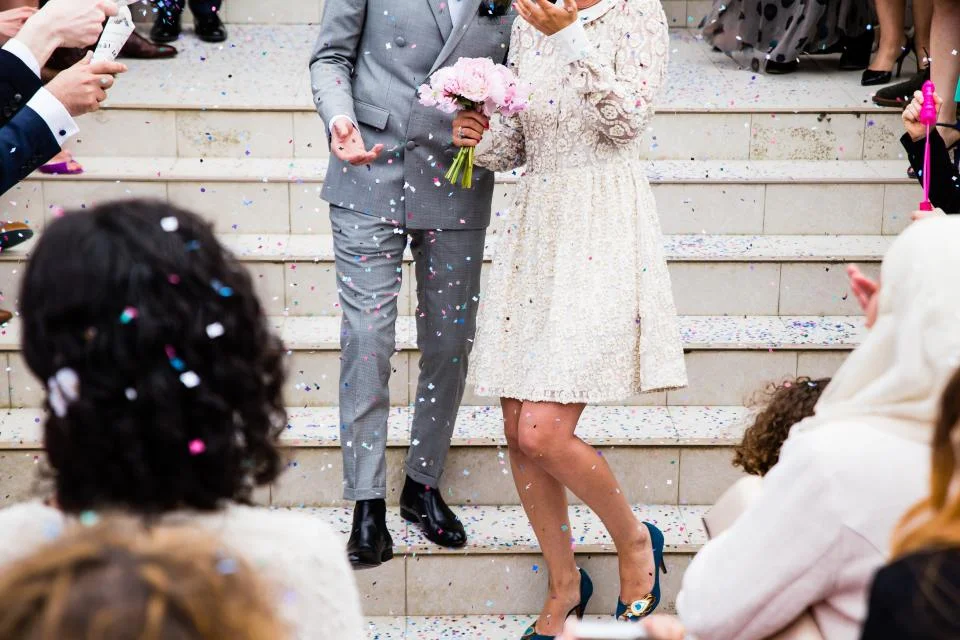
Saturday 12 September
How the day goes
- 2:00 pm Ceremony in the garden
- 3:30 pm Drinks and lawn games
- 5:30 pm Dinner in the barn
- 8:00 pm First dance, then the band
- 11:30 pm Sparklers and taxis
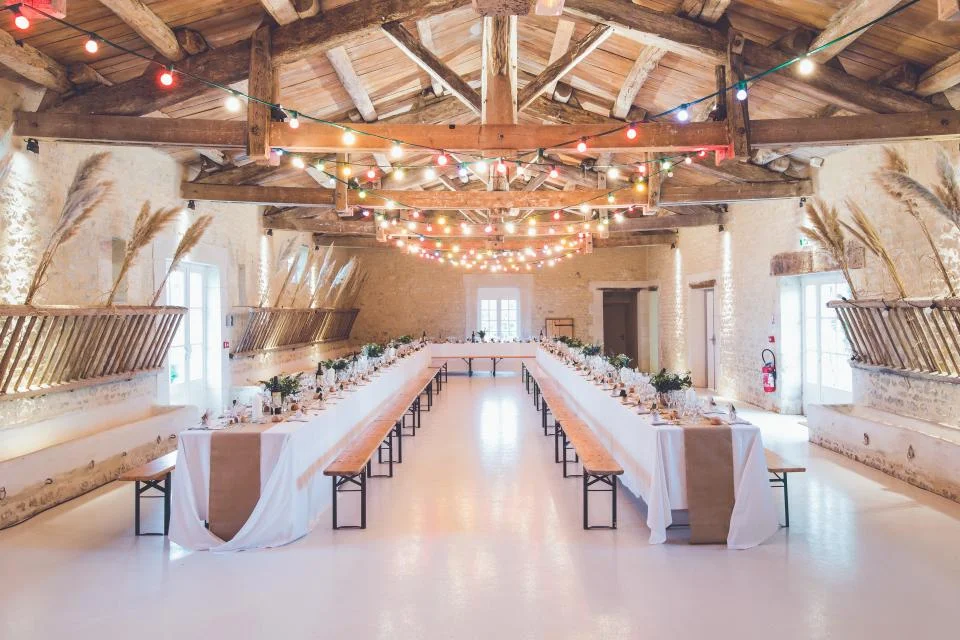
The Old Mill
A few details
Dress code
Garden smart. The lawn is soft, so leave the stilettos at home.
Little ones
Children are very welcome; there’s a play corner by the barn.
Gifts
Your company is the gift. If you insist, our honeymoon fund is on the website.
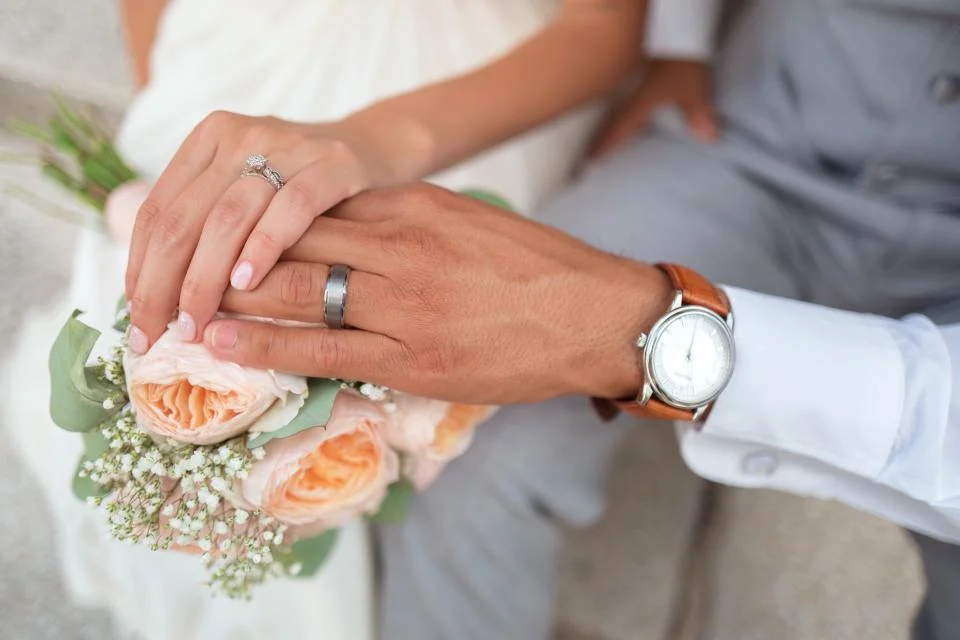
Us, so far
- 7 years together
- 3 countries lived in
- 1 very spoiled dog
- 120 favourite people
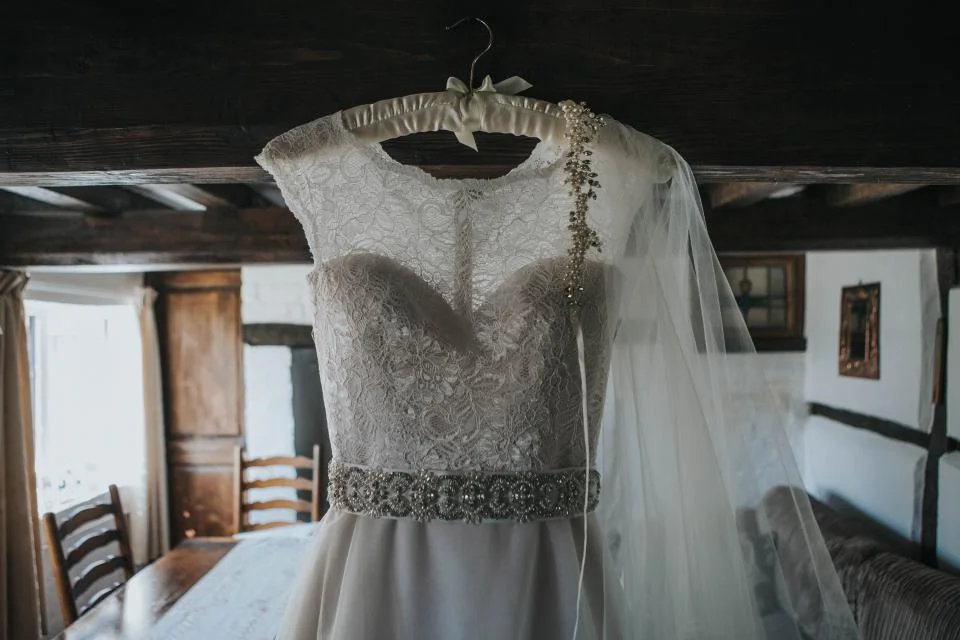
Will you join us?
Please reply by 1 August and tell us about any food we should know about.

S & D
12 · 09 · 2026
05
48 Hours in Lisbon · Travel guide
MAGAZINE · 12 PAGES
A city magazine with a soft cover and square corners: two day plans, a page of big numbers, a two-column story and a walking-tour video.
What it uses
- Style: Magazine, soft covers, cover image full
- Pages: 12, page shape 1.414
- Layouts: Text, Image, Image + caption, Image + text, Full-page photo, Icon list, Big numbers
- Also: YouTube video on a page
48 Hours in Lisbon
Wear comfy shoes
Lisbon is built on seven hills, and every one of them has a view worth the climb. This guide gives you two easy days: one for the old town, one for Belém and the river.
Buy a Viva Viagem card at any metro station. It works on the metro, trams, buses and the river ferries.
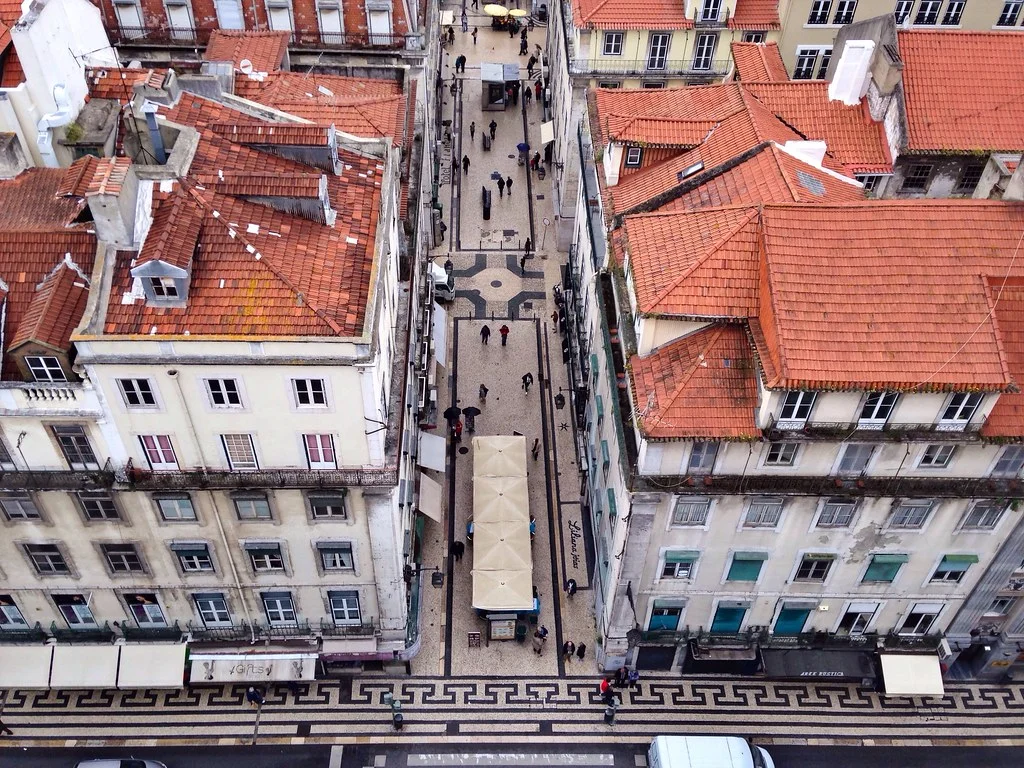
Alfama from above
The old town
- 9:00 Coffee and a custard tart, standing at the counter
- 10:00 Wander Alfama’s lanes down to the cathedral
- 13:00 Grilled sardines for lunch
- 16:00 Ride the yellow tram up to Graça
- 20:00 Dinner with fado
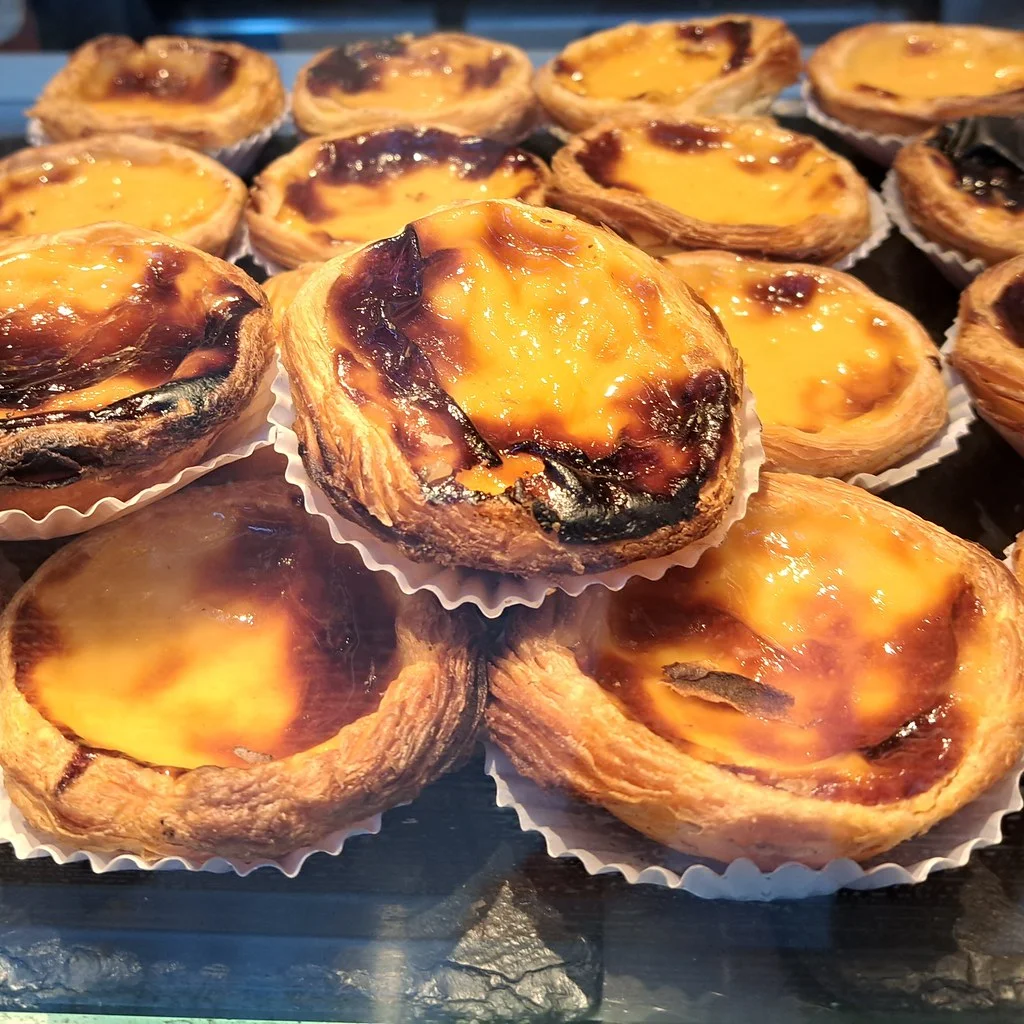
Pastel de nata
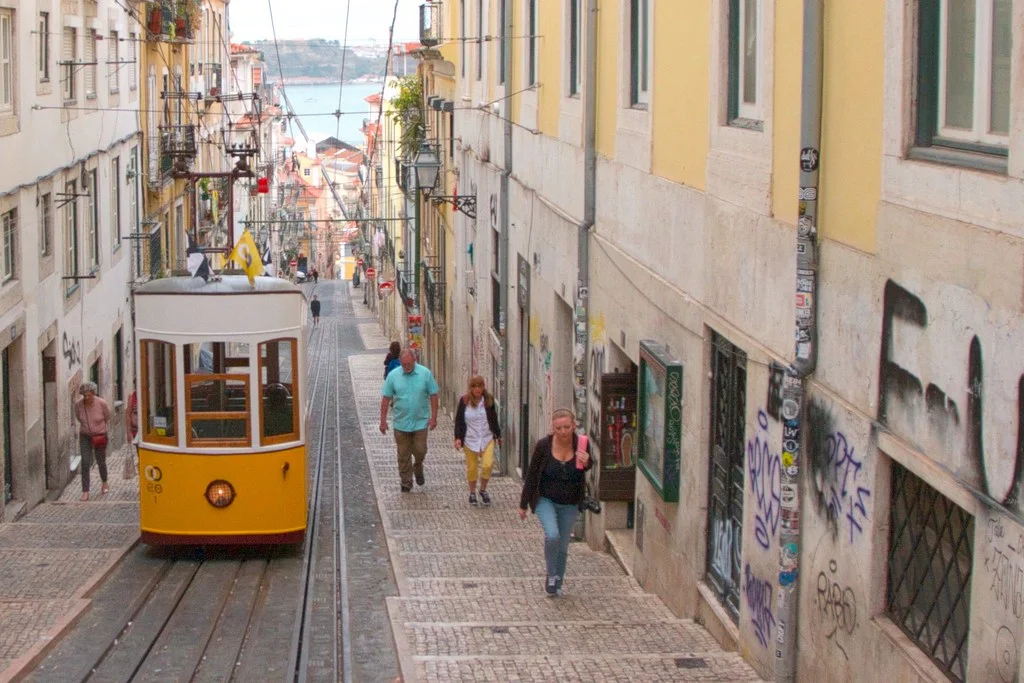
Ride along: Tram 28
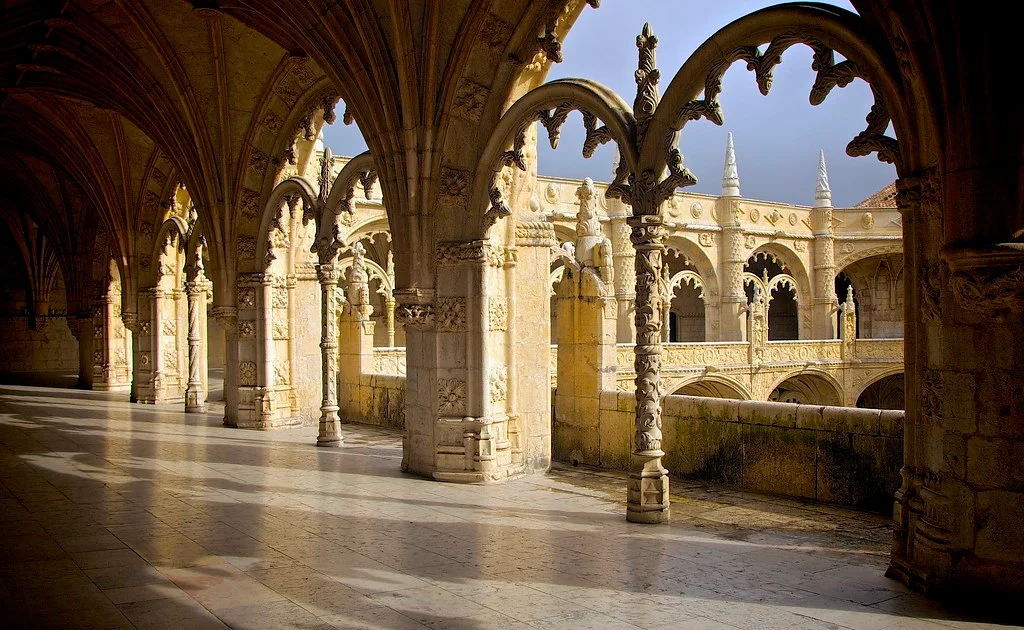
Stone lace by the river
Take tram 15 west to Belém. The Jerónimos Monastery cloister is worth the queue; go at opening time.
Belém and the river
- 9:30 Jerónimos Monastery
- 12:00 Custard tarts where they say it all began
- 14:00 Walk the riverside to the Belém Tower
- 17:00 Sunset at a viewpoint
- 21:00 A late dinner in Bairro Alto
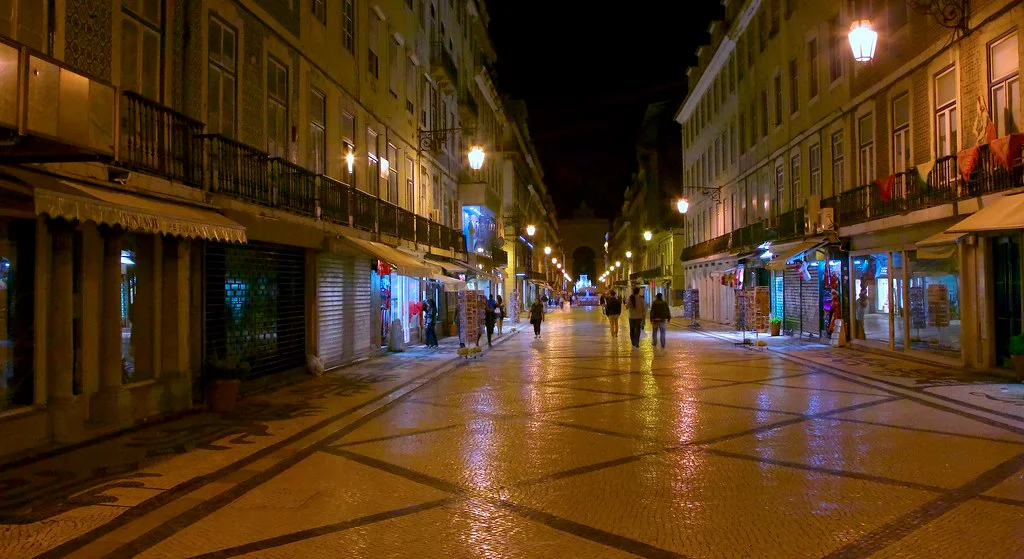
Bairro Alto
The short version
- 7 hills
- 28 the tram everyone rides
- 2 days to fall in love
- 0 flat streets

Lisbon in your pocket
Save this guide to your phone and take it with you.
06
Avela · Quiet Layers · Fashion lookbook
BOOK · 12 PAGES · RIGID
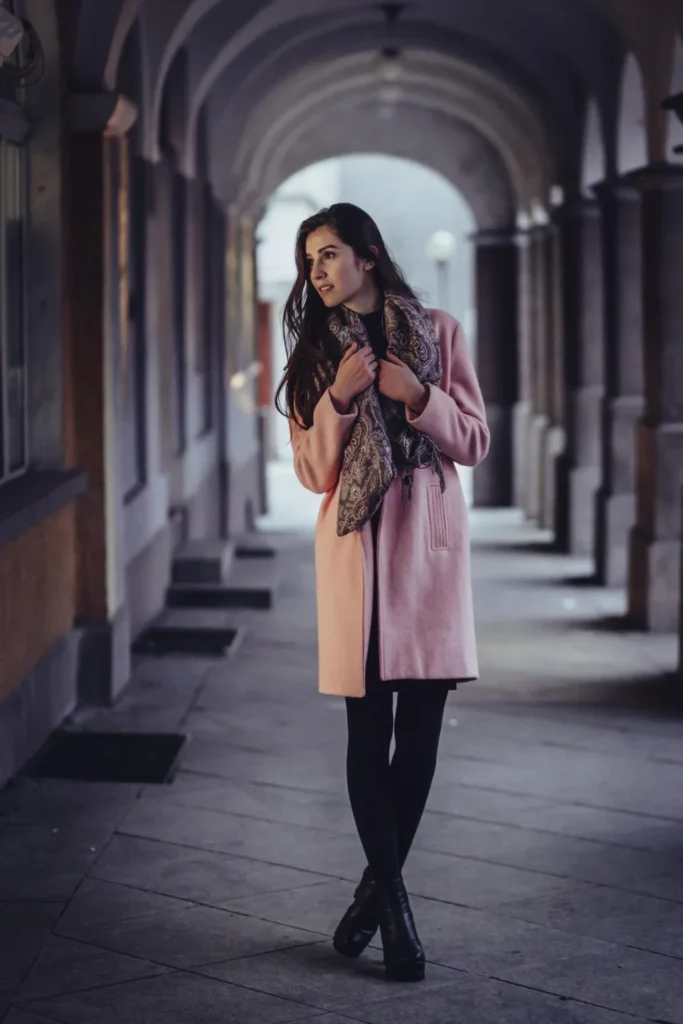
A season’s collection on dark paper. Pages turn as rigid boards and the book plays by itself every few seconds, pausing when the pointer is over it.
What it uses
- Style: Book, hard covers, cover image arch
- Pages: 12, page shape 1
- Layouts: Text, Image + caption, Image + text, Full-page photo, Icon list, Big numbers
- Also: rigid page turns, autoplay
Quiet Layers
Made to be kept
Twelve pieces in wool, linen and soft leather, made to be worn together and kept for years.
Every look shows what it’s made of and what it costs. Nothing here is for one season only.

The Saffron Coat
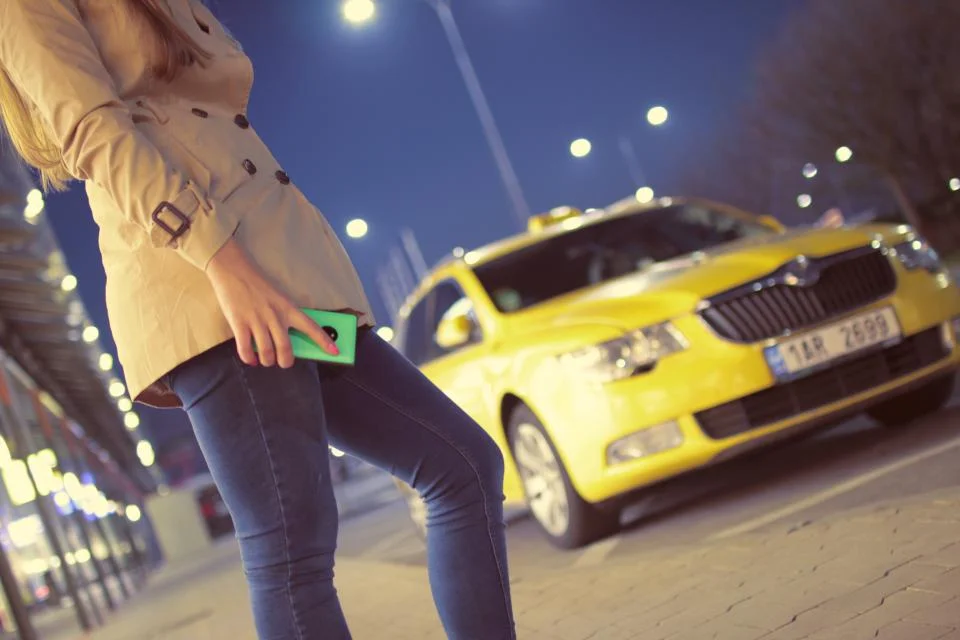
Night Trench
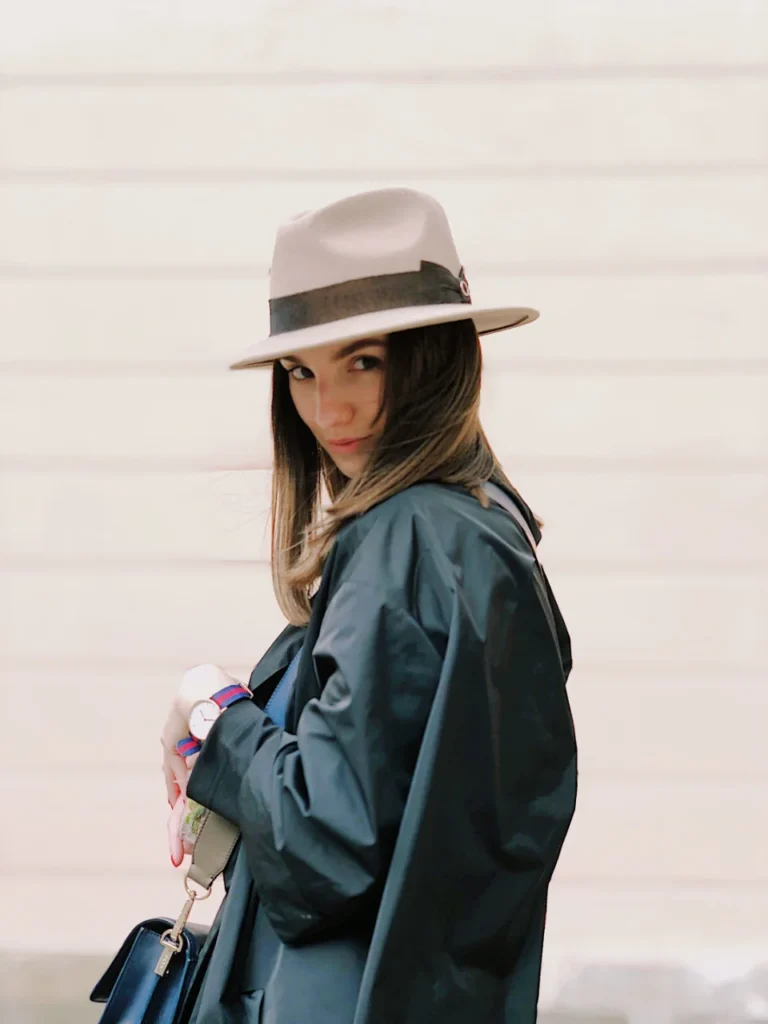
Look 03 · Field Jacket

Look 04 · Easy Leather

The Walk Boot
Small on purpose
- 12 pieces
- 4 colours
- 100% natural or recycled fibres
- ∞ free repairs

For Two

The Grey Rib
A heavy rib knit in undyed wool. Wears like an old friend from day one.
€150
Caring for wool
- Air it after wearing; wool cleans itself.
- Brush it with a soft brush, top to bottom.
- Wash rarely, cold and by hand.
- Send it back to us for any repair, for free.
Shop the collection
Free repairs, for life.
PLAYGROUND
One book, six ways to turn it
The same three sheets with different settings. Turn each one and compare.
Style: Book
Style: Book
Hard covers and a gentle, unhurried curl.
DG StoryFoldA page you turn is a page you remember.
The end
Turn back to start again.
STYLE: BOOK
Style: Album
Style: Album
Dotted paper, rounder corners, a springy turn and a tilt that follows the pointer.
DG StoryFoldA page you turn is a page you remember.
The end
Turn back to start again.
STYLE: ALBUM
Style: Magazine
Style: Magazine
Soft cover, square corners and a fast, deep curl.
DG StoryFoldA page you turn is a page you remember.
The end
Turn back to start again.
STYLE: MAGAZINE
Rigid pages
Rigid pages
Turn effect “Rigid”: pages swing like boards, for card stock and photo books.
DG StoryFoldA page you turn is a page you remember.
The end
Turn back to start again.
RIGID PAGES
Autoplay
Autoplay
Turns every 2.5 seconds and starts again at the end. Hover to pause.
DG StoryFoldA page you turn is a page you remember.
The end
Turn back to start again.
AUTOPLAY
Dark paper
Dark paper
Any paper and text colour, with gold arrows to match.
DG StoryFoldA page you turn is a page you remember.
The end
Turn back to start again.
DARK PAPER
FEATURES
Everything a flip book needs
One module for books, menus, brochures and albums, styled with Divi settings.
Real page turns
Pages curl like paper or swing like rigid boards, with light and shadow that follow the turn.
10 page layouts
Text, two columns, image, image + caption, image + text, full-page photo, quote, icon list, big numbers or empty paper.
3 book styles
Book, Album and Magazine set the cover, curl, speed and paper in one click. Change any setting after.
Video and sound
YouTube, Vimeo or MP4 on any page, playing while it is open. Optional page-turn sound.
Import a PDF
Pick a PDF from the Media Library and every page becomes a book page, in the Visual Builder.
Phones and tablets
Two pages on wide screens, one page on phones, swipe to turn. You choose where it switches.
Keyboard and screen readers
Arrow keys, a named book, visible focus, and it respects “Reduce motion”.
Fast and steady
No layout shift, the first pages load at once and the rest when needed. Works without JavaScript.
HOW TO
Make a flip book in four steps
1
Add DG StoryFold
Add the module to any section. A sample book appears so you can see how it works.
2
Add your pages
Each Page Item is one sheet: set a layout, text and photo for its front and its back. Or use Import PDF.
3
Choose a style
Pick Book, Album or Magazine, then the page width and shape, the paper and the covers.
4
Make it yours
Set fonts, colours, arrows and the turn effect. Add sound, autoplay or a link that opens a page.
FAQ
StoryFold questions
How the Divi flip book module works.
More questions? Ask our team, we reply within 24 hours.
No. DG StoryFold is made for Divi 5.
Yes. In the Visual Builder, click Import PDF and pick a PDF from the Media Library. Every page of the PDF becomes a book page. You can then add text, links or videos to any page.
Wide screens show two pages, phones show one page at a time and visitors swipe to turn. You decide below which width it switches to one page.
Yes. Any page side can show a YouTube or Vimeo link or an MP4 file, as the page background or in the image’s place. It plays only while that page is open.
Yes. Page text is normal text in the page, not an image. Without JavaScript the pages simply show one below the other.
Yes. Turn on “Open a Page From a Link”, then a link ending in #storyfold-page-5 opens the book on page 5. You can also choose which page the book opens on.
No. The first pages load straight away, the others load when they are needed, and the book reserves its space so nothing jumps.
Explore more DiviGrid modules
Food Menu
Restaurant menus with photos, badges and prices.
Masonry Gallery
Photo walls with lightbox and filters.
Image Accordion
Photo panels that open on hover or click.
Sticky Video
Videos that keep playing in a corner while visitors scroll.
GET STARTED
Make a book people want to open
DG StoryFold is part of DiviGrid, together with every other DiviGrid module.
14-day money-back guarantee
Secure checkout
Support replies within 24 hours